
Nullstep
Anti-procrastination workspace for foundersTurn goals into executable plans fast
Highlights
What you can do with it
- A founder aiming for the first 10 paying customers gets an execution plan.
- A solo operator planning a SaaS launch keeps work moving without stalling.
- An early-stage entrepreneur validates an idea with a structured path.
How to use it
- 1 Sign up and enter the workspace, which loads in about 30 seconds.
- 2 Type your goal in plain language and get the AI execution path.
- 3 Move tasks on the kanban board as you complete them.
- 4 Pick up where you left off on another device; history is saved.
Who it is for
Pros
- Fast setup with a permanently free plan and no credit card.
- Everything lives in one dashboard, cutting tool switching.
- Plans include priorities and time frames, not just task lists.
Limitations
- Free plan limits and the feature split between plans may change.
- The single-task, minimal design will not suit people who like dense setups.
- It is aimed at founders, so larger teams may need other tools.
What Nullstep is
Nullstep is an AI workspace aimed at founders who want to stop planning and start executing. You type a goal in plain language, and the AI returns a prioritized execution path with ordered tasks, priorities, and time frames, usually within about a minute. Those tasks sync to a kanban board, and code repositories, tasks, AI conversations, and decisions all sit in one neural dashboard instead of scattered tabs. The interface is deliberately calm, interactions are designed to complete in milliseconds, and a permanent free plan called Nexus is available without a credit card. Pro and Sovereign plans add more features.
What you can do with it
- Turn a written goal into an ordered, prioritized execution plan.
- Manage tasks visually on a kanban board.
- Keep repositories, notes, and decisions in one dashboard.
- Pick up work on another device with synced history.
Who it is for
- Independent founders who need to convert ideas into action quickly.
- Solo operators running projects without support staff.
- Developers who want planning that does not slow delivery down.
What to watch out for
The single-task rule and stripped-down design will frustrate anyone who prefers dense dashboards and many open views. Free plan limits and the feature split between Nexus, Pro, and Sovereign can change. It is built for individuals and very small teams, so larger organizations may find it short on collaboration features. Like any planning tool, it cannot do the work for you; the value comes from actually closing tasks. For best results, start with a small test file and review the output carefully before working on anything important. Free tiers can change over time, so it is worth checking the current limits on the official page before you rely on the tool daily.
FAQ
How much does it cost?
The Nexus plan is permanently free without a credit card; Pro is $15 per month and Sovereign is $39 per month.
How long does it take to get a plan?
The AI generates a prioritized execution path in about 60 seconds after you describe your goal.
Is my history saved if I close the tab?
Yes, conversation history syncs across devices and persists after the tab is closed.
Why it is free
What the official page says: 永久免费免费
Free limits, trial length and features are decided by the official site and can change at any time.
Product preview
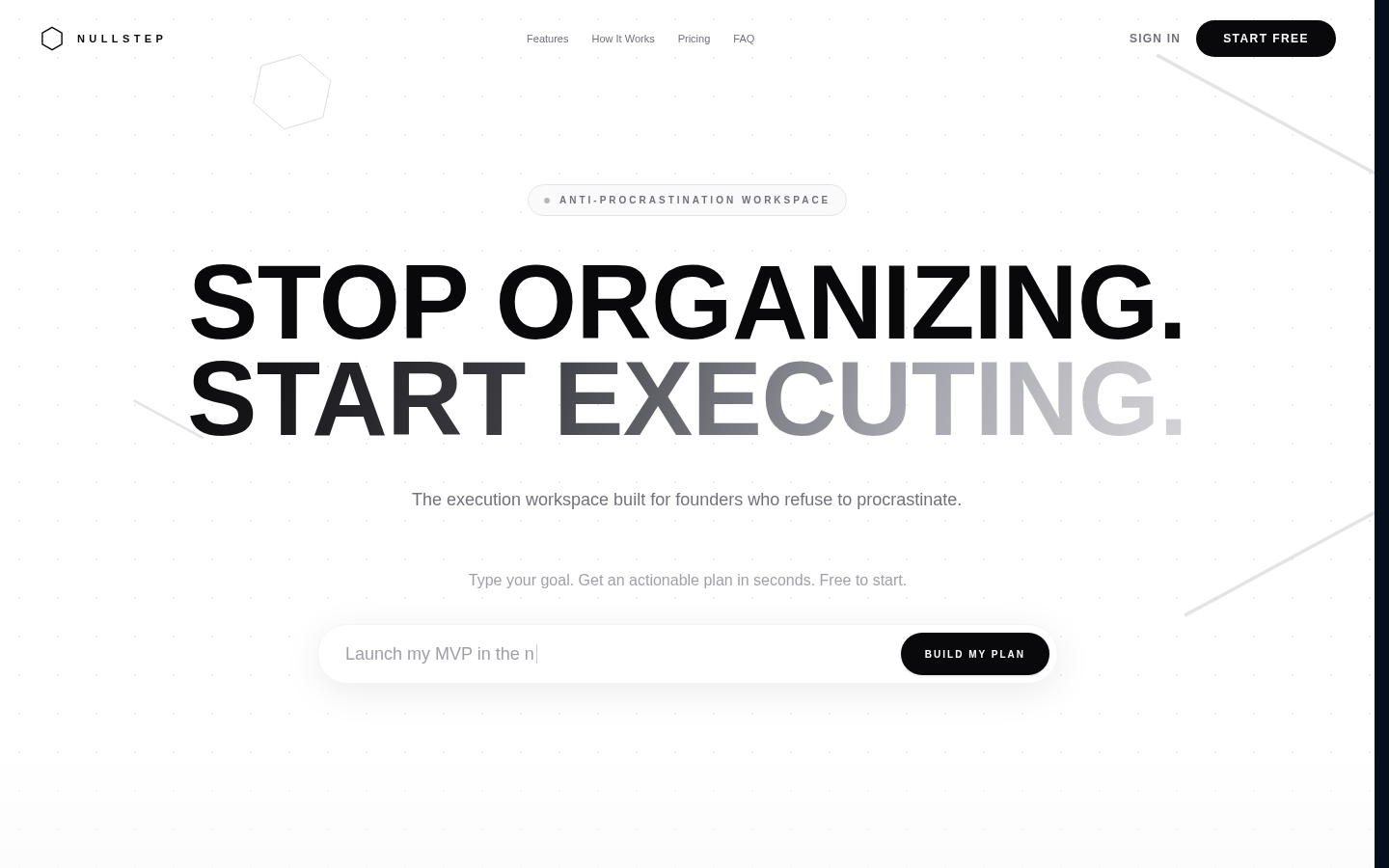
Screenshot archived from the listing page, for preview only.











