
Ocoya
AI social content and schedulingWrite, schedule, and publish posts
Highlights
What you can do with it
- Writing a month of captions in a single sitting
- Scheduling posts across several social accounts
- Checking which posts actually drove engagement
How to use it
- 1 Connect your social accounts and the tools you already use
- 2 Draft content with AI assistance
- 3 Add captions and hashtags
- 4 Schedule or publish directly
- 5 Review performance in the reports
Who it is for
Pros
- Described as free to use
- Integrations reduce copying between tools
- Scheduling and reporting sit in one place
- Covers captions, blog posts, and hashtags together
Limitations
- Free status and limits are not detailed in the listing
- AI drafts still need a human voice check
- Publishing depends on third party platform rules
- Analytics depth depends on what each network exposes
What Ocoya is
Ocoya is an AI content automation tool for social media. It is aimed at the part of the job that eats the most time: producing enough written material to keep a calendar full, then getting it published at the right moment. The tool helps you create posts, captions, blog posts, and hashtags, and it handles publishing and scheduling from the same interface.
The integrations are the practical differentiator. It connects with ChatGPT for generation, Canva for visuals, and Hootsuite for publishing, which means you can move from idea to scheduled post without exporting files between four tabs. Data analysis and reporting are included so you can see what performed rather than guessing. The listing describes Ocoya as free to use, which is an attractive entry point for a small operation, though it is worth checking the current terms before you build a workflow around it.
What you can do with it
- Draft posts, captions, blog posts, and hashtags with AI help
- Schedule content across your social accounts
- Publish directly from the tool
- Pull in visuals through the Canva integration
- Review performance through data analysis and reporting
Who it is for
- Small business owners running their own accounts
- Social media managers handling multiple clients
- Solo creators posting on a fixed schedule
- Teams that want drafting and publishing in one place
- Marketers who need reporting without a separate dashboard
What to watch out for
The listing describes the tool as free, but does not detail account limits, so confirm what the free tier includes before you migrate an existing calendar. AI generated captions still need a human pass: the wrong tone or a claim you cannot support will do more damage than a slow week of posting. Publishing depends on each platform's own rules and API changes, so a connection can break without warning. Finally, reporting depth depends on what each network exposes, so do not expect uniform analytics across every channel you connect.
FAQ
What is Ocoya?
It is an AI content automation tool used to create and publish social media content such as posts, captions, blog posts, and hashtags.
Is it free?
The listing describes it as a free AI content automation tool. Confirm current limits on the official site.
Which tools does it integrate with?
ChatGPT, Canva, and Hootsuite are named in the listing.
Can I schedule posts?
Yes. Automated publishing and social media scheduling are listed features, along with data analysis and reporting.
Why it is free
What the official page says: 免费
Free limits, trial length and features are decided by the official site and can change at any time.
Product preview
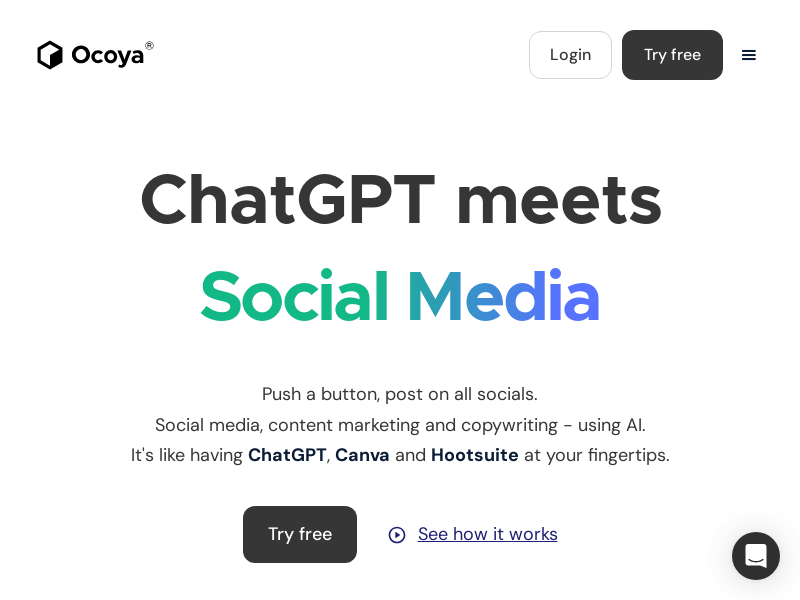
Screenshot archived from the listing page, for preview only.











