OCRMD
Free OCR tool for images and PDFsTurn scans and PDFs into editable Markdown
Highlights
What you can do with it
- Digitize handwritten notes into editable text
- Extract images and charts from textbooks into Markdown
- Process large batches of scanned files for central management
- Make non-searchable PDFs reusable for content work
How to use it
- 1 Upload the image or PDF you want to convert
- 2 Let the OCR engine extract and format text, formulas, tables, and images
- 3 Download the generated Markdown and related pictures
- 4 Use secure storage to organize and search your documents later
Who it is for
Pros
- Free to use
- Handles text, formulas, tables, and images
- Reported accuracy of 90 to 99 percent
- Secure storage with full-text search
- Simple upload, extract, and download workflow
Limitations
- Free access and limits may change over time
- Accuracy varies with scan quality, from 90 to 99 percent
- Complex layouts or handwriting may need manual cleanup
- Focused on Markdown output, not every document format
What OCRMD is
OCRMD, also known as OCR Markdown, is a free OCR tool that turns scanned documents, image files, and non-selectable PDFs into editable Markdown. Its AI-enhanced recognition reads text, mathematical formulas, tables, and pictures, with a reported accuracy of 90 to 99 percent. The goal is to make non-searchable text accessible and reusable, whether that is a handwritten note, a textbook page, or a stack of scanned business files. Because it is offered for free, you can try the full upload, extraction, and download workflow without paying up front. The product also stores your documents and results securely so you can organize them and search them later, which helps when you handle many files over time. It is aimed at individuals, students, and enterprises that want scanned material turned into clean, editable text they can actually reuse.
What you can do with it
- Convert scanned images and PDFs into editable Markdown text
- Extract text, math formulas, tables, and pictures in one pass
- Store documents and results securely for later organization
- Run full-text search across your saved documents
- Download the Markdown and related images anytime
Who it is for
- Individuals who want handwritten notes turned into editable text
- Students pulling images and charts out of textbooks
- Enterprises and teams processing large volumes of scanned files
- Anyone who needs non-searchable PDFs made reusable
What to watch out for
The tool is described as free, but free access and any usage limits can change over time, so confirm current terms before depending on it. Accuracy is reported as a range of 90 to 99 percent, which means scan quality matters; faint scans, complex layouts, or messy handwriting can lower results and require manual cleanup. Output is Markdown, so if you need a different format you may have to convert it yourself. There is a learning curve in getting strong output from difficult documents, and very large batches may take time to process. Treat it as a helper that speeds up digitizing, not a hands-free replacement for review, and always check important text before you reuse it.
FAQ
Is OCRMD free?
Yes, it is described as a free OCR tool.
What file types can it convert?
It converts scanned images, image files, and non-selectable PDFs into Markdown.
How accurate is the recognition?
The reported accuracy for text, formulas, tables, and pictures is 90 to 99 percent, depending on input quality.
Can I store and search my documents?
Yes, uploaded documents and results are stored securely for organization and full-text search.
Who is it for?
It suits individuals, students, and enterprises that need to digitize and reuse scanned content.
Why it is free
What the official page says: 免费
Free limits, trial length and features are decided by the official site and can change at any time.
Product preview
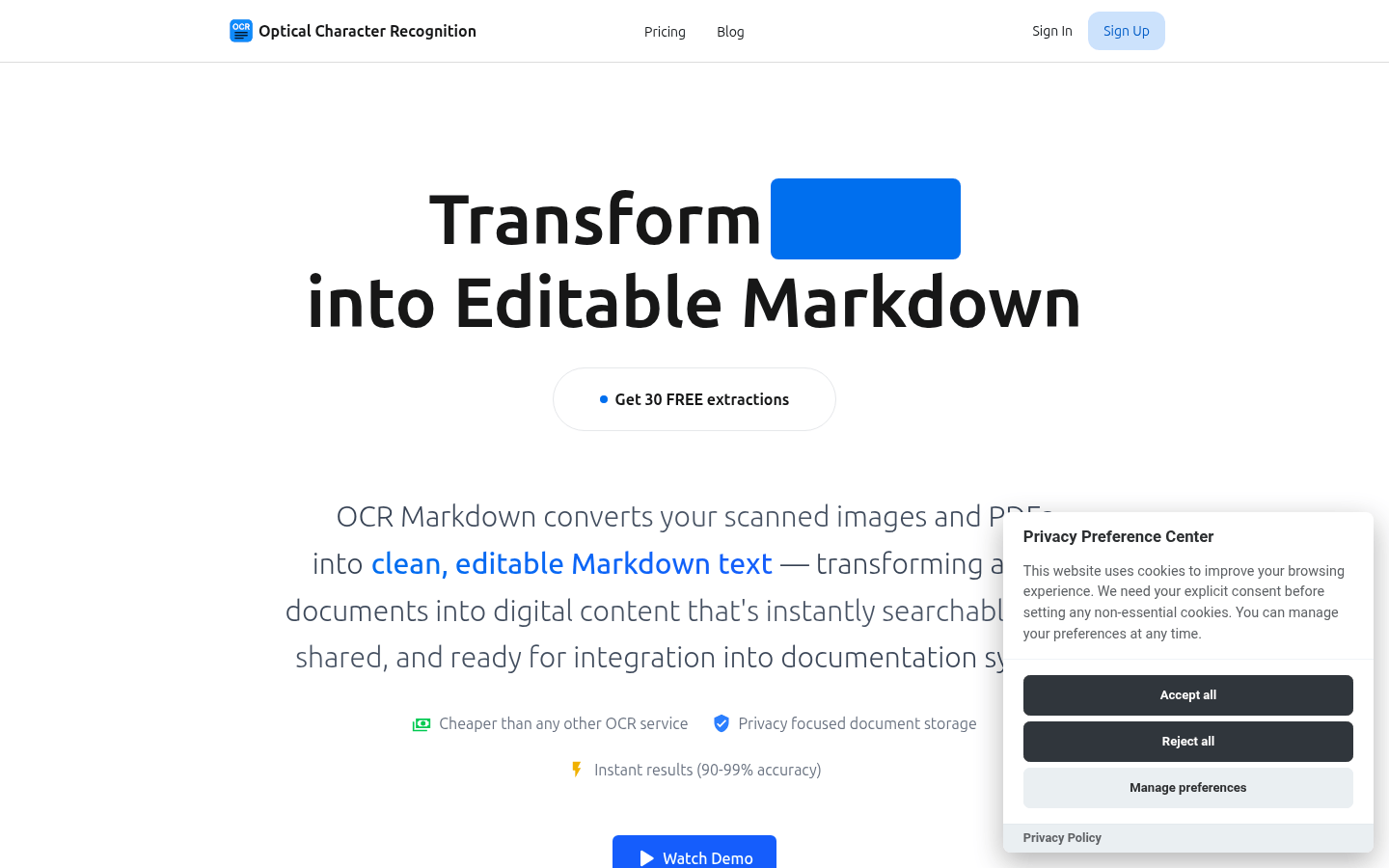
Screenshot archived from the listing page, for preview only.











