
Omni Analytics
AI analytics on a trusted data layerAsk questions, get trusted answers
Highlights
What you can do with it
- Check monthly sales and departmental performance.
- Get a quick answer during a business meeting.
- Diagnose why a product metric moved.
How to use it
- 1 Register for the free trial on the site.
- 2 Upload or connect the data you want to analyse.
- 3 Ask questions in chat as you would to a teammate.
- 4 Refine results with added fields and metrics.
- 5 Use dashboards and spreadsheets for deeper work.
Who it is for
Pros
- Free trial to test the platform.
- Self service reduces analyst bottlenecks.
- Familiar tools alongside the chat interface.
- Automatic diagnostics surface changes early.
Limitations
- Answer quality depends on the semantic model.
- Setup and data modelling take real effort.
- Trust still requires checking the underlying numbers.
- Trial terms and pricing can change.
What Omni Analytics is
Omni Analytics is an AI analysis platform whose central idea is the semantic layer: a consistent definition of your data that turns it into a trusted source for AI answers. Instead of filing a request and waiting, anyone can ask a question in chat the way they would ask a teammate and get an answer drawn from governed data. Results can be refined by adding fields and calculating metrics, follow up questions keep the previous context, and summaries turn numbers into decision ready insight. Beyond chat, there is a full analysis interface with workbooks, dashboards, custom visualisations, spreadsheets and SQL, plus automatic diagnosis of metric changes with summaries delivered to the team. A free trial is offered.
What you can do with it
- Ask data questions in plain language.
- Refine results with extra fields and metrics.
- Get automatic diagnosis when a metric moves.
- Work in dashboards, spreadsheets or SQL on one platform.
Who it is for
- Data teams tired of ad hoc request queues.
- Business teams that need answers during a meeting.
- Product teams that want AI analysis without a long project.
What to watch out for
Answer quality depends on how well the semantic layer is built, and a weak model produces confident nonsense, so that setup work is not optional. Getting data connected and modelled takes real effort before the chat is useful. Trust still requires spot checking the underlying numbers, especially for anything reported externally. The free trial and pricing are current terms and can change. Name and archive exported files consistently so you can find and reuse them, and keep a backup copy of key data.
FAQ
What is the semantic layer for?
It keeps metric definitions consistent so AI answers rest on a trusted version of the data.
Do I need SQL?
No, you can ask questions in chat, though SQL and spreadsheets are available for deeper analysis.
Is there a free trial?
Yes, the platform offers a free trial.
Who is it for?
Data teams, business teams and product teams that need reliable answers quickly.
Why it is free
What the official page says: free trial
Free limits, trial length and features are decided by the official site and can change at any time.
Product preview
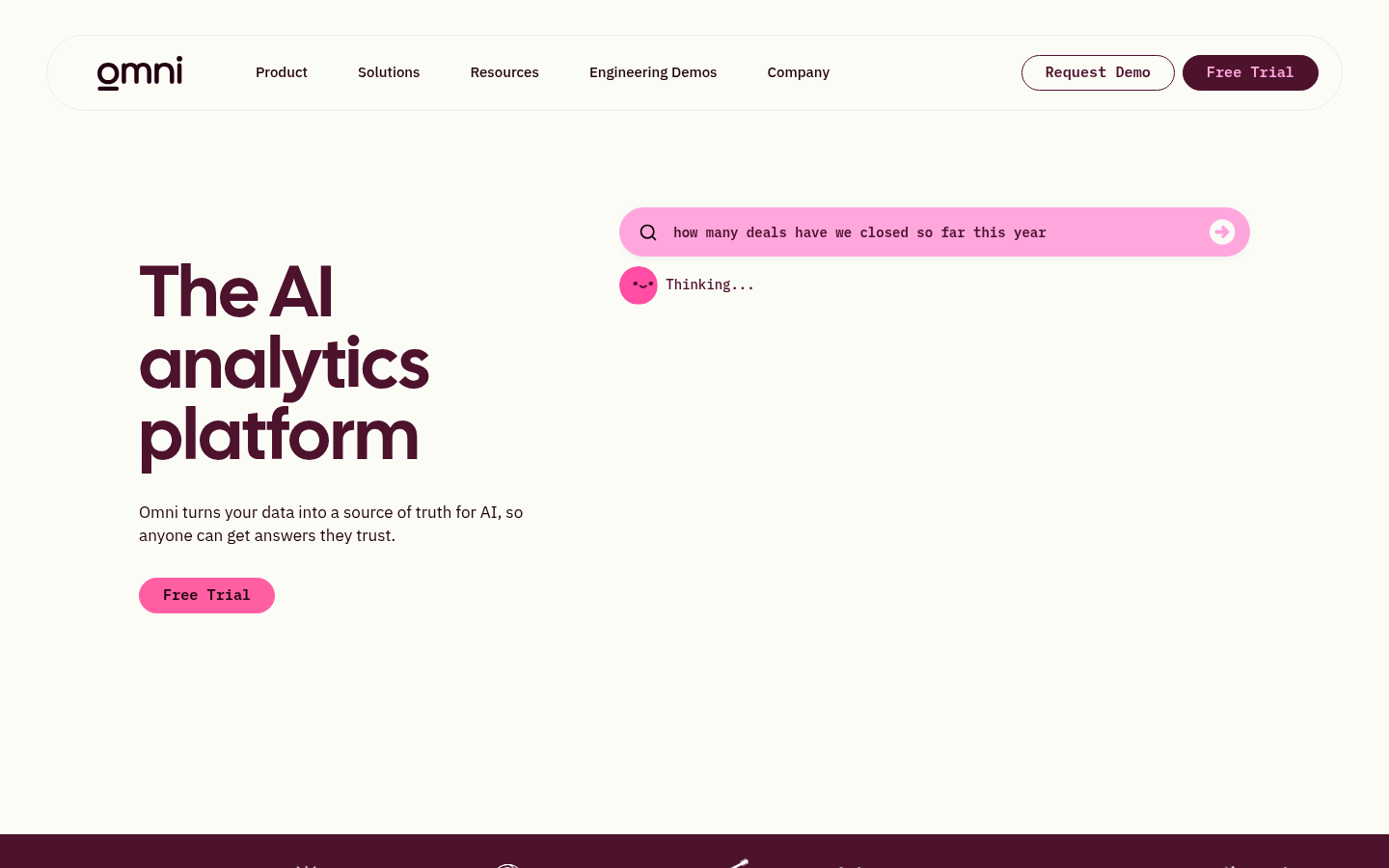
Screenshot archived from the listing page, for preview only.











