OmniDetect
Multi-engine AI content detector with a free scanCross-check text across three AI detection engines
Highlights
What you can do with it
- Check a paper for AI-written parts before submitting it
- Review student work for originality while grading
- Verify that business copy and documents are original
How to use it
- 1 Open omnidetect.ai in your browser
- 2 Paste the text you want to check, up to 50,000 characters
- 3 Choose parameters such as author type and text type
- 4 Run the scan and read the OmniScore and sentence-level results
Who it is for
Pros
- Free Lite Scan available a limited number of times per day
- Combines three detection engines for a broader view
- Privacy-focused, since it does not store your original text
Limitations
- Detection is not definitive and should not be the only basis for decisions
- Free scans are limited, and full access needs a paid pass
- Results can vary by engine and may misjudge some text
What OmniDetect is
OmniDetect is a multi-engine AI content detector. Instead of relying on a single tool, it runs three separate detection engines, GPTZero, Winston AI, and Originality.ai, on the same text and combines their results into one view. It analyzes the text at the sentence level and produces an OmniScore from 0 to 100, which you use to judge how likely the content is to be AI-generated. The page says it focuses on privacy: text is sent over HTTPS, and only a SHA-256 hash is stored for deduplication, not your original wording. It also creates a shareable verification report you can hand to others. On price, there is a free Lite Scan a limited number of times per day, plus a paid 7-day pass and a monthly plan for heavier use. It is aimed at education, writing, and business settings where originality matters.
What you can do with it
- Scan text across GPTZero, Winston AI, and Originality.ai at once
- Get sentence-level analysis and a combined OmniScore
- Share a verification report to show originality
- Keep your original text private, since only a hash is stored
Who it is for
- Students checking their own work for AI-written sections
- Teachers reviewing whether assignments are original
- Content creators who want to confirm their writing is their own
- Businesses verifying that copy and documents are original
What to watch out for
AI detection is not exact. Different engines can disagree, and a confident score can still be wrong, especially on short or mixed text, so never treat the result as final proof either way. Free scans are limited, and fuller access needs a paid pass, so heavy users should check the cost. Most importantly, detection results can carry real consequences in schools and workplaces, so follow your institution's rules and use the tool as one reference point alongside your own judgment rather than as the sole basis for a decision. When in doubt, review the text yourself or ask a human expert.
FAQ
Is OmniDetect free?
It offers a free Lite Scan a limited number of times per day, with paid passes for fuller use.
Which engines does it use?
It runs GPTZero, Winston AI, and Originality.ai together and combines the results.
Can I trust the result completely?
No. Detection is not perfect, so use it as one reference point alongside your own judgment and your institution's rules.
Why it is free
What the official page says: for free
Free limits, trial length and features are decided by the official site and can change at any time.
Product preview
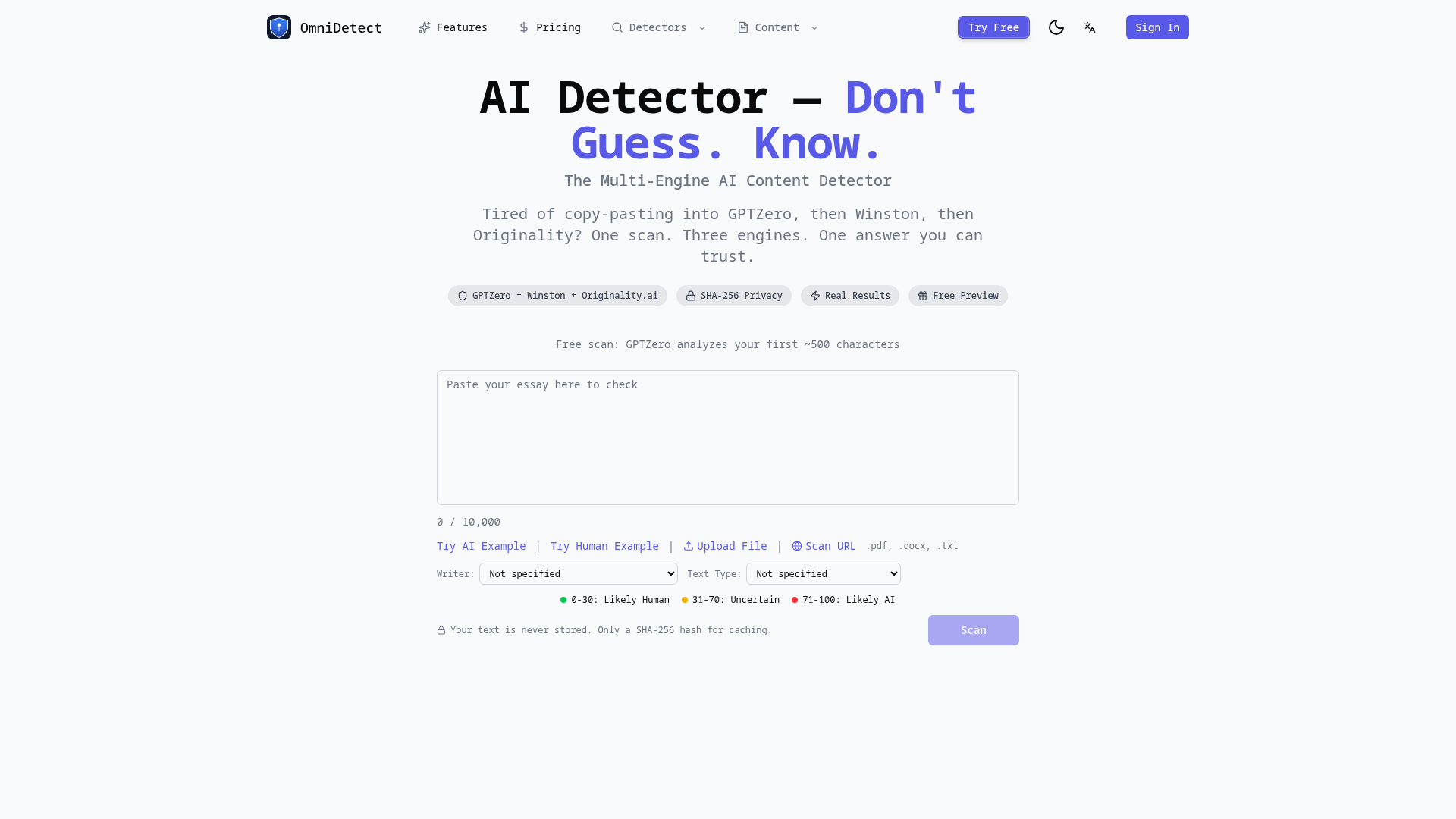
Screenshot archived from the listing page, for preview only.