
OmniSets AI
Flashcards from your notesTurn notes into study cards
Highlights
What you can do with it
- Turn lecture notes into review flashcards
- Build vocabulary cards from a word list
- Create fill in the blank cards for active recall practice
How to use it
- 1 Open the OmniSets flashcard tool.
- 2 Upload the notes you want to study from.
- 3 Choose a generation type such as question and answer.
- 4 Review the generated cards and edit if needed.
- 5 Study the set and revisit weak cards.
Who it is for
Pros
- Free to use with a simple interface
- Several generation types to match study style
- Language learner support with example sentences
Limitations
- Free plan terms may change
- Generated cards need review for accuracy
- Card quality depends on how clear your notes are
What OmniSets AI is
OmniSets AI is a flashcard generator that works from your own notes. You upload notes, and the tool produces cards in one of several formats, including question and answer, keyword definition, fill in the blank, and a user defined type. That range matters because different subjects suit different card styles: vocabulary suits keyword cards, while dense lecture notes often work better as questions. The interface is simple, and the tool is free to use, so you can test it on a single set before deciding whether it fits your study routine.
What you can do with it
- Generate flashcards from uploaded notes in one step
- Pick the generation type that matches your study style
- Build vocabulary decks and example sentences for language study
- Review and refine cards before you study the full set
Who it is for
- Students who want exam review cards without typing them out
- Language learners who need vocabulary decks with example sentences
- Professionals who need to memorize new material efficiently
What to watch out for
Free tools can change their terms, so confirm current limits before you rely on the free plan for a full semester. Generated cards are only as good as the source notes, so sloppy notes produce sloppy cards, and the fastest fix is cleaning up your notes first. Every deck should be reviewed before study, because automatic extraction can miss context or produce awkward wording that confuses you later. The tool speeds up card creation, but the memorizing work is still yours, and spaced review matters more than how the cards were made. Features and interface details may change between versions, so review the latest notes on the page before you start.
FAQ
Is OmniSets AI free?
Yes, the tool is described as free to use for generating flashcards from notes.
What kinds of flashcards can it make?
It supports question and answer, keyword definition, fill in the blank, and user defined types.
Can language learners use it?
Yes. You can build flashcards from word lists and use the provided words to create example sentences.
Why it is free
What the official page says: 免费
Free limits, trial length and features are decided by the official site and can change at any time.
Product preview
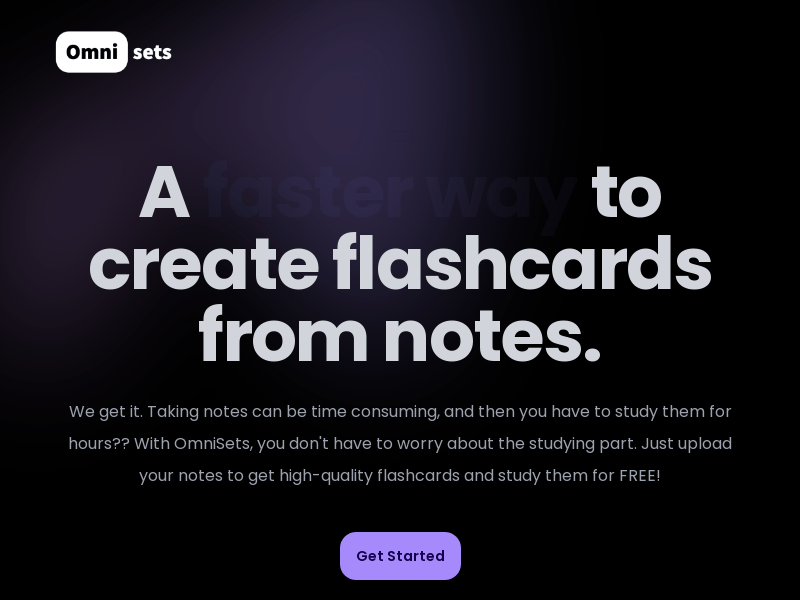
Screenshot archived from the listing page, for preview only.











