
OpenBudget
Connect bank accounts to AI for money answersAsk AI questions about your spending and balances
Highlights
What you can do with it
- A user asks about last month's dining spend
- A small business owner syncs company accounts to Excel
- An analyst connects several accounts for trend review
How to use it
- 1 Visit https://www.openbudget.sh and start the 7 day free trial.
- 2 Connect your bank account securely, which the site says uses Plaid across 10,000 institutions.
- 3 Choose the AI platform or spreadsheet you want to connect, such as Claude, ChatGPT, Google Sheets, or Excel.
- 4 Set automatic categorization rules and budgets.
- 5 Start asking questions about your finances and viewing synced data.
Who it is for
Pros
- Removes manual CSV export and data entry
- Works with the AI tools and spreadsheets you already use
- Automatic categorization saves cleanup time
Limitations
- Paid after the 7 day trial at $5 per month billed annually or $9.95 monthly
- Connecting bank accounts means trusting a third party with credentials through Plaid
- AI answers about money can be wrong, so verify before acting
What OpenBudget is
OpenBudget is a financial web application that connects your bank accounts to AI assistants such as Claude and ChatGPT, and to office software such as Google Sheets and Excel. Transactions, balances, and account data sync automatically, so you can ask plain questions about your money and get answers without exporting CSV files by hand. It shows all assets in one view, including stocks, retirement accounts, real estate, dividends, and transaction records, and it can categorize transactions automatically with rules you set. There is a 7 day free trial, then $5 per month billed annually at $60, or $9.95 billed monthly.
What you can do with it
- Ask an AI assistant about spending, balances, and transactions
- Sync account data to Google Sheets or Excel automatically
- View stocks, retirement accounts, real estate, and dividends in one place
- Set categorization rules and split mixed purchases across categories
Who it is for
- Individuals tracking personal spending and budgets
- Small business owners watching company cash flow
- Financial analysts who want AI help across several accounts
What to watch out for
It is paid after the 7 day trial, at $5 per month billed annually or $9.95 monthly, so cancel before the trial ends if you do not want to be charged. Connecting bank accounts means trusting a third party with credentials through Plaid, so review the security model and use a read only connection where possible. AI answers about money can be wrong or misread a category, so verify anything that affects a decision. Finally, automatic sync is convenient, but it also means your financial data lives in another service, which is worth thinking about before you connect every account you own.
FAQ
What does OpenBudget connect to?
Bank accounts through Plaid, AI assistants such as Claude and ChatGPT, and spreadsheets such as Google Sheets and Excel.
What does it cost?
A 7 day free trial, then $5 per month billed annually at $60, or $9.95 billed monthly.
Can I ask questions in plain language?
Yes, the site says you can ask the connected AI about transactions, balances, and spending in natural language.
Why it is free
What the official page says: free trial
Free limits, trial length and features are decided by the official site and can change at any time.
Product preview
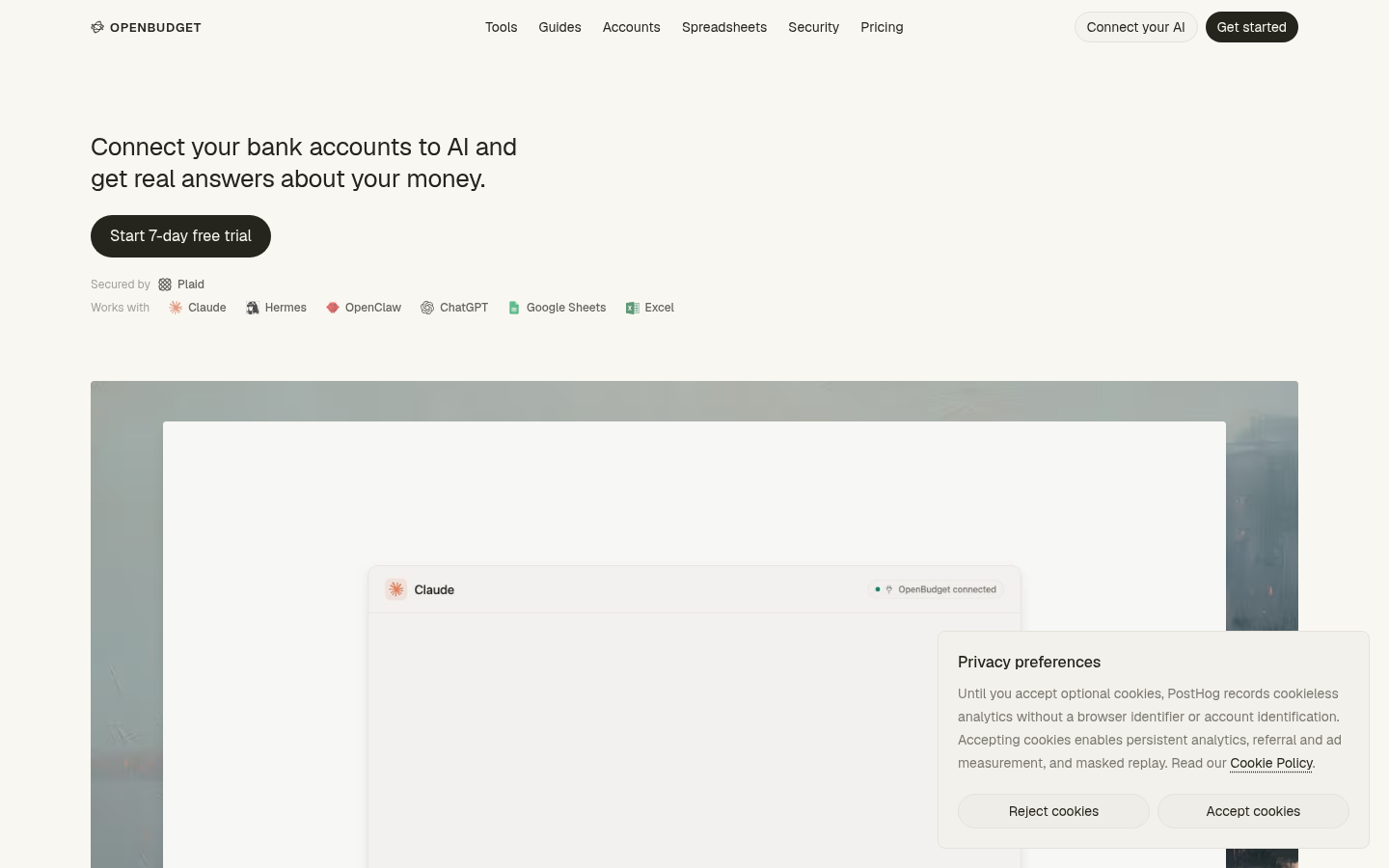
Screenshot archived from the listing page, for preview only.











