
OpenCut
Open-source online video editorSimple editing that runs in the browser
Highlights
What you can do with it
- Educators create online teaching videos
- Content creators post short videos on social media
- Individual users edit family videos to share
How to use it
- 1 Visit the OpenCut website and register or log in
- 2 Upload the video file you want to edit
- 3 Use toolbar tools to cut and add effects
- 4 Preview in real time before exporting
- 5 Download the video or share the link
Who it is for
Pros
- Free and open source
- Runs on any platform in the browser
- Effects, transitions, and audio tools
- Real-time preview and sharing
Limitations
- Free and open-source status can change
- Online editing depends on your connection
- Advanced effects may be limited
- Large files can be slow to upload
What OpenCut is
OpenCut is an open-source online video editor that focuses on simplicity and powerful features, running smoothly on any platform. Its goal is to provide an easy-to-use and feature-rich video editing tool for video creators, content creators, and educators. It supports import and export of multiple video formats, a user-friendly interface, various effects and transitions, real-time preview, cloud storage and sharing, simple cropping and splicing tools, and audio editing for volume and background music. As a free tool, it lets users complete editing tasks efficiently.
What you can do with it
- Import and export multiple video formats
- Cut and splice clips with simple tools
- Add effects and transitions
- Adjust audio and add background music
- Preview edits in real time, then download or share
Who it is for
- Educators creating online teaching videos
- Content creators posting short videos on social media
- Individual users editing family videos to share
- Anyone who wants browser editing without installs
What to watch out for
The free and open-source status can change, so check the current terms before you build a workflow around it. Online editing depends on your connection, and large files can be slow to upload and process. Advanced effects may be limited compared with desktop editors, so complex projects may need extra tools. Because it runs in the browser, a stable connection matters more than it would with local software. Generated suggestions are for reference only, so verify anything that affects professional judgment or important data. Start with a small sample to confirm the output meets your expectations before processing the full batch. Save a backup of the original file before large batch jobs, and keep an exported copy of key results in case the page or service becomes temporarily unavailable.
FAQ
Is OpenCut free?
Yes, it is described as a free, open-source online video editor.
Does it need installation?
It runs in the browser on any platform.
What can I edit?
Cut and splice video, add effects and transitions, and adjust audio.
Can I share videos?
Yes, it offers cloud storage and sharing features.
Why it is free
What the official page says: 免费
Free limits, trial length and features are decided by the official site and can change at any time.
Product preview
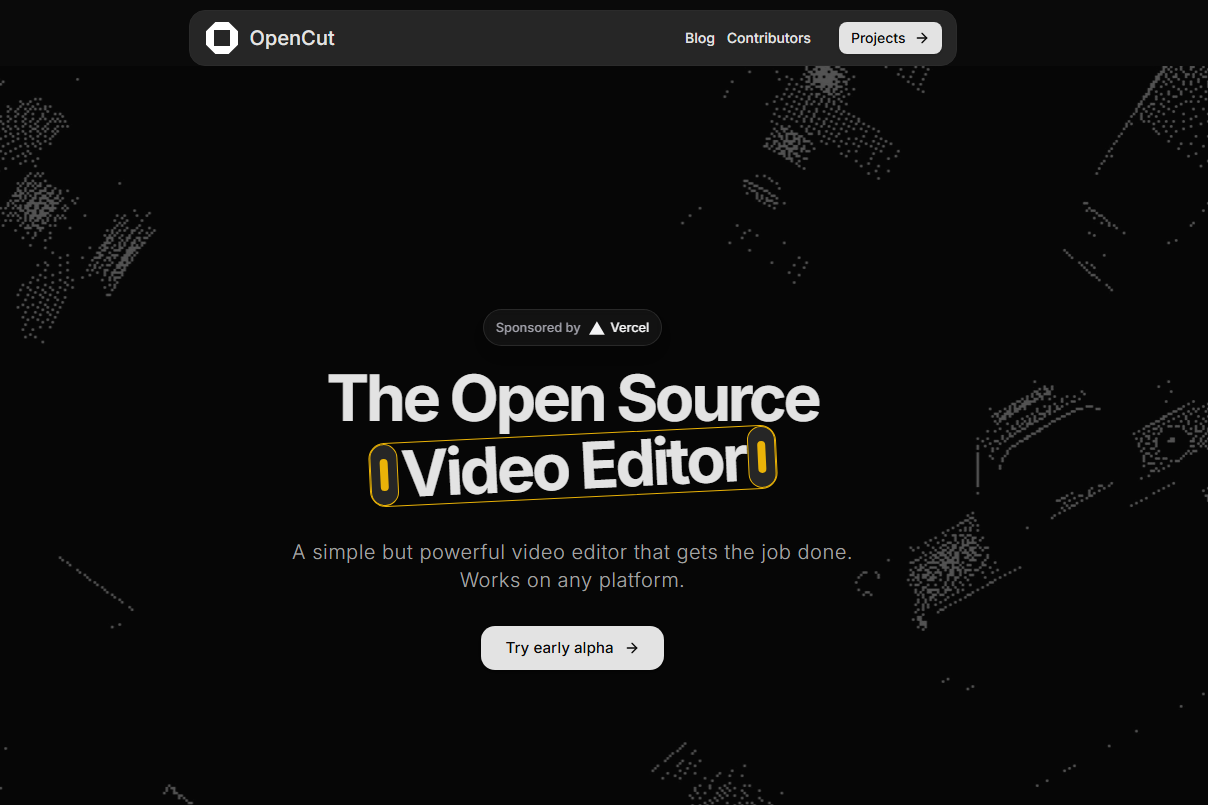
Screenshot archived from the listing page, for preview only.











