
OpenFlowKit
Free open-source diagram tool for developersCode or drag-and-drop flowcharts, local-first, MIT licensed
Highlights
What you can do with it
- Define API and database architecture diagrams as code under version control
- Create flowcharts visually and paste them into Figma for design work
- Adjust system architecture diagrams quickly with AI assistance, then share PDFs
How to use it
- 1 Visit openflowkit.com and start drawing; no registration is needed
- 2 Pick a workflow: write Mermaid.js or DSL code, or use the visual canvas
- 3 Customize nodes, edges, fonts, colors, and shapes to match your brand
- 4 Ask Flowpilot AI to adjust or extend the diagram through conversation
- 5 Export as SVG, PNG, PDF, or JSON, or copy the chart into Figma
Who it is for
Pros
- Completely free and open source under the MIT license
- Local-first design keeps diagram data on your own machine
- Both code-first and visual workflows in a single tool
- Rich export options including direct Figma copy
Limitations
- As an open-source project, long-term maintenance depends on the community
- Free status and features can change if the project direction shifts
- AI-assisted editing may still produce layouts that need manual fixes
- The code-first workflow has a learning curve if you are new to Mermaid syntax
What OpenFlowKit is
OpenFlowKit is a free and open-source diagram tool made for developers. It is licensed under MIT, which means you can use, modify, and distribute it without paying anything. The tool supports two ways of working. If you like code, you can write Mermaid.js syntax or the built-in type-safe DSL to define your chart; if you prefer a canvas, you can drag and drop elements instead. Because it is built on React Flow, every node, edge, and theme can be customized, including fonts, colors, and shapes, so charts can match your brand rather than a fixed template. An AI assistant named Flowpilot lets you adjust diagrams through conversation. The project follows a local-first approach: your data stays on your device, with no cloud storage, tracking, or syncing to third-party servers.
What you can do with it
- Write architecture diagrams as code with Mermaid.js or the built-in DSL
- Build flowcharts visually and customize every node, edge, and theme
- Ask Flowpilot AI to modify and refine diagrams through chat
- Export to SVG, PNG, PDF, or JSON, or copy straight into Figma
Who it is for
- Developers who want version-controllable diagrams as code
- Designers who need charts that flow into Figma for layout work
- Architects documenting systems and sharing them as PDFs
What to watch out for
OpenFlowKit is free and open source today, but open-source projects can change direction, and features or terms may shift over time; keep your own copies of important diagrams. The local-first promise means there is no cloud backup, so you are responsible for saving and versioning your files. If you choose the code-first workflow, there is a learning curve with Mermaid syntax or the DSL before you can move fast. AI-assisted editing is helpful for quick changes but does not guarantee tidy layouts, so plan on manual cleanup for presentation-ready charts. Export to Figma works by copy and paste, which is convenient but may not preserve every custom styling.
FAQ
Is OpenFlowKit really free?
Yes. It is open source under the MIT license, so you can use, modify, and distribute it without paying.
Does it send my diagrams to a server?
No. The tool is local-first: data is stored on your device with no cloud storage, tracking, or syncing to third-party servers, according to the site.
Can I use my diagrams in Figma?
Yes. You can copy charts to the clipboard and paste them into Figma, or export as SVG, PNG, PDF, or JSON.
Why it is free
What the official page says: completely free
Free limits, trial length and features are decided by the official site and can change at any time.
Product preview
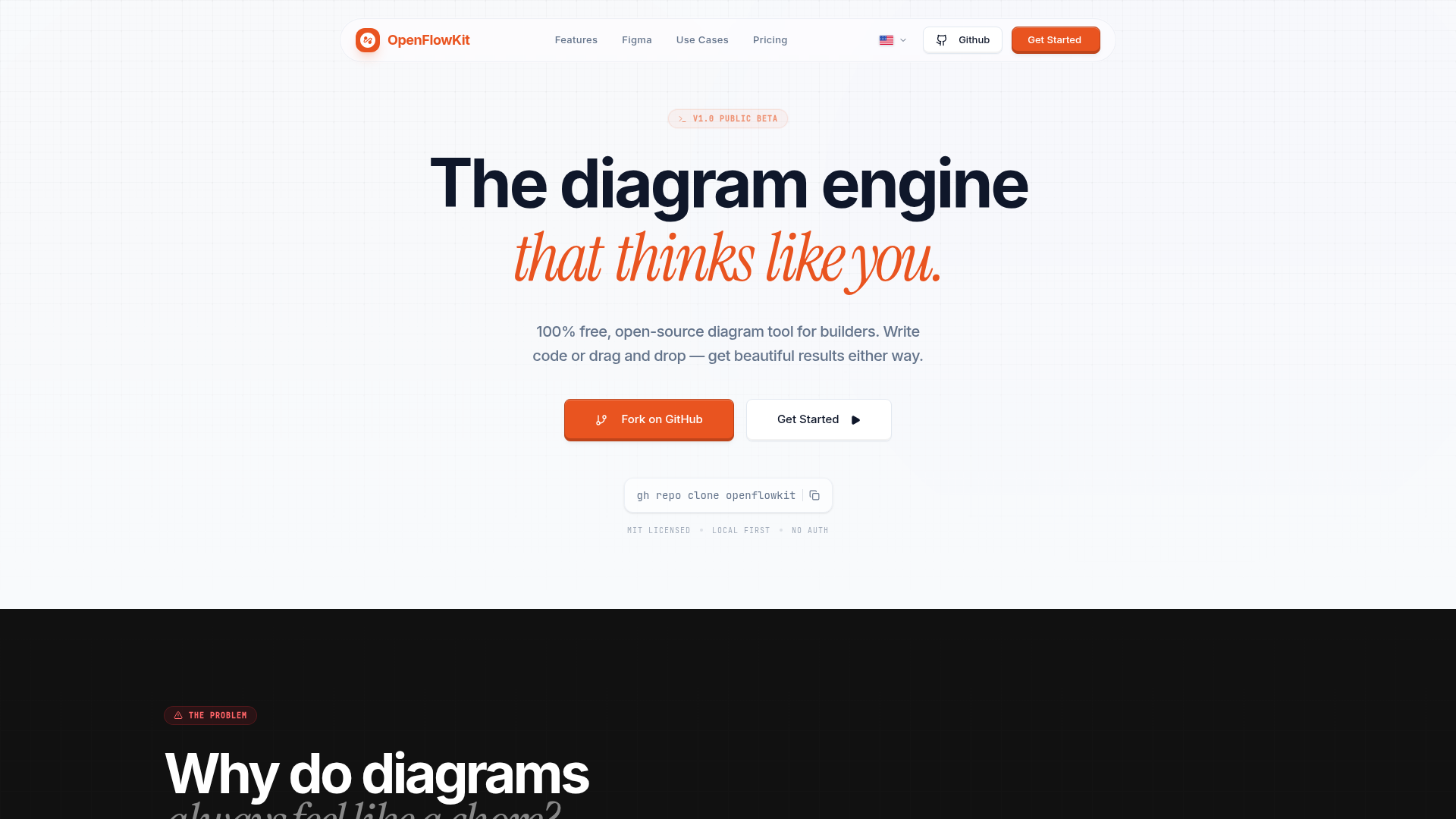
Screenshot archived from the listing page, for preview only.











