OpenPaper Academic Accelerator
Academic reading and citation tool for researchersFind papers, summarize them, and generate citations fast
Highlights
What you can do with it
- A graduate student finds the latest literature and quickly generates citations
- A professor organizes and summarizes papers to support course lectures
- Researchers download required papers for in-depth analysis
How to use it
- 1 Visit the OpenPaper Academic Accelerator website
- 2 Register an account or log in with an existing account
- 3 Enter keywords in the search box to find documents
- 4 Select relevant documents and view their details
- 5 Use the document management function to generate a reference list
- 6 Use the auxiliary reading function to understand the content
- 7 Download documents or save them to your account for later
Who it is for
Pros
- Several academic databases in one tool
- Citations generated quickly in multiple formats
- Basic features are free of charge
Limitations
- Advanced needs may require paid options as the product develops
- Coverage depends on upstream databases and publishers
- Generated citations should be checked against official style guides
- Summaries are a reading aid, not a substitute for the full paper
What OpenPaper Academic Accelerator is
OpenPaper Academic Accelerator is a tool for researchers and students who work with academic documents. It integrates multiple academic databases such as Semantic Scholar, arXiv, and PubMed, so you can search for the papers you need in one place. Once you find a document, the tool supports several citation formats for quick reference lists, offers assisted reading and deep summarization to help you understand complex content, and includes one-click code generation to simplify implementation. Basic features are provided free of charge, and you can register an account to save documents and download them for offline reading.
What you can do with it
- Search across Semantic Scholar, arXiv, PubMed, and more
- Generate reference lists in multiple citation formats
- Read and summarize papers with assistance
- Save and download documents for offline access
Who it is for
- Graduate students searching for literature in their field
- Professors organizing papers for teaching and lectures
- Researchers who need quick citations and summaries
What to watch out for
Basic features are free of charge, but advanced needs may eventually require paid options as the product develops. The tool depends on upstream academic databases, so coverage and document access can vary by publisher and field. Generated citations should be checked against official style guides before submission, since formatting errors can happen. Summaries are a reading aid, not a substitute for the full paper when accuracy matters. When quality matters, export a small draft first to confirm the result before producing the final file. Generated suggestions are for reference only, so verify anything that affects professional judgment or important data. Save a backup of the original file before large batch jobs, and keep an exported copy of key results in case the page or service becomes temporarily unavailable.
FAQ
Is OpenPaper free?
Basic features are provided free of charge.
Which databases does it search?
It integrates sources such as Semantic Scholar, arXiv, and PubMed.
Can it generate citations?
Yes. It supports multiple citation formats so you can build reference lists quickly.
Why it is free
What the official page says: free of charge
Free limits, trial length and features are decided by the official site and can change at any time.
Product preview
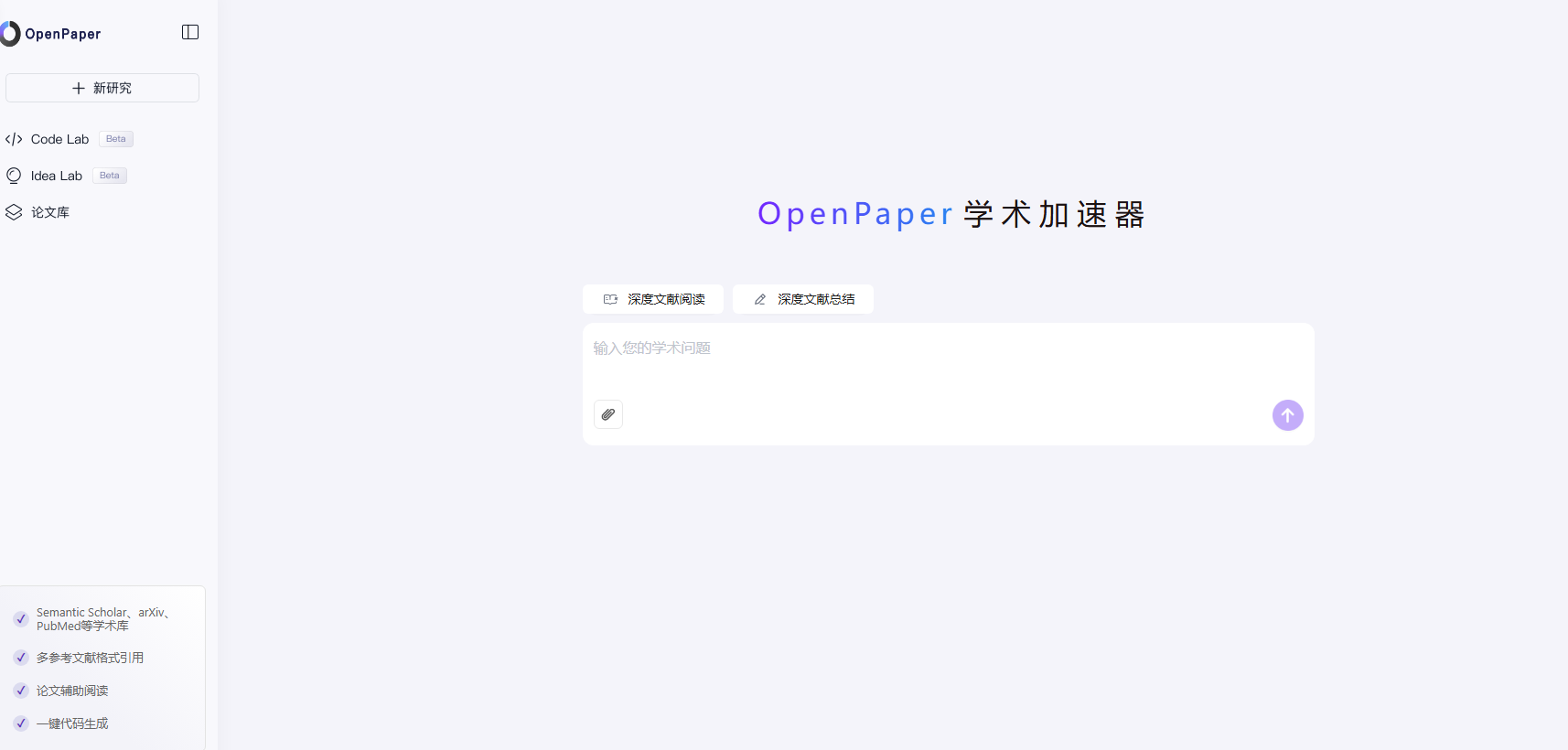
Screenshot archived from the listing page, for preview only.