OpenParser.ai
AI document parsing and knowledge workspaceTurn PDFs and images into a searchable knowledge layer
Highlights
What you can do with it
- Review a stack of contracts to pull key terms and spot risk clauses
- Run compliance gap checks against rules such as GDPR, SOC 2, or ISO 27001
- Scan spreadsheets and databases for null, duplicate, or outlier values
How to use it
- 1 Connect your content by uploading files or linking Google Drive, SharePoint, a SQL database, or a URL.
- 2 Let the OpenParser engine read and analyze everything, using Llama or your own chosen model.
- 3 Ask questions in plain language and get answers with references.
- 4 Hand full tasks like contract review or compliance checks to the agents and review the output.
Who it is for
Pros
- No prompt engineering needed thanks to ready-made agents
- Answers cite their sources, which supports traceability
- Works across documents, databases, and websites in one place
Limitations
- The free trial is limited to 15 days, so the free rules may change afterward
- Accuracy depends on the underlying model and file quality, so complex scans still need review
- Focused on document workflows, so it is not a general project tool
What OpenParser AI is
OpenParser AI is a document tool for teams that handle large volumes of files every day. It uses an AI parsing engine to turn PDFs, images, databases, and web pages into a searchable knowledge layer, then gives you 20 AI agents that need no prompt engineering. Everything sits in a secure workspace built for speed and clarity, so you can organize, search, and manage documents in one place. You can ask questions and get answers that point back to the exact source, compare documents, extract dates and deadlines, review contracts for risk, and run compliance checks that flag personal or protected data. It connects to Google Drive, SharePoint, SQL databases, or any URL, and the engine can run on Llama or a model you bring yourself. The goal is to cut manual document work and keep answers traceable. A 15-day free trial lets you test it on real files.
What you can do with it
- Ask document questions and receive answers with precise references
- Review contracts to extract terms, obligations, and risk clauses
- Run compliance and privacy checks that detect personal or protected data
- Summarize dense content into executive summaries or simpler language
- Scan databases and spreadsheets for null, duplicate, or outlier values
Who it is for
- Enterprises that process heavy document loads every day
- Legal and compliance teams reviewing contracts and regulatory gaps
- Data teams checking the quality of databases and spreadsheets
What to watch out for
The free trial runs for 15 days, so the free rules may change once it ends and you move to a paid plan. Results depend on the underlying model and on how clean the source files are, so complex, handwritten, or poor quality scans still need a human check before you act on them. The product is built for document workflows such as contracts, compliance, and data quality rather than general project management, so plan to use it alongside your other tools. Connecting many built-in informations also means you should confirm who has access, since sensitive files may be involved.
FAQ
What can I connect to it?
You can upload documents directly or connect Google Drive, SharePoint, SQL databases, or any website URL.
Which models can it use?
The engine runs on Llama by default, and you can bring your own model such as OpenAI, Anthropic, or Gemini.
Is there a free trial?
Yes, OpenParser AI offers a 15-day free trial.
Why it is free
What the official page says: free trial
Free limits, trial length and features are decided by the official site and can change at any time.
Product preview
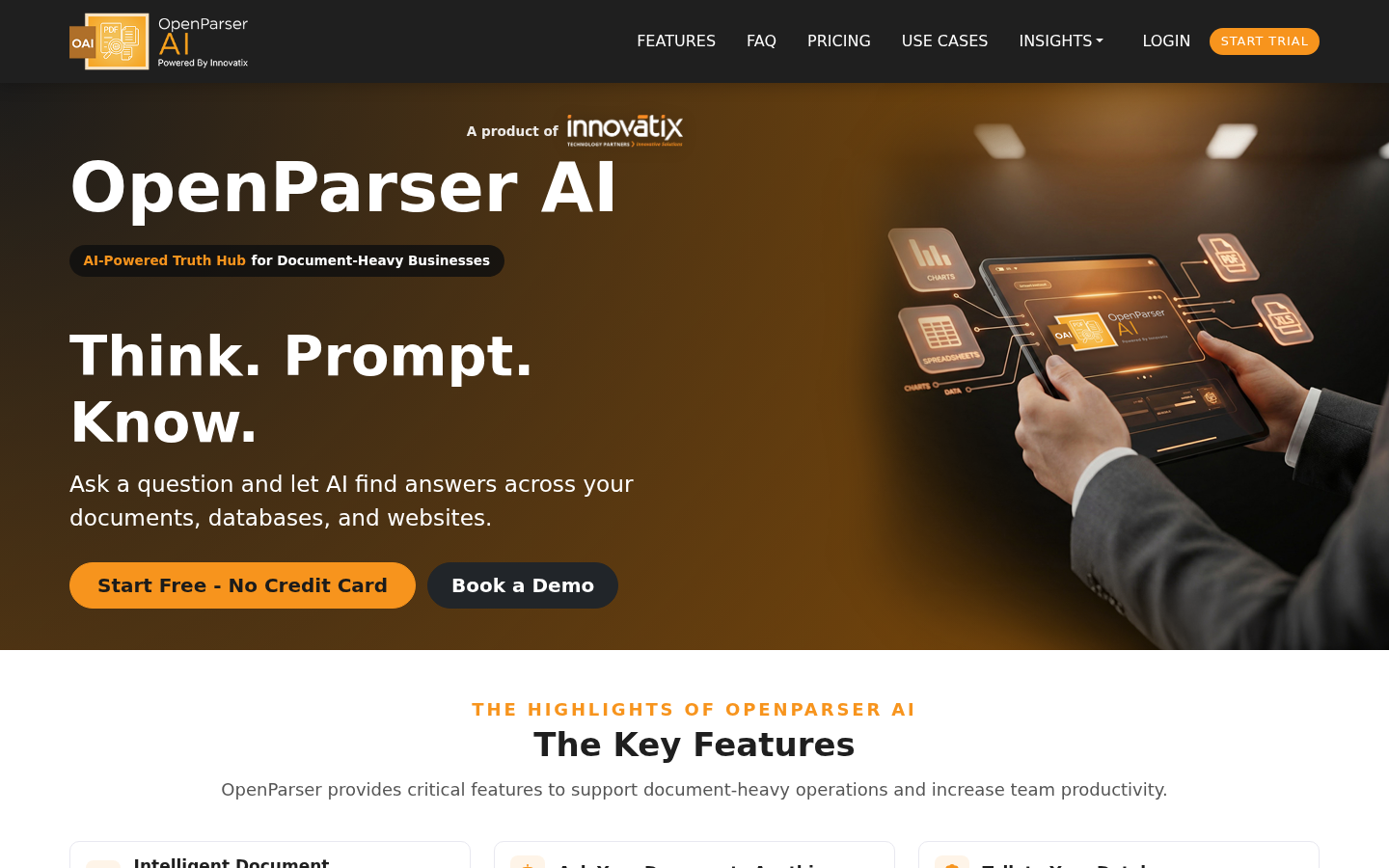
Screenshot archived from the listing page, for preview only.