
Ottermind
AI workspace and agentFrom ideas to delivered work, free
Highlights
What you can do with it
- A software team plans architecture, writes code, and deploys
- A researcher manages materials, analyzes data, and writes reports
- An entrepreneur builds plans and coordinates a project
How to use it
- 1 Visit Ottermind and register an account
- 2 Describe your vision or goal on the platform
- 3 Let Ottermind plan steps and pick tools
- 4 Check progress and collaborate with the agent
- 5 Get the final result and adjust as needed
Who it is for
Pros
- Free to start using according to the description
- Works with files where they already are
- Context memory reduces repeated explanations
- Continues tasks across web, desktop, and mobile
Limitations
- Free use terms may change and paid tiers may appear later
- Complex goals still need clear direction and review
- Automation quality depends on connected tools and data
What Ottermind is
Ottermind is an agile AI workspace for thinkers, builders, and dreamers. Its core function is to connect ideas, files, memories, devices, and tools through an AI Agent, helping users turn thoughts into practical actions. Instead of managing every step yourself, you describe the result you want and Ottermind works with you to complete the process. It remembers shared context, so you do not have to repeat details, and it can run periodic workflows automatically. The description says it offers free use, positioning it as a second brain that makes complex work simpler.
What you can do with it
- Describe a goal and let the agent plan the steps
- Work with files already on your device or cloud
- Use tools automatically to advance a task
- Set periodic workflows that run on their own
- Start on the web and continue on desktop or mobile
Who it is for
- Thinkers who need ideas turned into action plans
- Builders who want help with architecture, code, and deployment
- Dreamers mapping a project from vision to delivery
- Busy users who want an assistant that remembers context
What to watch out for
The description presents free use as the current model, but free terms or limits could change and paid tiers may appear later. The agent still needs clear goals; vague instructions can lead to off-target results. Automation quality depends on the tools and files you connect, so a thin setup gives thin output. Because it acts across devices and services, review its actions on sensitive tasks before letting them run on their own. Free tiers and usage limits can change, so check the current rules on the official page before relying on it long term.
FAQ
Is Ottermind free?
The description says it offers free use so users can start with the assistant for free.
What does the AI Agent do?
It connects ideas, files, memories, devices, and tools, then plans, builds, automates, and helps deliver work.
Do I have to move my files?
No. The description says you can use files on your device or cloud without moving them first.
Why it is free
What the official page says: for free
Free limits, trial length and features are decided by the official site and can change at any time.
Product preview
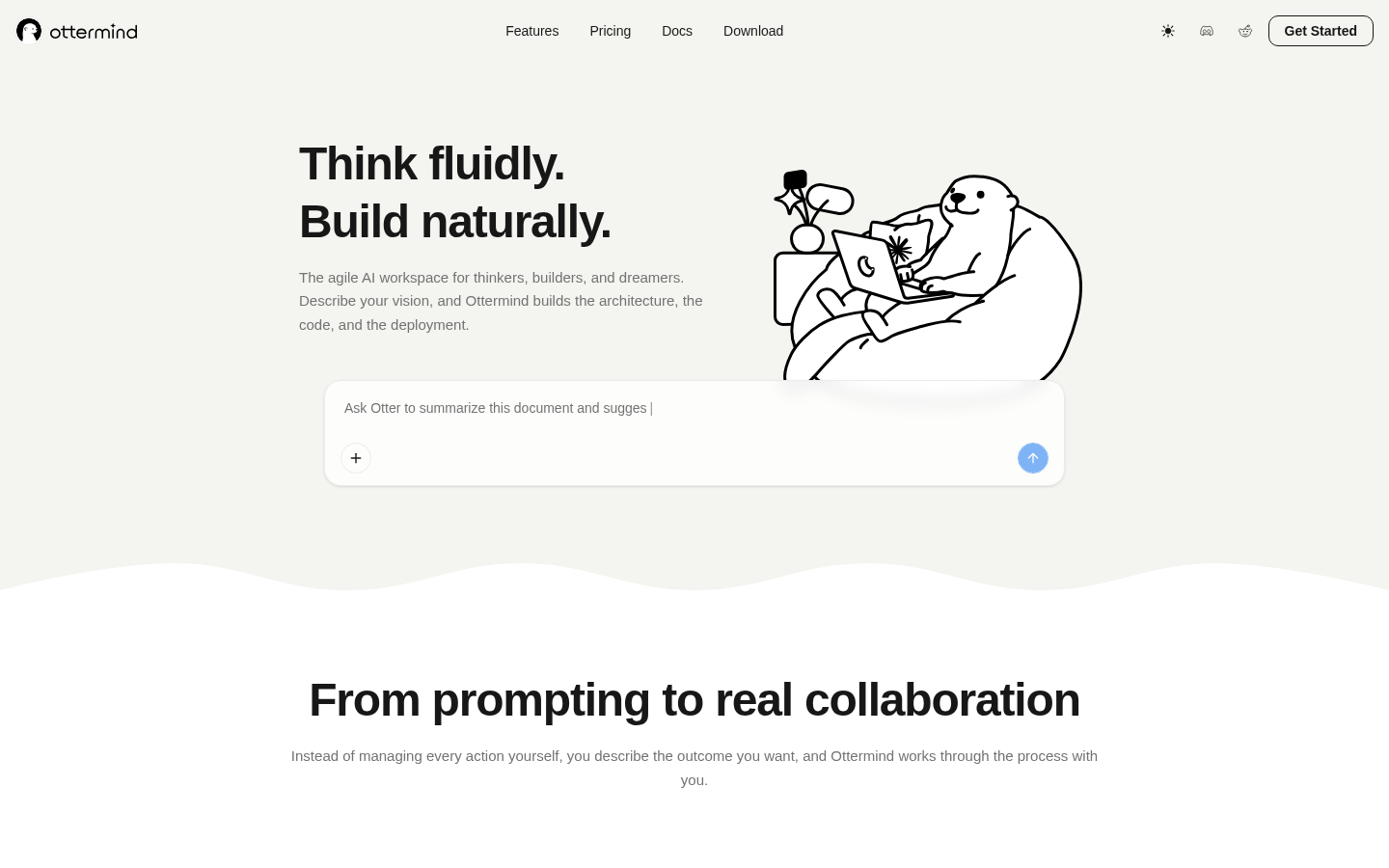
Screenshot archived from the listing page, for preview only.











