
Owl at Work
AI work assistant for content and workflowsStreamline daily work with an AI assistant
Highlights
What you can do with it
- Draft routine content while keeping a consistent brand voice
- Organize project material and handoffs in one workspace
- Chat with an assistant to answer everyday work questions
How to use it
- 1 Visit owlatwork.com and start the free trial
- 2 Set up your brand voice and working preferences
- 3 Create or import the content you work on
- 4 Use chat and workflow tools to move tasks along
Who it is for
Pros
- Free trial lets you test before paying
- Covers content, chat, and workflow in one place
- Team features suit shared projects
Limitations
- Free trial terms and limits can change at any time
- The public listing is short on detail, so real depth needs testing
- It depends on an external service that may change or stop
- Best fit is unclear until you try it on your own tasks
What Owl at Work is
Owl at Work is an AI-powered work assistant at owlatwork.com. The site describes it as a way to streamline workflows by combining customizable content, visual effects, brand storytelling, and simpler process management in one assistant. The official listing points to a free trial, so you can try the assistant before deciding whether a paid plan fits your work. Listed features include brand voice, intelligent chat, content generation, workflow management, and team collaboration, which suggests a tool aimed at everyday office and marketing tasks rather than a single narrow job.
What you can do with it
- Generate and adjust content with a consistent brand voice
- Chat with an intelligent assistant while you work
- Manage workflows and keep team tasks moving
- Keep project material and collaboration in one place
Who it is for
- Small teams coordinating content and tasks
- Marketing and operations staff who reuse a brand voice
- Anyone who wants to trial an AI work assistant
What to watch out for
The public listing is short on specifics, so the real depth of each feature is something to test yourself before relying on it for paid work. The service runs on someone else's infrastructure, so access, features, and trial terms can change or stop without notice, and you should check the current offer on the official page. Output quality depends on the model behind the assistant and on the instructions you give, so expect to review and edit generated content rather than publish it as-is. Free trials usually come with limits on usage or time, and those limits are set by the provider and can be adjusted at any time. Start with a small, low-stakes task, keep your own copies of important material, and treat the free trial as a snapshot rather than a long-term guarantee.
FAQ
Is Owl at Work free?
The site offers a free trial. Longer-term pricing is not detailed in the listing.
What does it do?
It acts as an AI work assistant with brand voice, intelligent chat, content generation, workflow management, and team collaboration.
Who is it for?
The listing points to teams and staff who handle content, coordination, and repeatable workflows.
What should I check first?
Test the features you care about during the trial, since the listing does not describe limits or output quality in detail.
Why it is free
What the official page says: free trial
Free limits, trial length and features are decided by the official site and can change at any time.
Product preview
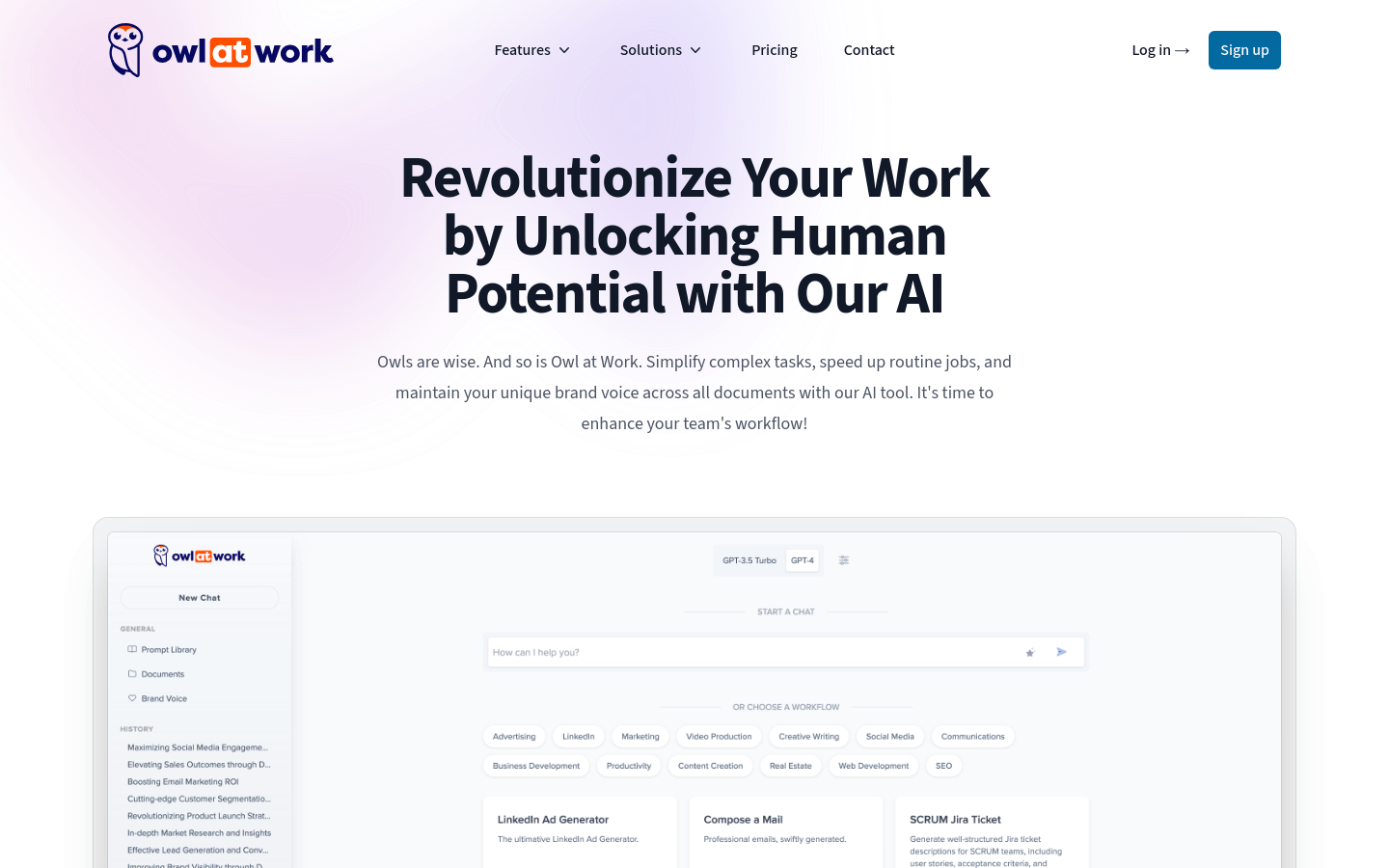
Screenshot archived from the listing page, for preview only.











