
PageBot
GPT chatbot trained on your site contentAnswer visitor questions from your own pages
Highlights
What you can do with it
- Answer product questions on an online store
- Support visitors using documentation pages
- Handle repeated FAQ queries automatically
How to use it
- 1 Create a PageBot account
- 2 Point the bot at your site or knowledge base
- 3 Let it import your content automatically
- 4 Embed the one line snippet and review the answers
Who it is for
Pros
- Very quick to embed on a page
- Answers are drawn from your own content
- Free plan available to start
Limitations
- The free plan has limits
- Depends on an external GPT service for availability
- Answer quality depends on how complete your content is
- The site was unreachable when checked, so verify it is live
What PageBot is
PageBot is a GPT powered chatbot for websites. Instead of generic answers, it reads your own pages and knowledge base and responds from that material, which is what separates it from a plain chat widget. Setup is minimal: you point it at your content, it imports the data, and you paste a single line of code into your page. A free plan exists for trying it, with paid pricing for larger needs.
What you can do with it
- Embed a GPT chatbot with one line of code
- Import site content and knowledge base material automatically
- Answer visitor questions using your own documentation
- Give customers an immediate conversational experience
- Tune answers based on what the bot returns
Who it is for
- Site owners with extensive FAQ and help documentation
- Support teams that want to deflect repeated questions
- E-commerce stores with detailed product information
- Anyone who wants site search to feel like a conversation
What to watch out for
Answer quality is bounded by your content. If your documentation is thin, outdated, or contradictory, the bot will reflect that, so expect to curate material before switching it on. The service leans on an external GPT provider, so model availability and pricing changes upstream affect your bot. Free plans carry limits, and the site itself was unreachable when checked, so confirm it is operating before you plan a launch around it. Start with a small sample to confirm the output meets your expectations before processing the full batch. Free tiers and usage limits can change, so check the current rules on the official page before relying on it long term.
FAQ
How do I add it to my site?
Integration is a single line of code, so no programming is required.
Is there a free plan?
Yes, PageBot offers a free plan along with flexible paid pricing.
Does it need manual data entry?
No, it can automatically import various data from your content.
Why it is free
What the official page says: free plan
Free limits, trial length and features are decided by the official site and can change at any time.
Product preview
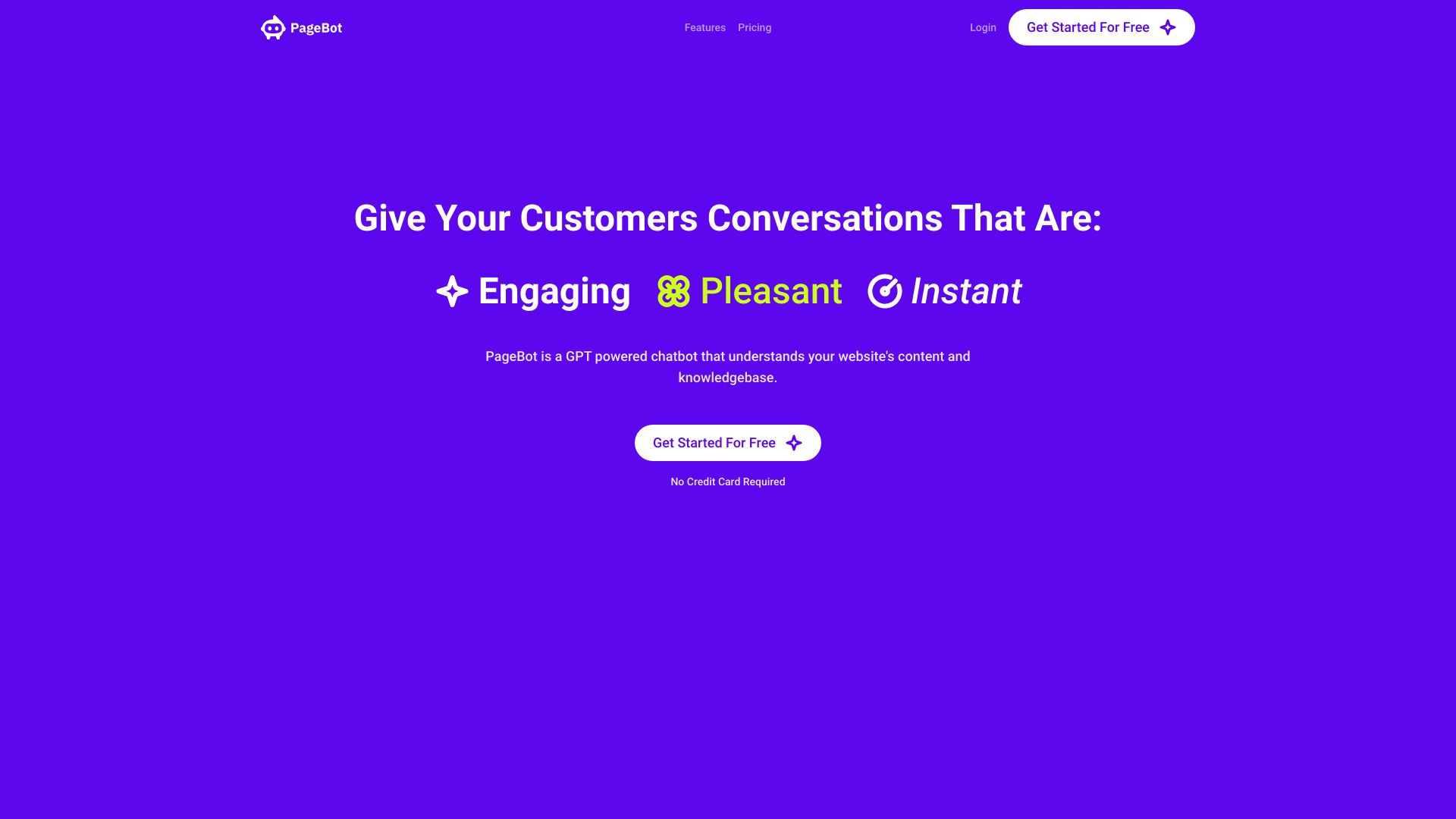
Screenshot archived from the listing page, for preview only.











