Palet
AI website builder with a visual editor and code modeInteractive sites without copying code snippets
Highlights
What you can do with it
- Build a personal blog or portfolio site quickly
- Create a product showcase page with animation and video
- Ship a creative agency website with a custom domain
How to use it
- 1 Sign up on the Palet website and start a new project
- 2 Describe the site you want or begin from a template
- 3 Edit in the UI editor or switch to code mode for custom HTML
- 4 Add effects, icons, and libraries like GSAP and Three.js
- 5 Preview responsive layouts on different screen sizes
- 6 Deploy to Netlify with one click and map your custom domain
Who it is for
Pros
- Visual editor plus code mode covers both skill levels
- Free custom domain mapping on deploy
- Large icon set and animation libraries included
- AI handles design and coding context for you
Limitations
- AI-generated layouts still need design review and cleanup
- Free domain mapping may still involve Netlify account requirements
- Complex custom features may push you into the code editor anyway
- Pricing and free limits are not detailed, so confirm current terms
What Palet is
Palet is an AI-powered website builder for creating interactive websites without coding. It integrates AI into both the design and coding processes, so you do not need to copy snippets from a chatbot or figure out what context to hand it. You can add parallax effects, animated avatars, and embedded videos, and build webpage animations in a UI editor without writing code. When you want more control, you switch to code mode and edit minimal, readable HTML instead of boilerplate. Publishing is a one-click deploy to Netlify, and the listing says you can map a custom domain for free. It includes over 150,000 vector icons and JavaScript libraries such as GSAP and Three.js.
What you can do with it
- Build pages in a visual editor or switch to code mode for custom HTML.
- Add parallax effects, animated avatars, and embedded video without code.
- Design responsive layouts and preview them across screen sizes.
- Deploy to Netlify in one click and map a custom domain.
Who it is for
- Non-developers who want an interactive site without touching code.
- Designers who need animation without waiting on a developer.
- Creators and small teams shipping landing pages and portfolios fast.
- Anyone who wants animation and effects without hand-writing JavaScript.
What to watch out for
AI-generated layouts are a starting point, and you should still review spacing, typography, and responsiveness before you publish, because generated pages rarely look finished without a pass of human judgment. Complex custom features may push you into the code editor anyway, so some HTML knowledge helps in the long run even though it is not required to start. Deploying to Netlify means relying on that platform, and a Netlify account and its own terms apply even if the domain mapping is described as free. Pricing and free limits are not detailed in the listing, so confirm current terms before you build a client project on it.
FAQ
Do I need to code to use Palet?
No. You can build in the visual UI editor, and switch to code mode only if you want custom HTML.
Can I add animations?
Yes. The UI editor supports parallax effects, animated avatars, embedded video, and libraries like GSAP and Three.js.
How do I publish?
You can deploy to Netlify with one click and map a custom domain for free.
Is the domain really free?
The listing says you can map a custom domain for free when you deploy to Netlify, but confirm current terms on the site.
Why it is free
What the official page says: for free
Free limits, trial length and features are decided by the official site and can change at any time.
Product preview
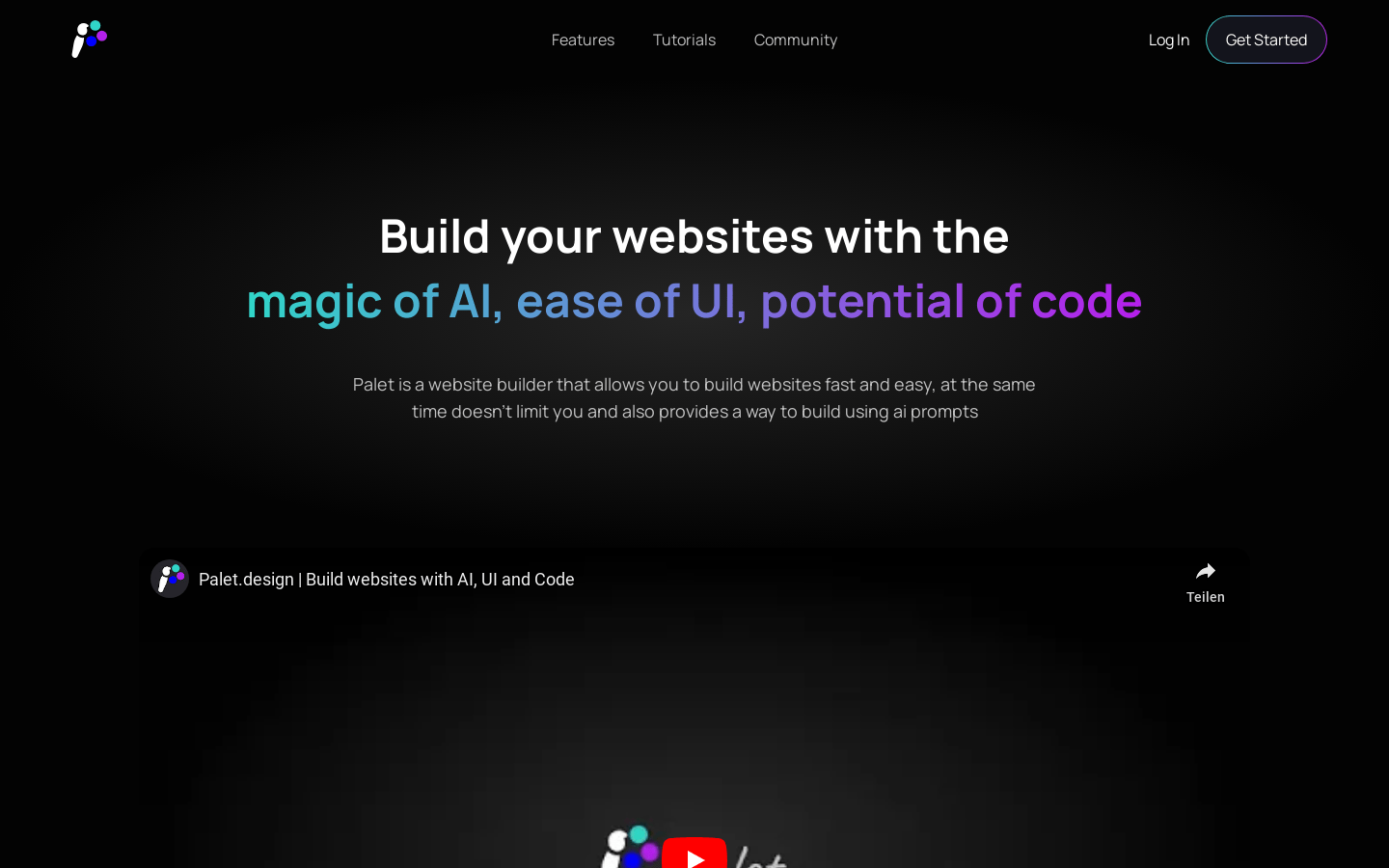
Screenshot archived from the listing page, for preview only.