
Pane
The AI-native spreadsheetAsk your spreadsheet, it answers
Highlights
What you can do with it
- A research team filtering market data and building dashboards
- A finance team calculating profit and cost
- A project team tracking progress with charts
How to use it
- 1 Import a CSV, Excel, or PDF file
- 2 Describe what you want in plain language
- 3 Let the agent sort, filter, or calculate
- 4 Add charts and build a dashboard
- 5 Share and edit with your team in the cloud
Who it is for
Pros
- Natural language removes formula friction
- Dashboards are generated for you
- Free option to start
Limitations
- Complex formulas may still need manual work
- Free plan limits are not detailed
- Cloud storage means data lives online
What Pane is
Pane is an AI-native spreadsheet created for modern teams. It combines the powerful functions of a traditional spreadsheet with AI, so you can talk to the sheet instead of wrestling with formulas. The Pane Agent handles operations such as sorting, filtering, calculating, and converting data through simple natural language commands, and it can automatically build professional dashboards with charts and key indicators. Underneath, hundreds of functions are provided by HyperFormula, covering SUM, AVERAGE, VLOOKUP, and more, so complex work is still possible.
What you can do with it
- Sort, filter, calculate, and convert data with plain language
- Import CSV, Excel, and PDF files of any size
- Create bar, line, pie, area, and scatter charts and reposition them
- Generate dashboards automatically from your data
- Access spreadsheets from any device through cloud sync
Who it is for
- Modern teams that collaborate on data processing
- Data analysts who work with large datasets
- Business people handling sales, finance, and project data
What to watch out for
Natural language is fast for common operations, but unusual or nested formulas may still need manual construction, so keep formula knowledge handy. Free plan limits are not detailed, so confirm what is included before relying on it for team work. Because spreadsheets are stored in the cloud, consider data sensitivity and access control before uploading confidential financial or customer information. Start with a small sample to confirm the output meets your expectations before processing the full batch. Free tiers and usage limits can change, so check the current rules on the official page before relying on it long term. Start with a small sample to confirm the output meets your expectations before processing the full batch.
FAQ
What is Pane?
It is an AI-driven spreadsheet where users interact through natural language and the agent performs operations like a human expert.
Can I import my files?
Yes, it supports one-click import of CSV, Excel, and PDF files, with intelligent parsing for files of any size.
Is it free?
A free usage option is available in the pricing.
Why it is free
What the official page says: for free
Free limits, trial length and features are decided by the official site and can change at any time.
Product preview
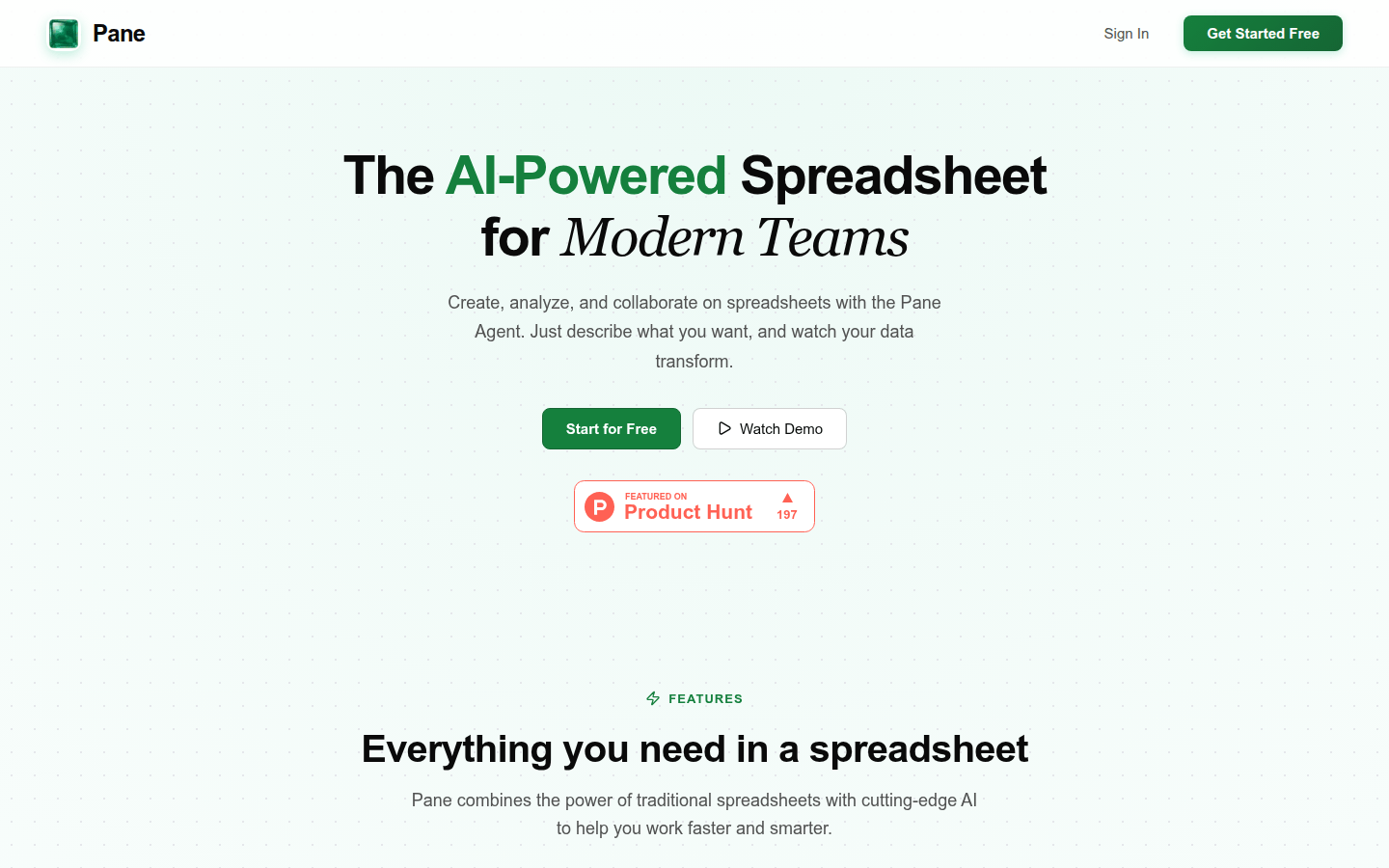
Screenshot archived from the listing page, for preview only.











