
PaperGen
AI writing assistantCited papers and reports fast
Highlights
What you can do with it
- A PhD student drafts a paper with auto citations
- A blogger generates search friendly articles
- An analyst builds a cited case study
How to use it
- 1 Register an account on papergen.ai
- 2 Choose a free or paid subscription plan
- 3 Select the document type you need
- 4 Enter or upload your source information
- 5 Generate, review, then edit and download
Who it is for
Pros
- Automatic citations save literature search time
- Charts and graphs are generated in one click
- Multilingual support for different users
Limitations
- The AI detection bypass feature may break school or platform rules, and consequences fall on the user
- Free plan limits features, and paid plans cost money
- Generated text still needs review for accuracy and originality
What PaperGen is
PaperGen is an AI writing assistant for academic and business documents. It generates structured long papers and reports, and it adds automatic citations, charts, and multilingual support so the output looks complete. The platform says it focuses on originality, clarity, and accuracy, and it is used for case studies, literature reviews, blog posts, and research reports. There is a free plan and paid subscriptions, with some plans offering a seven day trial. One advertised feature is content designed to blend in and bypass AI detection, which carries real risk if misused.
What you can do with it
- Generate long papers and reports with citations
- Create charts and graphs in one click
- Write in multiple languages
- Draft case studies, reviews, and blog posts
Who it is for
- Students and researchers writing academic papers
- Writers producing reports and blog articles
- Analysts who need cited case studies
- Users who want help structuring long documents
What to watch out for
PaperGen advertises the ability to bypass AI detection, and using it that way may violate school or platform rules, with any consequences falling on the user, so use it carefully and honestly. The free plan is limited and paid subscriptions cost money, so check current pricing before committing. Generated text still needs careful review, since AI can produce inaccurate or poorly sourced claims. Confirm citation accuracy yourself before submitting any academic work, and follow your institution rules. For best results, start with a small test file and review the output carefully before working on anything important. Free tiers can change over time, so it is worth checking the current limits on the official page before you rely on the tool daily.
FAQ
What is PaperGen?
It is an AI platform that helps generate structured academic and business papers and reports with citations and charts.
Is there a free option?
Yes. PaperGen offers a free plan along with paid subscriptions, and some plans include a seven day free trial.
Can it bypass AI detection?
The platform advertises content designed to blend in and bypass AI detection. This may violate school or platform rules, and any consequences are the user responsibility.
Why it is free
What the official page says: 免费计划免费
Free limits, trial length and features are decided by the official site and can change at any time.
Product preview
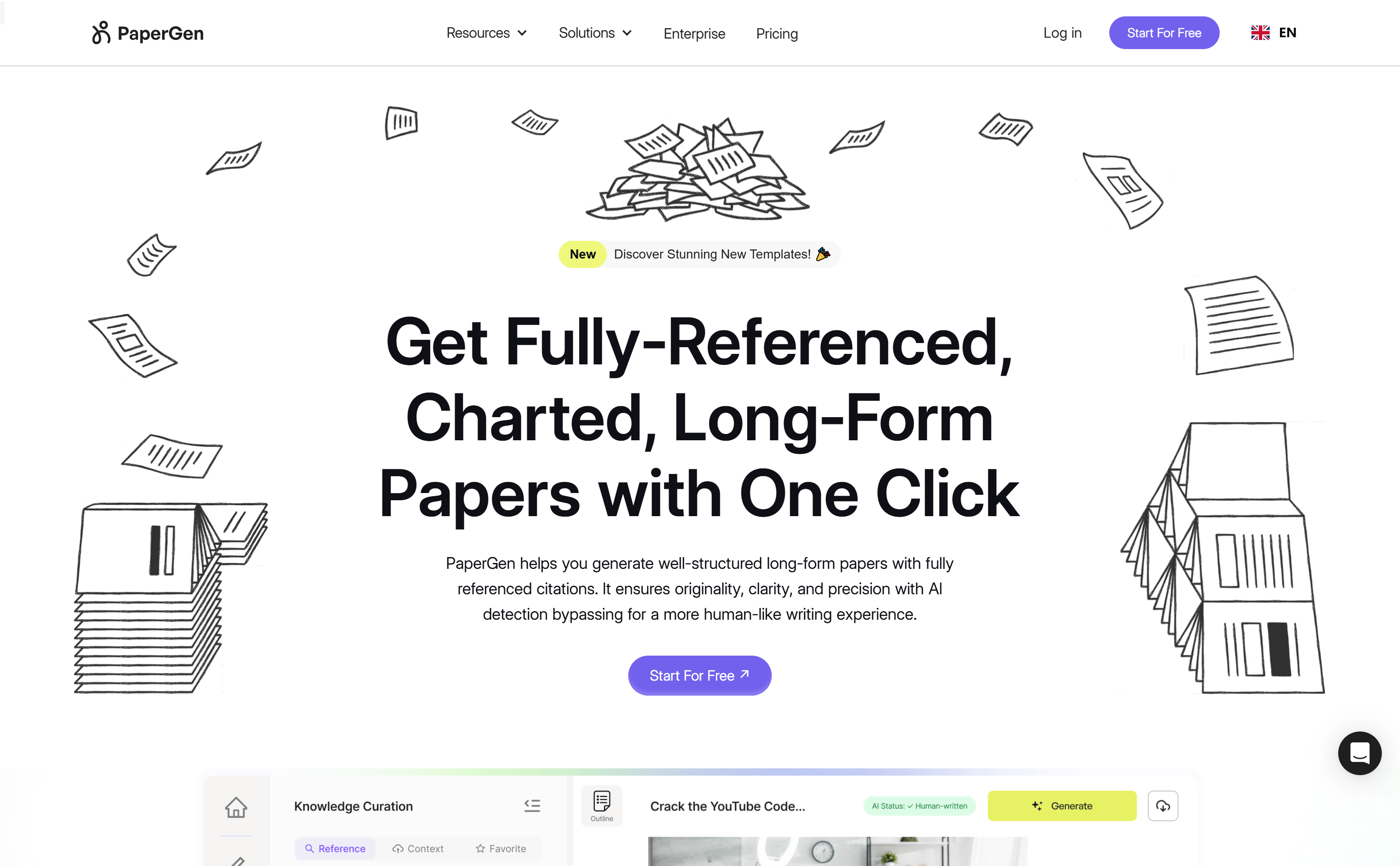
Screenshot archived from the listing page, for preview only.











