
PaprDeck
AI flashcard generator from notes and PDFsNotes in, flashcards out, no setup
Highlights
What you can do with it
- Students revise a course from their own notes
- Self-learners drill syntax and key concepts
- Teachers build in-class review sets from material
How to use it
- 1 Open PaprDeck without registering.
- 2 Paste your notes or upload a PDF.
- 3 Let the AI extract concepts into cards.
- 4 Mark cards you have mastered and review the rest.
Who it is for
Pros
- Removes the manual work of writing cards
- Free mode usable with no registration
- Works from notes, slides, or textbook chapters
Limitations
- Free limits are tight at three runs a day
- Pro pricing applies for larger PDFs and volume
- Generated cards still need a human check
What PaprDeck is
PaprDeck is an online tool that uses AI to convert study material into flashcards. The problem it targets is boring: rewriting notes into cards takes longer than the revision itself. Here you paste notes, upload a PDF, or add slides and textbook chapters, and the AI identifies key concepts and builds cards from them. The free mode allows three generations a day with a maximum of fifteen cards each and one PDF of up to five pages, and the site says you can try it without registering. Pro costs nine dollars a month or twenty-four a quarter, raising the daily limit to twenty generations, allowing PDFs up to twenty pages, and adding priority generation speed.
What you can do with it
- Turn pasted notes into a set of flashcards
- Extract concepts from an uploaded PDF
- Mark cards you have mastered for targeted review
- Create cards by hand when automation misses the point
Who it is for
- Students revising large volumes of material
- Self-learners drilling syntax and definitions
- Teachers preparing interactive classroom review
- Anyone who owns notes but never makes cards
What to watch out for
The free limits are tight: three runs a day and fifteen cards each will not carry a heavy revision week, so plan around the quota or upgrade. Extraction is imperfect, and a card that states a half-true generalisation is worse than no card, so read through the set once before you study from it and correct anything misleading. Uploading PDFs also means sending documents to a third party, so avoid confidential material and check the privacy terms. Pricing and quotas can change, and because the tool is young, keep a copy of any card set you rely on for exams rather than trusting the platform to hold it.
FAQ
What are the free limits?
The free mode allows three generations a day, up to fifteen cards each, and one PDF of no more than five pages.
Do I need an account?
No. The feature list says you can try it without registration, though an account is useful for keeping cards.
What does Pro add?
Pro costs nine dollars a month or twenty-four a quarter and allows twenty generations a day, PDFs up to twenty pages, and priority generation.
Why it is free
What the official page says: 免费
Free limits, trial length and features are decided by the official site and can change at any time.
Product preview
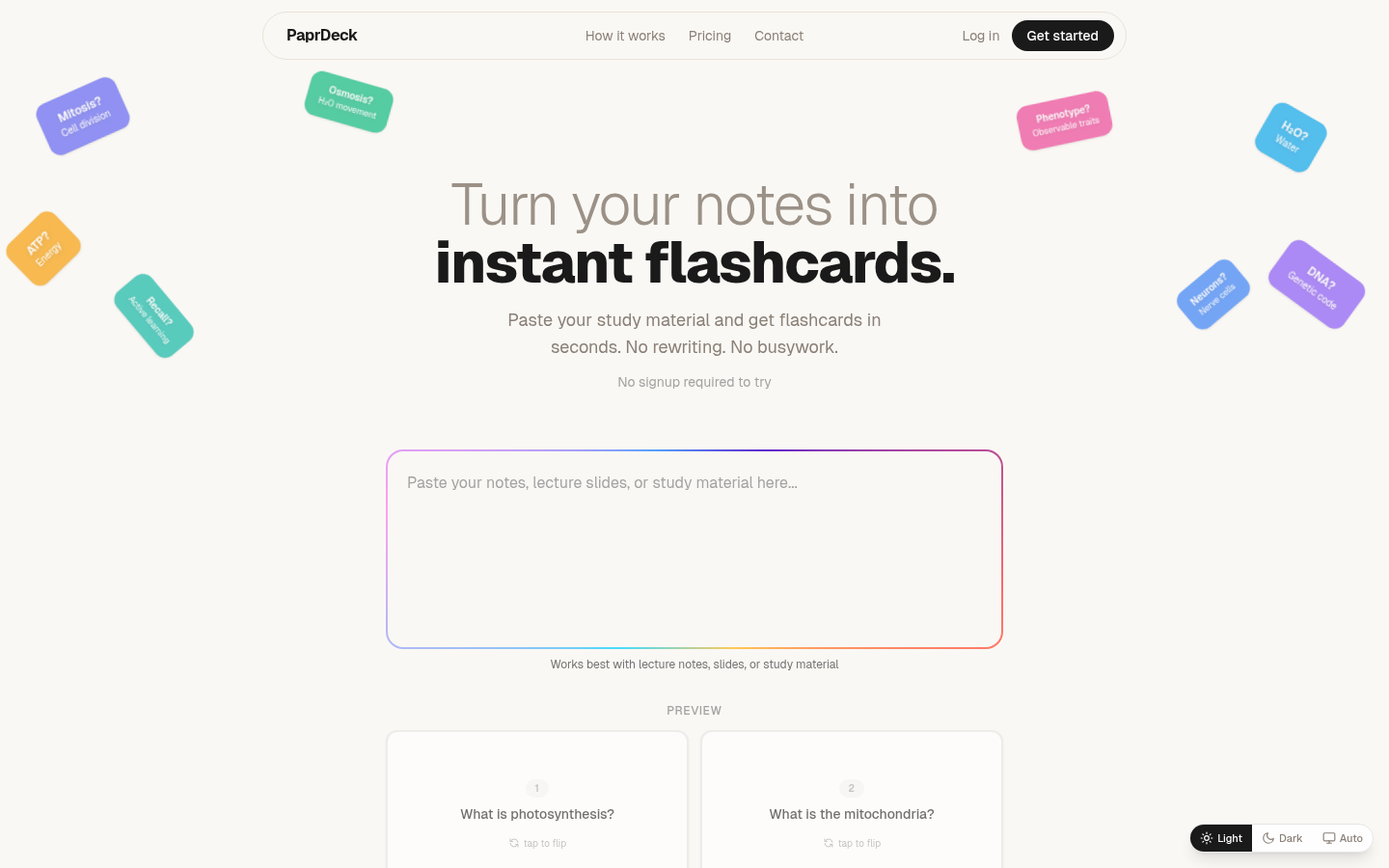
Screenshot archived from the listing page, for preview only.











