
ParallelGPT
Batch ChatGPT queries inside a spreadsheetLow-code batch processing for ChatGPT in a spreadsheet
Highlights
What you can do with it
- Import a CSV of raw text and generate consistent output for every row in one batch
- Turn rows of unstructured notes into labels or categories for a dataset
- Export enriched results back to CSV or JSON for other tools
How to use it
- 1 Import your CSV or JSON file into the spreadsheet interface
- 2 Set up the prompt logic for each column you want the model to fill
- 3 Choose the model you want to use for the run
- 4 Run the queries in parallel across all rows
- 5 Review the output and export the results to CSV or JSON
Who it is for
Pros
- Runs many ChatGPT queries in parallel instead of one at a time
- Familiar spreadsheet interface lowers the learning curve
- CSV and JSON import and export fit into existing data pipelines
Limitations
- A free trial is offered, but long-term use depends on the paid pricing that follows
- Well suited to tabular batch jobs rather than open-ended conversation
- Output quality depends on the prompts you write, so results need tuning
What ParallelGPT is
ParallelGPT is a low-code tool for running ChatGPT at scale inside a spreadsheet interface. Instead of typing one prompt and waiting for a single reply, you load a whole file and process many rows in parallel. You can import CSV or JSON files in bulk, set the logic for each column, pick the model you prefer, and export the finished output. The spreadsheet layout means people who already work in rows and columns can adopt it without learning a brand new system. A free trial is available so you can test the full workflow before committing to a paid plan.
What you can do with it
- Import a CSV or JSON file and run the same prompt across every row in one batch
- Adjust the processing logic with low-code flexibility instead of fixed templates
- Choose the model you want for each run and compare outputs across columns
- Export the enriched results back to CSV or JSON for downstream tools
Who it is for
- Operations and growth teams that process large lists of text with consistent prompts
- Developers who want low-code control over batch logic without building from scratch
- Analysts and spreadsheet users who already think in rows and columns
What to watch out for
The free trial lets you evaluate the tool, but continued use depends on the paid pricing that follows the trial, and those terms can change over time. Batch processing works well on structured, tabular tasks; open-ended or highly creative work may still be easier in a normal chat window. Because output quality depends on the prompts you write, expect to spend time tuning your logic before results are reliable. Large batches can also take longer to finish, so plan your runs and review the output before you rely on it.
FAQ
Do I need to code to use ParallelGPT?
No. It is designed as a low-code tool, so you can adjust logic inside the spreadsheet interface without heavy programming, though some setup is still required.
What file formats can I import?
You can import CSV and JSON files in bulk and export results in the same formats.
Is ParallelGPT free?
A free trial is available so you can test batch processing before choosing a paid plan.
Why it is free
What the official page says: free trial
Free limits, trial length and features are decided by the official site and can change at any time.
Product preview
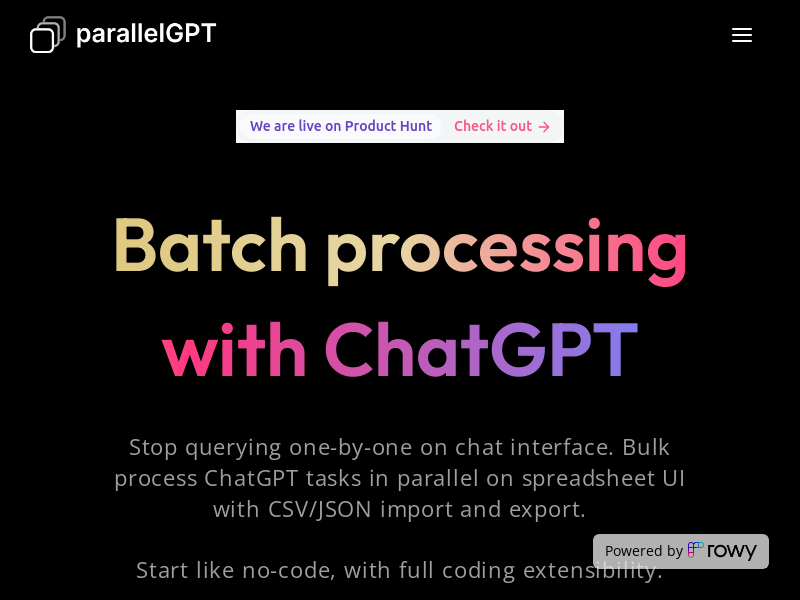
Screenshot archived from the listing page, for preview only.











