
PDF Merge Free
Free browser PDF merger with local processingMerge PDFs online, no upload, no sign up, no watermark
Highlights
What you can do with it
- An employee merges contracts, invoices, and reports into one file to send.
- A student combines notes, references, and assignment reports for review.
- Admin staff join scanned application materials and receipts into a single PDF.
How to use it
- 1 Open the PDF Merge Free website in your browser.
- 2 Add up to 20 PDF files by choosing them or dragging them in.
- 3 Drag the cards to set the order and preview the first page of each file.
- 4 Click merge, then download the finished PDF.
Who it is for
Pros
- Files are processed locally, so nothing is uploaded and privacy is kept.
- No account, no watermark, and no cost to use.
- Simple drag to reorder and preview makes the order easy to control.
Limitations
- There are limits, such as up to 20 files, 100MB per file, and 300 pages.
- Local processing means large files tax your own device and browser.
- With no account or cloud, you must keep your own copy of merged files.
What PDF Merge Free is
PDF Merge Free is a browser based tool that merges several PDF files into one, free of charge. The merging happens locally in your browser, so your files never leave your device and nothing is uploaded to a server, which protects privacy. There is no registration and no watermark on the output, so the merged file stays clean and ready to use. You can add up to 20 PDFs, drag the cards to set the order, preview the first page of each file, and let the tool check for size, page, and encryption problems before you merge. It is built for work, school, and admin tasks where you need to combine documents quickly and safely.
What you can do with it
- Merge multiple PDF files into one without uploading them anywhere.
- Reorder files by dragging the cards and preview the first page of each.
- Catch problems early with checks for file size, page limits, and encryption.
- Clear the workspace and start a new batch without reloading the tool.
Who it is for
- Office workers who combine reports, contracts, and invoices.
- Students who organise notes, references, and assignment files.
- Administrative staff who handle scanned documents and application materials.
What to watch out for
There are hard limits, such as up to 20 files, 100MB per file, and 300 pages, so very large jobs may not fit. Because processing is local, big or many files can tax your own device and browser, and an old machine may feel slow. With no account or cloud storage, you must keep your own copy of merged files, since nothing is saved for you. The tool is free today, but like any free service its features or limits could change, so keep a backup of important documents.
FAQ
Are my files uploaded anywhere?
No. Merging runs locally in your browser, so your files stay on your device.
Is there a limit on how many files I can merge?
Yes. You can add up to 20 PDF files, with a maximum of 100MB per file and 300 pages.
Does the merged PDF have a watermark?
No. The output is clean, with no watermark, and you do not need to register.
Why it is free
What the official page says: for freefree of charge
Free limits, trial length and features are decided by the official site and can change at any time.
Product preview
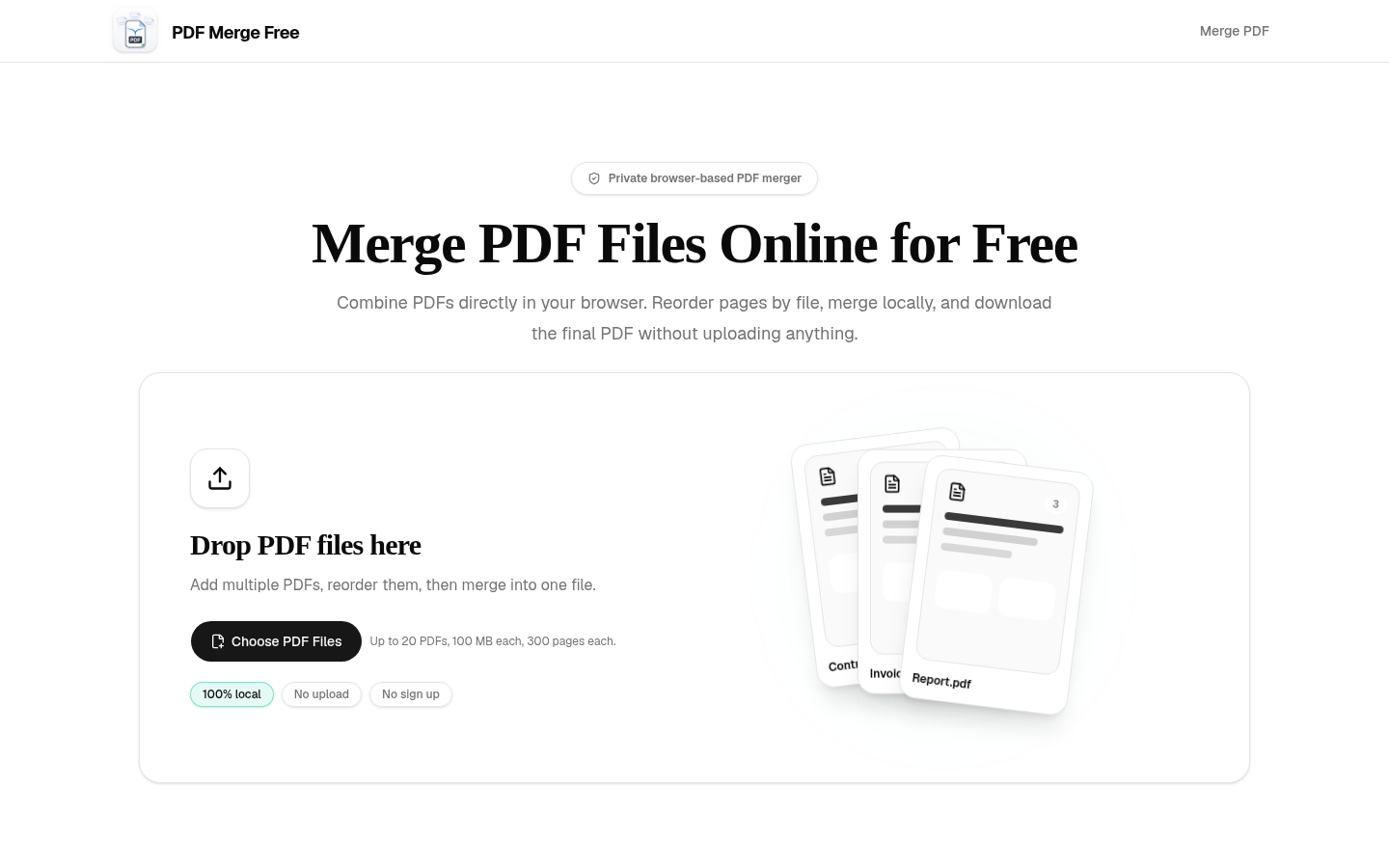
Screenshot archived from the listing page, for preview only.











