
PDF to Markdown Converter
Online PDF to Markdown converter with OCRPDFs into clean Markdown, fast
Highlights
What you can do with it
- Extract content from PDF papers into a research note system
- Convert team documents for faster editing and reuse
- Handle multilingual PDFs in one workflow
How to use it
- 1 Visit the PDF to Markdown Converter website
- 2 Upload the PDF file you want to convert
- 3 Choose the output format and any options
- 4 Click Start Conversion and wait for processing
- 5 Download the converted Markdown file
Who it is for
Pros
- Formatting and layout are preserved in the Markdown output
- OCR helps with scanned documents
- Multi-language support covers common cases
- A free tier lets you test before paying
Limitations
- The free version caps uploads at 5MB
- OCR quality drops on poor scans or complex layouts
- Paid features like larger files need a subscription
- Free limits and pricing can change, so confirm current terms
What PDF to Markdown Converter is
PDF to Markdown Converter is a fast, simple online tool that turns PDF documents into high-quality Markdown. It uses high-precision OCR to pull text out of files while keeping the original layout, and it supports multiple languages including Chinese, English, and Japanese. Headings, lists, and formatting are recognized and converted into Markdown syntax so the output is usable straight away in an editor or note system. A free version allows uploads up to 5MB, while the paid version raises the limit to 30MB and adds more conversion attempts plus priority customer support.
What you can do with it
- Convert PDFs into Markdown with headings and lists preserved.
- Extract text from scanned documents using OCR.
- Convert multilingual PDFs in the same workflow.
- Download the Markdown file for use in notes or editors.
Who it is for
- Product managers who process documents inside a team.
- Researchers pulling content from PDF papers into note systems.
- Freelance writers who handle multilingual documents.
- Anyone who edits PDF content regularly and wants a reusable text format.
What to watch out for
The free version caps uploads at 5MB, so large PDFs need the paid tier, and the limit is low enough that many reports will not fit. OCR quality drops on poor scans, handwriting, or heavily designed layouts, and you should expect to clean up complex tables by hand rather than trusting the output. Paid features such as larger files and priority support require a subscription, and free limits or pricing can change, so confirm current terms before you depend on it for regular work. As with any upload tool, avoid sending confidential documents you are not allowed to process on a third-party server.
FAQ
Is there a free version?
Yes. Free users can upload files up to 5MB, and paid users can upload up to 30MB.
Does it keep the original formatting?
It identifies text, formatting, headings, and lists and converts them into Markdown syntax while keeping the layout.
Which languages are supported?
It supports conversion of PDFs in languages including Chinese, English, and Japanese.
Does it handle scanned files?
It uses OCR technology to extract text, which helps with scanned documents, though quality depends on the scan.
Why it is free
What the official page says: 免费
Free limits, trial length and features are decided by the official site and can change at any time.
Product preview
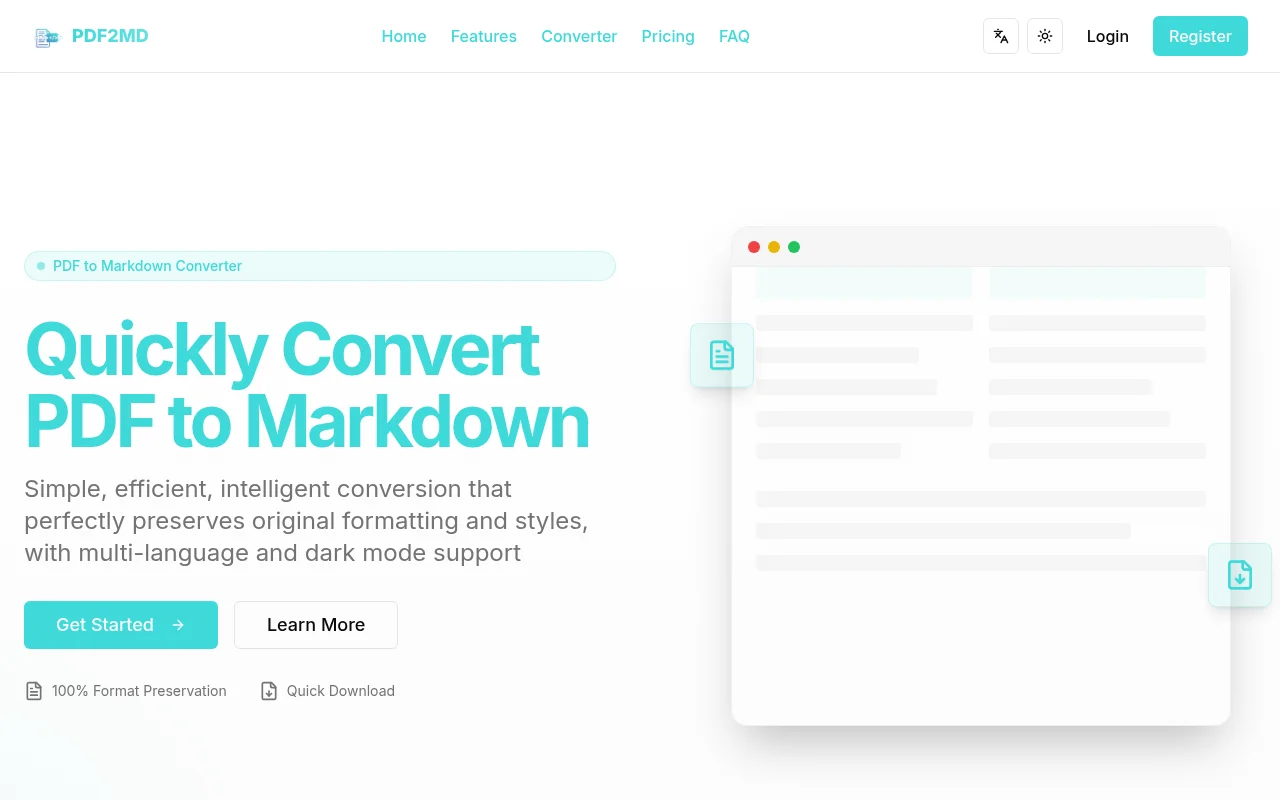
Screenshot archived from the listing page, for preview only.











