PDFSeek
Free AI chat for your PDFsSummarize, translate, and ask PDFs
Highlights
What you can do with it
- Extracting key points from a textbook before an exam
- Comparing several papers in a single chat session
- Pulling key terms out of contracts and reports
How to use it
- 1 Open the PDFSeek website
- 2 Upload a PDF, or drag it in from local storage or a link
- 3 Choose AI translation or one-click summarization
- 4 Type your question into the chat window
- 5 Create folders to chat with several files at once
Who it is for
Pros
- Free to use with no registration
- Answers point back to the page so you can verify
- Side-by-side view keeps answer and document together
Limitations
- Free access may change over time
- Results depend on how clear and text-based the PDF is
- Important details should still be checked against the original
What PDFSeek is
PDFSeek is an AI tool built specifically for PDF documents. You upload a file and can then summarize it, translate it, or ask questions about what it says. Answers are drawn from the document itself and come with a link back to the page they came from, which is the part that matters when you are checking a claim. You can group files into folders and chat with several PDFs in one conversation, and the chat window sits beside the document so you can read the answer and the source together. The site says the tool is free of charge and needs no registration.
What you can do with it
- Summarize a long PDF in one click
- Ask questions about the uploaded document
- Translate PDF content between languages
- Chat with several files in one organized conversation
Who it is for
- College students working through textbooks and coursework
- Researchers reading papers, journal articles, and books
- Professionals handling contracts, financial reports, and manuals
What to watch out for
Free access is stated clearly today, but free rules can change, so treat that as a current offer rather than a permanent one. Results depend on the source file: a clean, text-based PDF produces far better summaries and answers than a scanned image. Anything important, especially numbers, dates, and legal wording, should be checked against the original page rather than taken from the chat. Use the citation links as a habit, not an afterthought. For best results, start with a small test file and review the output carefully before working on anything important. Free tiers can change over time, so it is worth checking the current limits on the official page before you rely on the tool daily.
FAQ
Do I need an account to use PDFSeek?
No. The site says it is free of charge and needs no registration, so you can upload a file and start.
Can I check where an answer came from?
Yes. Answers carry a link to the corresponding page of the PDF, so you can verify the source directly.
Can I work with several PDFs at once?
Yes. You can create folders to organize files and chat with multiple documents in the same conversation.
Why it is free
What the official page says: for freefree of charge
Free limits, trial length and features are decided by the official site and can change at any time.
Product preview
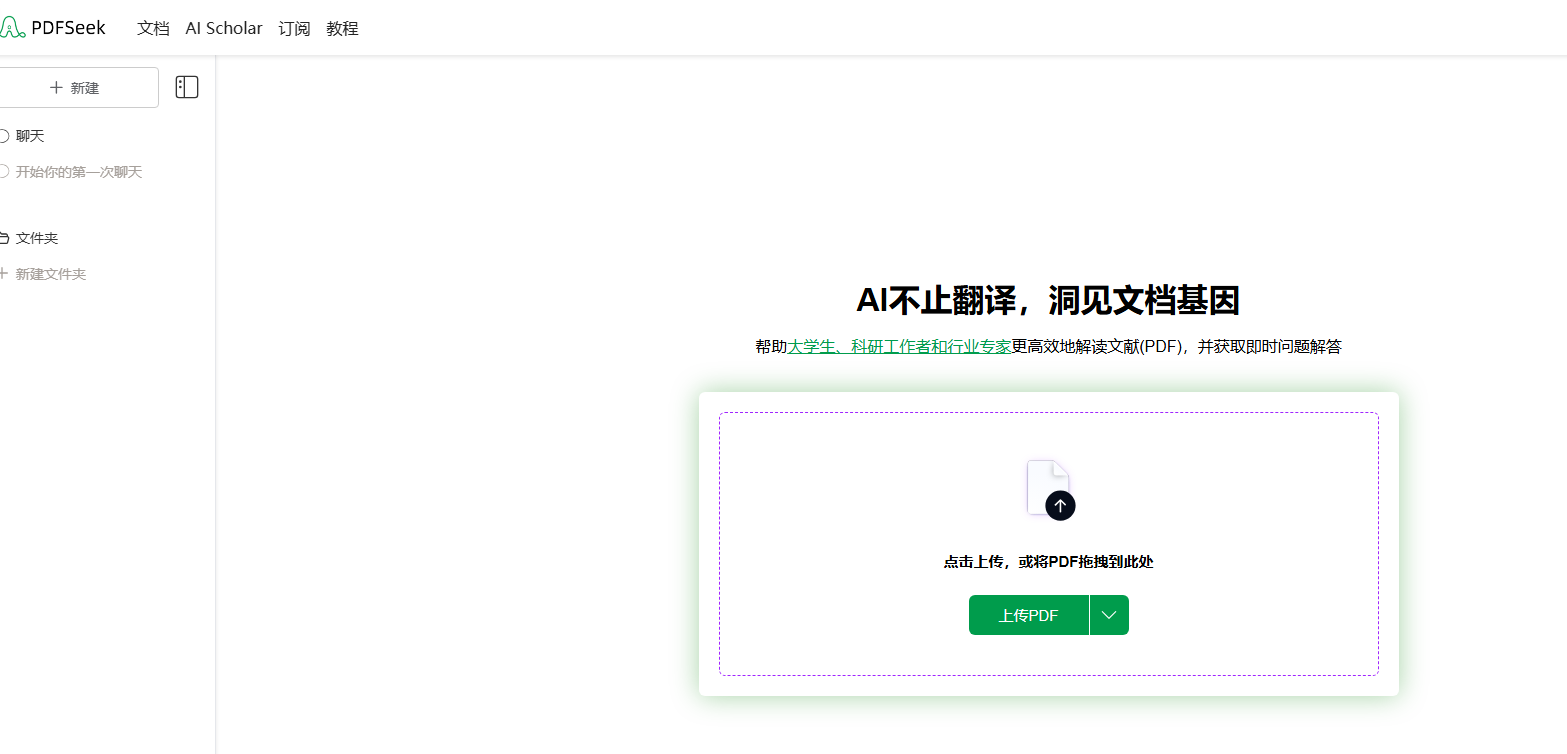
Screenshot archived from the listing page, for preview only.