PDFtoMD
Free PDF to Markdown converter with OCRTurn any PDF into clean Markdown
Highlights
What you can do with it
- A creator turns a PDF book into Markdown for notes
- A researcher converts papers for team sharing and reviews
- A team moves PDF contracts into a searchable knowledge base
How to use it
- 1 Upload the PDF by drag-and-drop or file picker
- 2 Let the engine extract text, headings, and lists (OCR for scans)
- 3 Copy the Markdown or download the .md file
Who it is for
Pros
- Free daily conversions without signing up
- Structure and reading order preserved
- OCR handles scanned and image-based pages
Limitations
- Free plan is capped at 3 conversions a day
- OCR on poor scans can still make mistakes
- Higher volume and page limits need a paid plan, and prices can change
What PDFtoMD is
PDFtoMD is a free online AI tool that converts any PDF into clean, structured Markdown. It detects headings, paragraphs, and lists and writes them out in proper Markdown so the text is easy to edit and reuse. For digital PDFs it reads the real text layer, which keeps the correct reading order without OCR noise or garbled characters. For scanned or image-based pages, it uses AI OCR and offers standard OCR and visual modes. There is a free plan that allows 3 conversions per day with no registration, and a free account raises the limit to 10 pages per day. Each conversion is saved to your account so you can revisit it on any device, and paid plans add higher volume and more features.
What you can do with it
- Convert a PDF to Markdown while keeping its structure
- Read scanned and image-based pages with AI OCR
- Copy the result or download a .md file
- Revisit past conversions saved in your account
Who it is for
- Content creators reformatting PDFs into Markdown notes
- Researchers organizing academic papers for sharing
- Developers and teams that manage Markdown documentation
What to watch out for
The free plan is capped at 3 conversions a day, and the registered free tier is limited to 10 pages per day, so large jobs will need a paid plan. OCR helps with scans, but very poor-quality or handwritten pages can still produce errors that need cleanup. Higher-volume plans and their prices can change, so check the current pricing before you commit. Always verify converted contracts or important text against the original PDF before you rely on it.
FAQ
Is PDFtoMD free?
There is a free plan with 3 conversions per day and no registration; a free account raises the limit to 10 pages per day.
Does it keep the document structure?
Yes. It detects headings, paragraphs, and lists and outputs them in proper Markdown, keeping the correct reading order for digital PDFs.
Can it read scanned PDFs?
It uses AI OCR and offers standard OCR and visual modes for scanned or image-based pages, though very poor scans may still have errors.
Why it is free
What the official page says: free planfree account
Free limits, trial length and features are decided by the official site and can change at any time.
Product preview
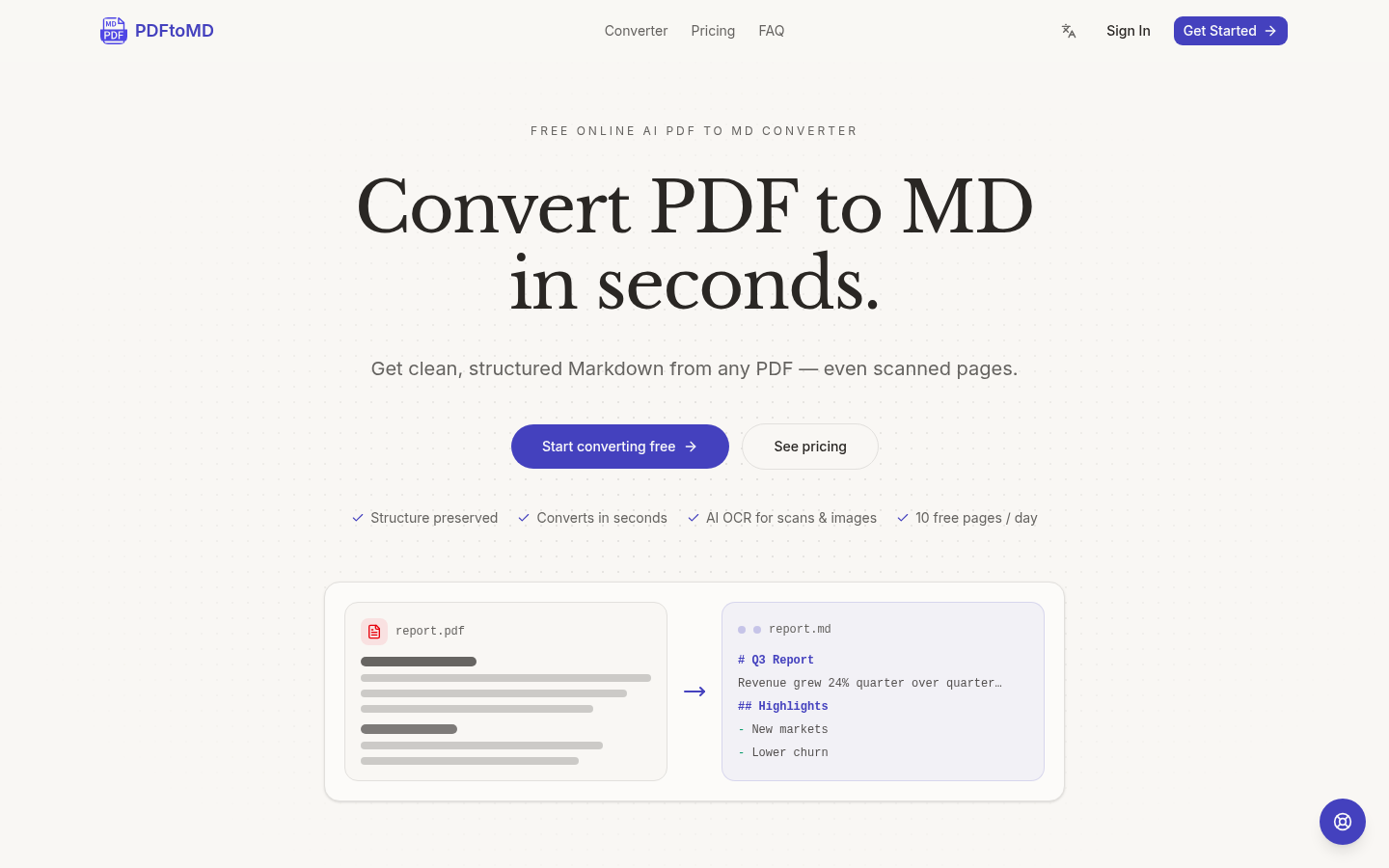
Screenshot archived from the listing page, for preview only.











