
Peakforms
Free AI form builder with conversational surveysForms that ask follow-up questions and find insights
Highlights
What you can do with it
- Run satisfaction surveys that produce actionable feedback rather than shrugs
- Ask questions of your response data in plain language
- Collect customer feedback with your own logo and colours
How to use it
- 1 Build a form and add context such as product docs, policies or FAQs
- 2 Share the form link and let the AI hold a conversation with each respondent
- 3 Ask the data chat feature what people think and read the automatic insights
Who it is for
Pros
- A free plan covers 100 submissions per month
- Follow-up questions surface detail a static form misses
- Knowledge base grounding keeps questions on topic
- Insights and data chat remove manual tagging work
Limitations
- The free plan is limited to 100 submissions per month
- Custom branding and white-label are tied to paid tiers
- Conversational forms take longer for respondents than ticking boxes
- AI analysis is a starting point, not a substitute for reading key responses yourself
What Peakforms is
Peakforms is a free AI form builder aimed at small businesses that want more than a Typeform-style questionnaire. Its core idea is conversational: instead of a fixed list of fields, the AI talks with each respondent, asks follow-up questions based on what they say, and pulls out insight that a static form never reaches. You can attach a knowledge base of product documentation, policies or FAQs so those follow-ups stay relevant to your business. Every response is then analysed automatically for sentiment, topics and entities, and a data chat feature lets you ask questions in plain language, such as what people complain about most. The free plan covers 100 submissions per month, and paid plans start at $15.
What you can do with it
- Build a conversational form in minutes with AI follow-ups
- Ground the AI in your own docs and policies
- Collect feedback that goes deeper than yes or no answers
- Read sentiment, topic and entity analysis without manual tagging
- Ask your response data questions in normal language
Who it is for
- Small businesses that need useful feedback on a tight budget
- Product managers who want to understand real user experience
- Startups validating an idea with early users
- Customer experience teams tired of low-quality survey data
What to watch out for
The free plan stops at 100 submissions per month, so growing volume means a paid tier. Branding options such as custom colours and white-label are reserved for higher plans. Conversational forms also take more of a respondent's time than ticking boxes, which can affect completion rates. Finally, the AI analysis is a starting point: for important decisions, read the actual responses alongside the automatic summaries rather than relying on the dashboard alone.
FAQ
Is Peakforms free?
There is a free plan with 100 submissions per month. Paid plans start at $15 per month.
How is it different from a normal form?
The AI talks to respondents, asks follow-up questions based on their answers and extracts insights a static form cannot reach.
What is the knowledge base for?
You give it product documentation, policies or FAQs, and the AI uses that context to ask smarter, more relevant questions.
Can I ask questions about my data?
Yes. The data chat feature answers plain-language questions such as what people complain about most.
Why it is free
What the official page says: free plan
Free limits, trial length and features are decided by the official site and can change at any time.
Product preview
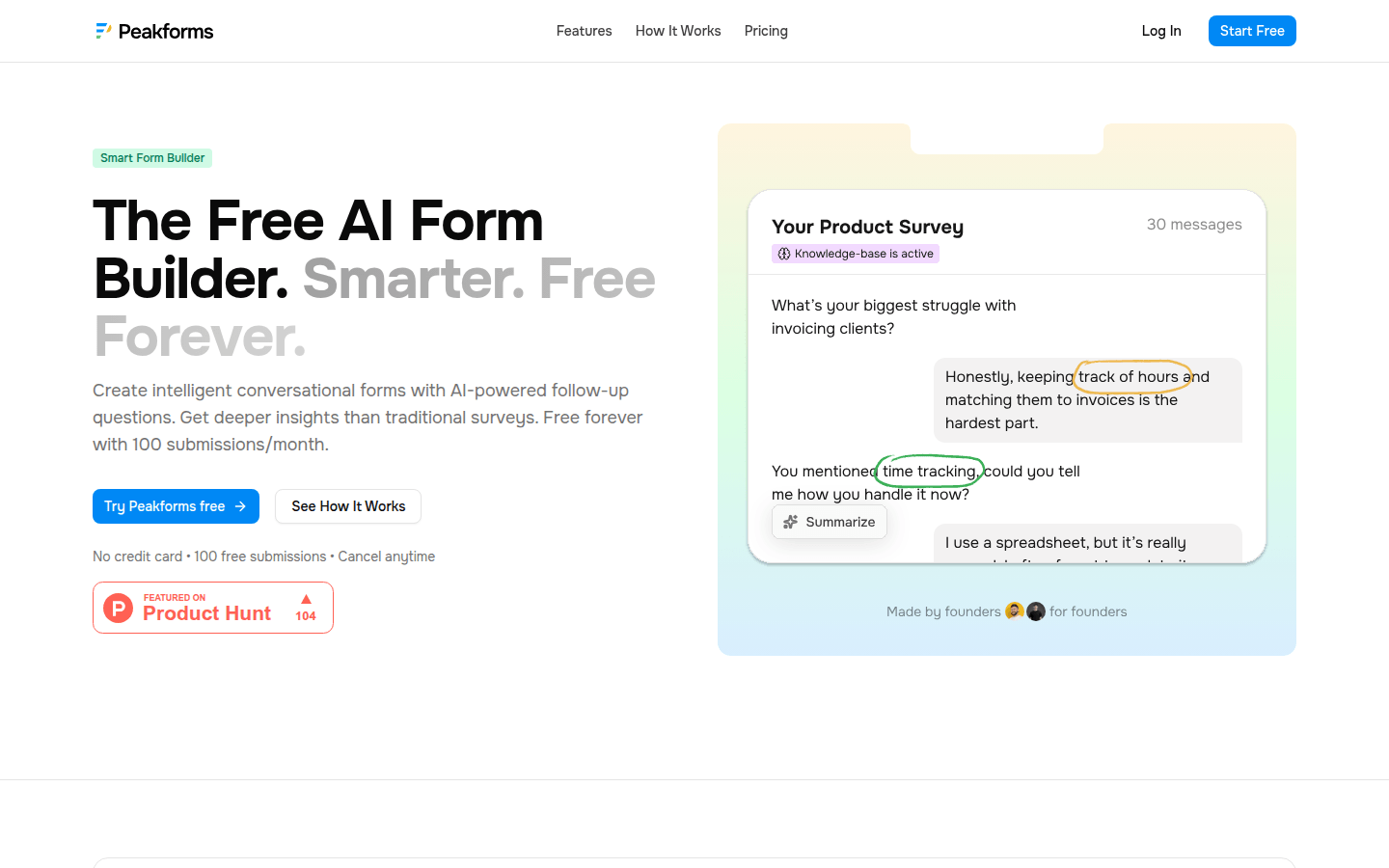
Screenshot archived from the listing page, for preview only.











