
Pegkits
Mac clipboard manager with AI actionsKeep every copy, run AI actions on it, stay local
Highlights
What you can do with it
- Writers collecting text and images from many tabs without losing earlier copies
- Developers storing code snippets and running formatting or conversion actions
- Marketers keeping product links and images, then shortening URLs in one step
How to use it
- 1 Download Pegkits from the official website and install it on your Mac
- 2 Copy content as usual; Pegkits saves each item automatically
- 3 Create folders that match how you work, such as projects or clients
- 4 Set up custom AI operations for the actions you repeat most
- 5 Start on the free version, or buy a one-time license for permanent use
Who it is for
Pros
- Local-only storage keeps clipped data private and available offline
- Custom AI actions automate small repeated copy tasks
- One-time license instead of a recurring subscription
Limitations
- Mac only, so Windows and Linux users are out of scope
- Free version caps at 50 clipboard saves and 50 AI operations
- License pricing and discount details can change, so check the site before buying
What Pegkits is
Pegkits is a clipboard application designed for Mac. The system clipboard remembers only one item at a time, which means frequent copying overwrites what you had before. Pegkits keeps every copied item and saves new copies automatically, so earlier content is still there when you need it. Everything runs locally on your machine: there is no cloud synchronization and no data collection, and the app works offline. There is a free version with 50 clipboard saves and 50 AI operations, and a one-time paid license for permanent use.
What you can do with it
- Keep multiple copied items instead of losing them to the next copy
- Build custom AI operations, such as shortening URLs or cleaning text formatting after copying
- Create folders that match your own thinking, like projects, clients, code snippets, or design tokens
- Convert colors and reformat text directly from the clipboard history
Who it is for
- Knowledge workers who copy and paste across many apps every day
- Developers who collect code snippets and need quick transformations
- Designers and marketers who handle links, images, and color values
What to watch out for
Pegkits is a Mac-only app, so it will not help if you work on Windows or Linux. The free version is capped at 50 clipboard saves and 50 AI operations, which is enough to evaluate the workflow but not for heavy daily use. The paid license is a one-time purchase, but the listed price and discount code can change over time, so confirm current terms on the official site. As with any clipboard tool, be mindful about copying sensitive information, even though the app itself keeps data local.
FAQ
Does Pegkits sync my clipboard to the cloud?
No. It runs entirely on your Mac with no cloud synchronization and no data collection.
Is there a free version?
Yes. The free version includes 50 clipboard saves and 50 AI operations.
What kind of AI operations can I set up?
Actions such as shortening URLs, cleaning text formatting, or converting colors after you copy.
Why it is free
What the official page says: free version
Free limits, trial length and features are decided by the official site and can change at any time.
Product preview
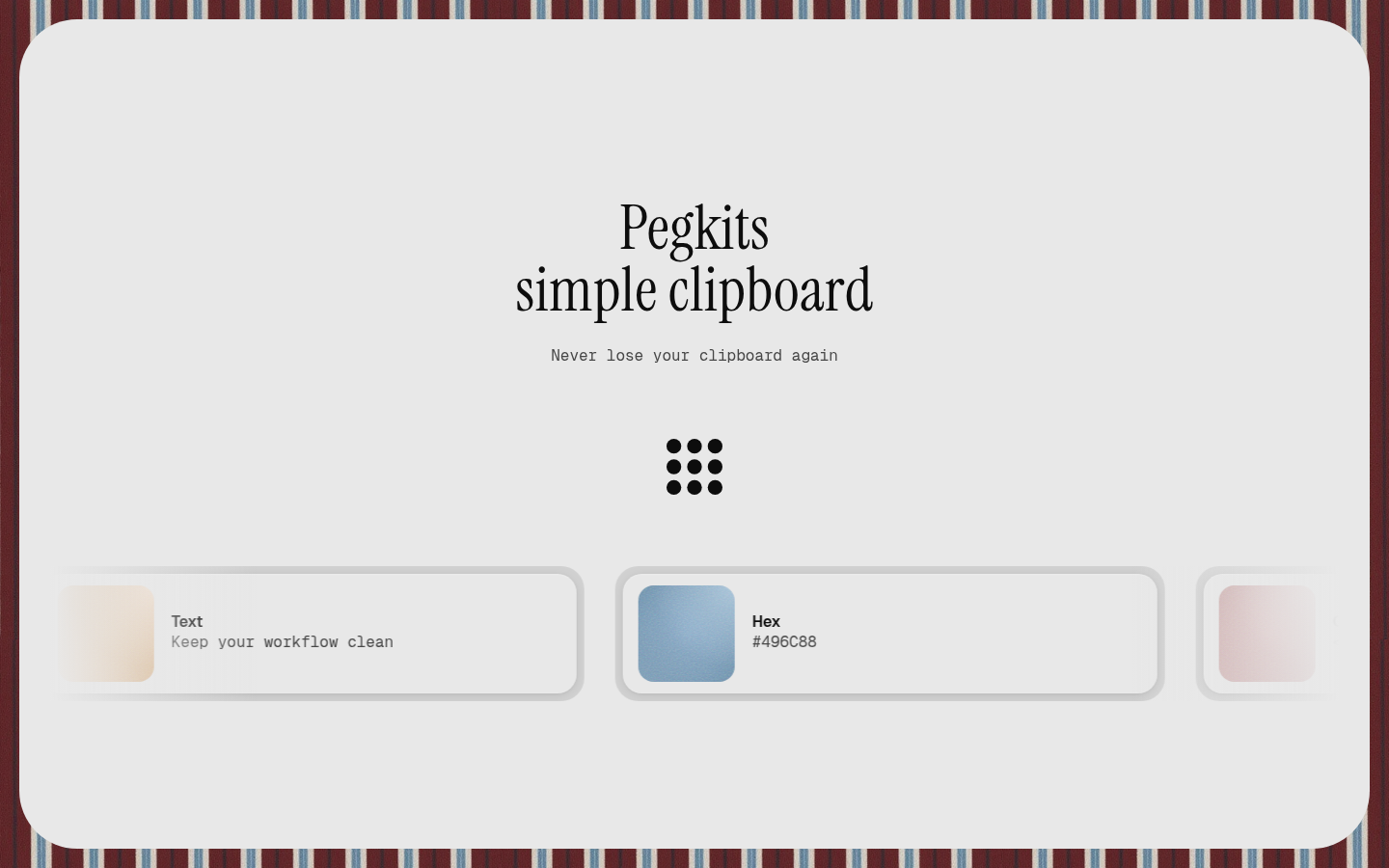
Screenshot archived from the listing page, for preview only.











