Phind
A search and answer engine built for technical questionsInstant answers, explanations, and examples for developers
Highlights
What you can do with it
- Look up documentation and usage patterns while writing code
- Resolve error messages by searching for detailed explanations
- Learn a new technology with answers that include examples
How to use it
- 1 Open phind.com in your browser
- 2 Type a technical question, an error message, or a topic into the search box
- 3 Read the answer along with its explanations and code examples
- 4 Follow up in chat mode to refine the question or ask for more detail
- 5 Log in if you want to keep personalized settings across sessions
Who it is for
Pros
- Answers come with explanations and examples, not just links
- Search and chat cover both quick lookups and deeper questions
- A free version is available for trying it out
Limitations
- Answers are generated from search results and models, so they can be wrong or outdated
- The free version's limits and any paid options are set by the official site and may change
- Coverage depends on what is publicly indexed, so very new or niche topics may return thin results
What Phind is
Phind is a search and answer engine built specifically for technical questions. It combines a search backend with smart algorithms, so when you ask about an error message, a library, or a concept, it returns an answer with explanations and examples rather than a plain list of links. The product's core functions are search, chat, and user login with personalized settings, which means repeat users can keep their preferences between sessions. A free version is available, and what that version includes is set by the official site. The stated audience is developers, students, and tech enthusiasts who need fast, accurate technical knowledge, whether they are reading documentation, fixing errors, or learning something new.
What you can do with it
- Search for an answer to a specific technical question and get instant results.
- Read explanations and code examples that show how a concept works in practice.
- Debug an error by pasting the message and receiving a detailed answer.
- Follow up in chat mode to narrow the question or ask for more depth.
Who it is for
- Developers looking up documentation, errors, and usage patterns while coding.
- Students learning programming or computer science topics with worked examples.
- Tech enthusiasts who want explanations rather than short summaries.
What to watch out for
Answers are generated from search results and models, so they can be wrong, outdated, or missing edge cases; verify against official documentation before relying on them in production. The free version's limits and any paid options are set by the official site and may change. As with any search product, coverage depends on what is publicly indexed, so very new or niche topics can return thin results that still need manual checking.
FAQ
What is Phind for?
Phind provides instant answers, explanations, and examples for technical questions, from documentation lookups to debugging errors.
Is there a free version?
Yes. Phind offers a free version, and what it includes is set by the official site.
Who is Phind aimed at?
It targets developers, students, and tech enthusiasts who need efficient answers to technical problems.
Can I rely on the answers for production code?
Treat them as a strong starting point. Verify against official documentation before relying on any answer in production.
Why it is free
What the official page says: free version
Free limits, trial length and features are decided by the official site and can change at any time.
Product preview
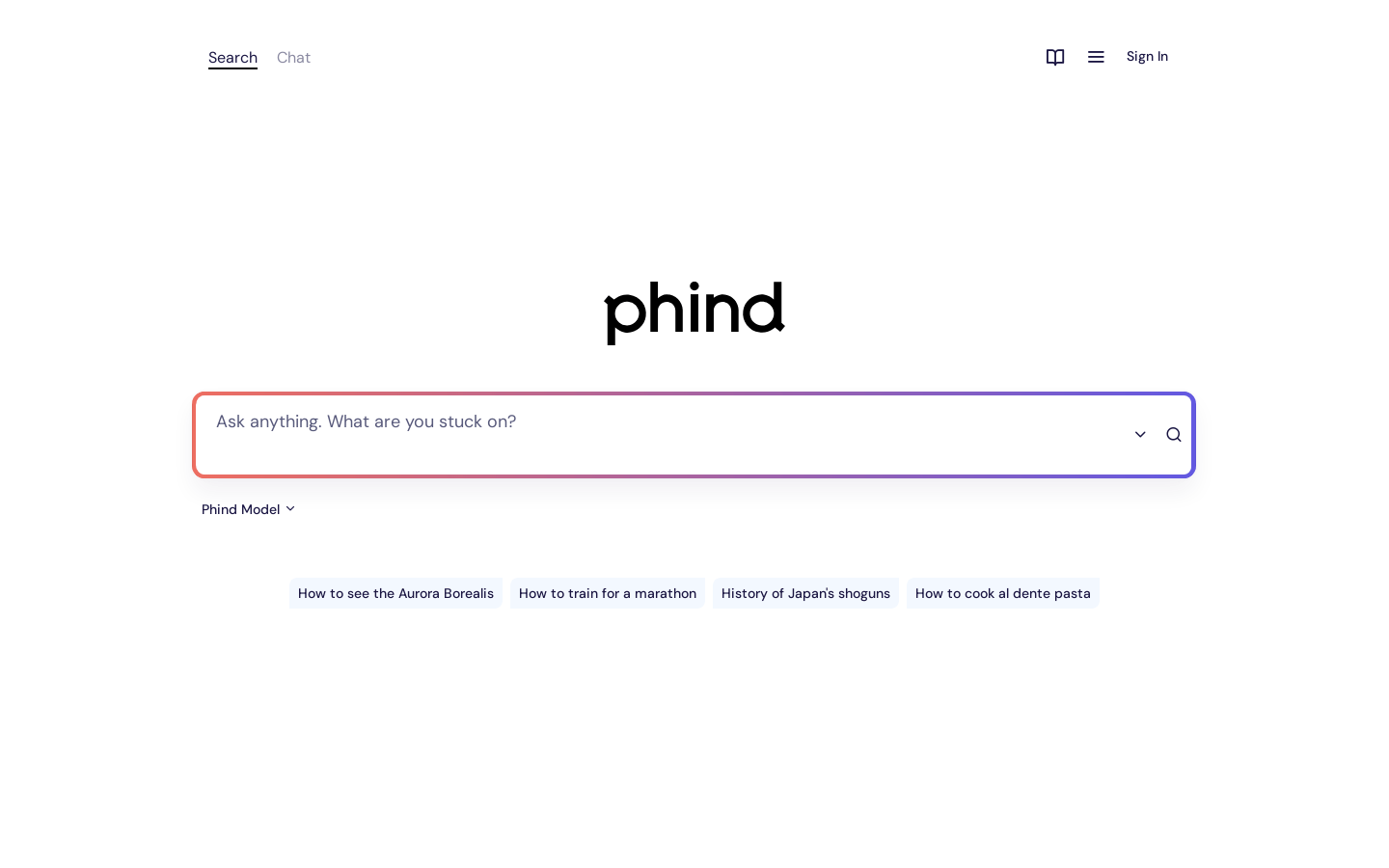
Screenshot archived from the listing page, for preview only.