PicWordify
Automatic alt text for website imagesAlt text for SEO and accessibility
Highlights
What you can do with it
- Add alt text to an older blog library in bulk
- Improve accessibility on an online store
- Serve multilingual image descriptions across a site
How to use it
- 1 Create an account on the PicWordify site
- 2 Choose the free or paid plan
- 3 Follow the guide for your platform such as WordPress or Shopify
- 4 Paste the code snippet into your HTML
- 5 Let the tool generate alt text and monitor the results
Who it is for
Pros
- Free plan to start
- One line of code
- Context-aware output
- Broad platform support
Limitations
- Free plan is credit-based and limited
- Generated descriptions still need review
- Relies on your site's code staying in place
- Plan allowances can change
What PicWordify is
PicWordify uses AI to write alt text for the images on your website. Alt text is the description that screen readers use and search engines index, and writing it by hand across a large site is slow work. PicWordify automates it: you add one line of code, and it generates descriptions for new and existing images, reading the surrounding text and page context so the description stays relevant. It supports more than 130 languages, handles batch jobs, and offers an API. It works with WordPress, Shopify, React, and plain HTML, and a free plan provides a starting credit allowance with one credit used per image.
What you can do with it
- Generate alt text for every image on a site.
- Add descriptions to an older image library in bulk.
- Serve multilingual descriptions across regions.
- Improve accessibility for screen reader users.
- Strengthen image search visibility with keyword-rich text.
Who it is for
- Site owners who need accessibility coverage.
- SEO-focused marketers chasing image traffic.
- Developers integrating alt text through the API.
What to watch out for
Generated descriptions still need review, because context analysis can misread an image and a wrong description is worse than a short one. The free plan is credit-based, so large libraries need a paid plan. The snippet has to stay in your page code for descriptions to keep updating, and plan allowances can change. Free tiers and usage limits can change, so check the current rules on the official page before relying on it long term. Processing speed depends on file size and network conditions, so retry later if a task stalls during peak hours.
FAQ
Is there a free plan?
Yes, the free plan includes a credit allowance, with one credit used per image.
How does integration work?
You add one line of code, with guides for WordPress, Shopify, React, and HTML.
How many languages are supported?
More than 130.
Why it is free
What the official page says: free plan
Free limits, trial length and features are decided by the official site and can change at any time.
Product preview
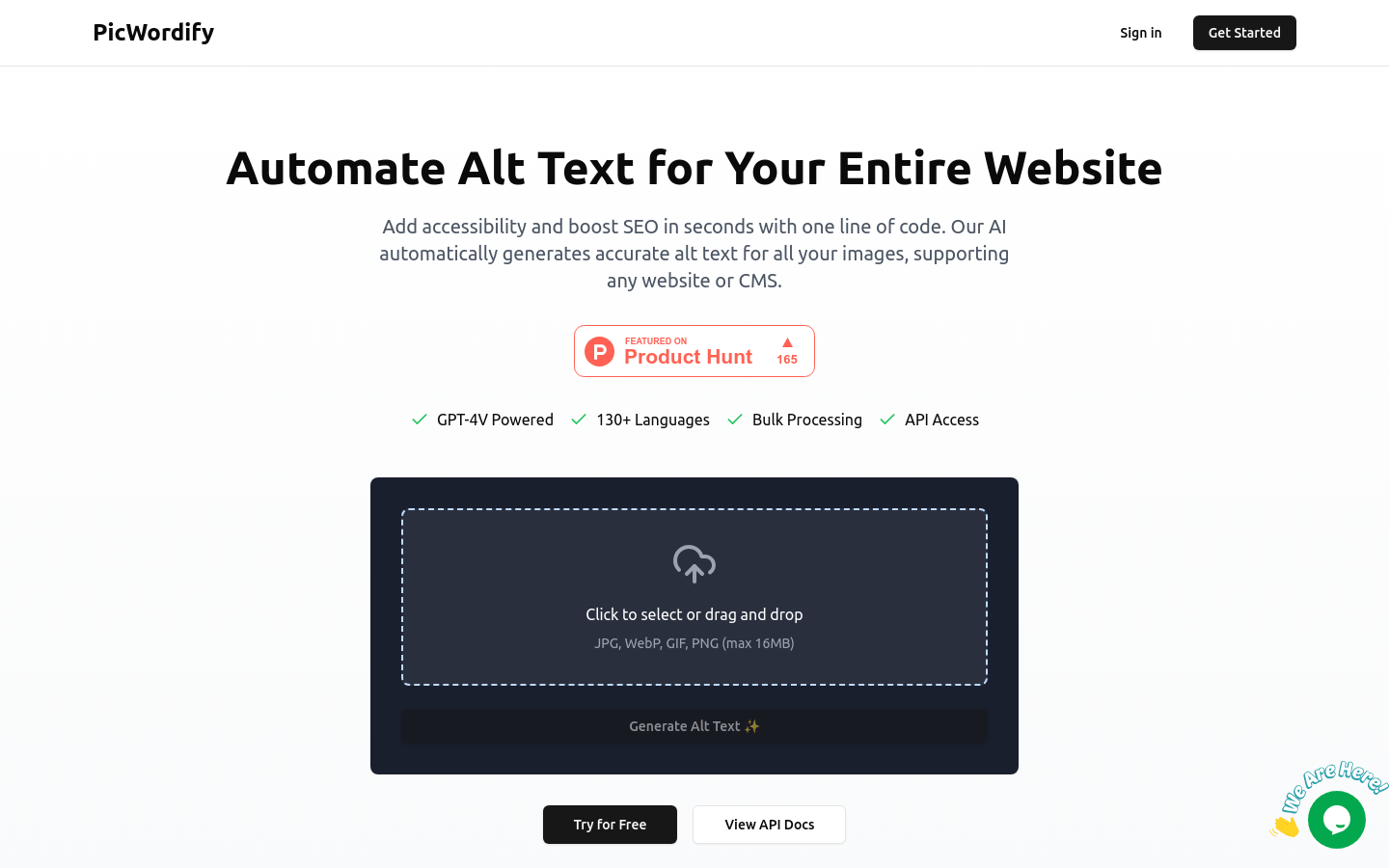
Screenshot archived from the listing page, for preview only.