PiiPii Bear
No-code AI application platformBuild simple AI apps by configuration
Highlights
What you can do with it
- Use voice commands to draft a simple email
- Upload printed text for OCR recognition and conversion
- Generate keyword tags for an article automatically
How to use it
- 1 Open the PiiPii Bear platform
- 2 Pick the AI module you need, such as voice or text tools
- 3 Configure it with simple settings, no programming
- 4 Run the module to handle your task
Who it is for
Pros
- Free-to-use model lowers the entry barrier
- Several AI capabilities in one platform
- Configuration instead of programming
Limitations
- Free terms can change; confirm current limits on the site
- Simple configuration means less flexibility than custom code
- Voice and image features should be used responsibly and within platform rules and local law
What PiiPii Bear is
PiiPii Bear is a comprehensive AI application and service platform. It brings together voice recognition, voice synthesis, text generation, image processing, smart Q&A, and semantic understanding in one place. The idea is simple: pick the capability you need, configure it, and use it, with no programming required. The platform follows a free-to-use model and aims to lower the threshold for working with AI in everyday tasks at work and at home.
What you can do with it
- Speak a command and have the platform draft a simple email
- Upload printed text for OCR recognition and convert it to electronic text
- Generate keyword tags for articles automatically
- Combine voice, text, and image modules into a small AI application
Who it is for
- Non-technical users who want AI help without writing code
- Office workers automating small repetitive tasks
- Creators and writers organizing text and image material
What to watch out for
The free-to-use model is the current policy and can change, so review the site for limits before depending on it. Configuration is easy but rigid compared with custom development, so unusual needs may not fit the available modules. Voice and image features should be used responsibly: follow the platform's rules, respect other people's consent and privacy, and stay within local law. Generated text still needs human review before you send or publish it. For best results, start with a small test file and review the output carefully before working on anything important. Free tiers can change over time, so it is worth checking the current limits on the official page before you rely on the tool daily. If the result is not quite right, try adjusting your input description or settings and run the task again.
FAQ
Do I need to code?
No. The platform is designed for configuration without programming.
What can it do?
It covers voice recognition, voice synthesis, text generation, image processing, smart Q&A, and semantic understanding.
Is it free?
The platform adopts a free-to-use model.
Why it is free
What the official page says: 免费使用免费
Free limits, trial length and features are decided by the official site and can change at any time.
Product preview
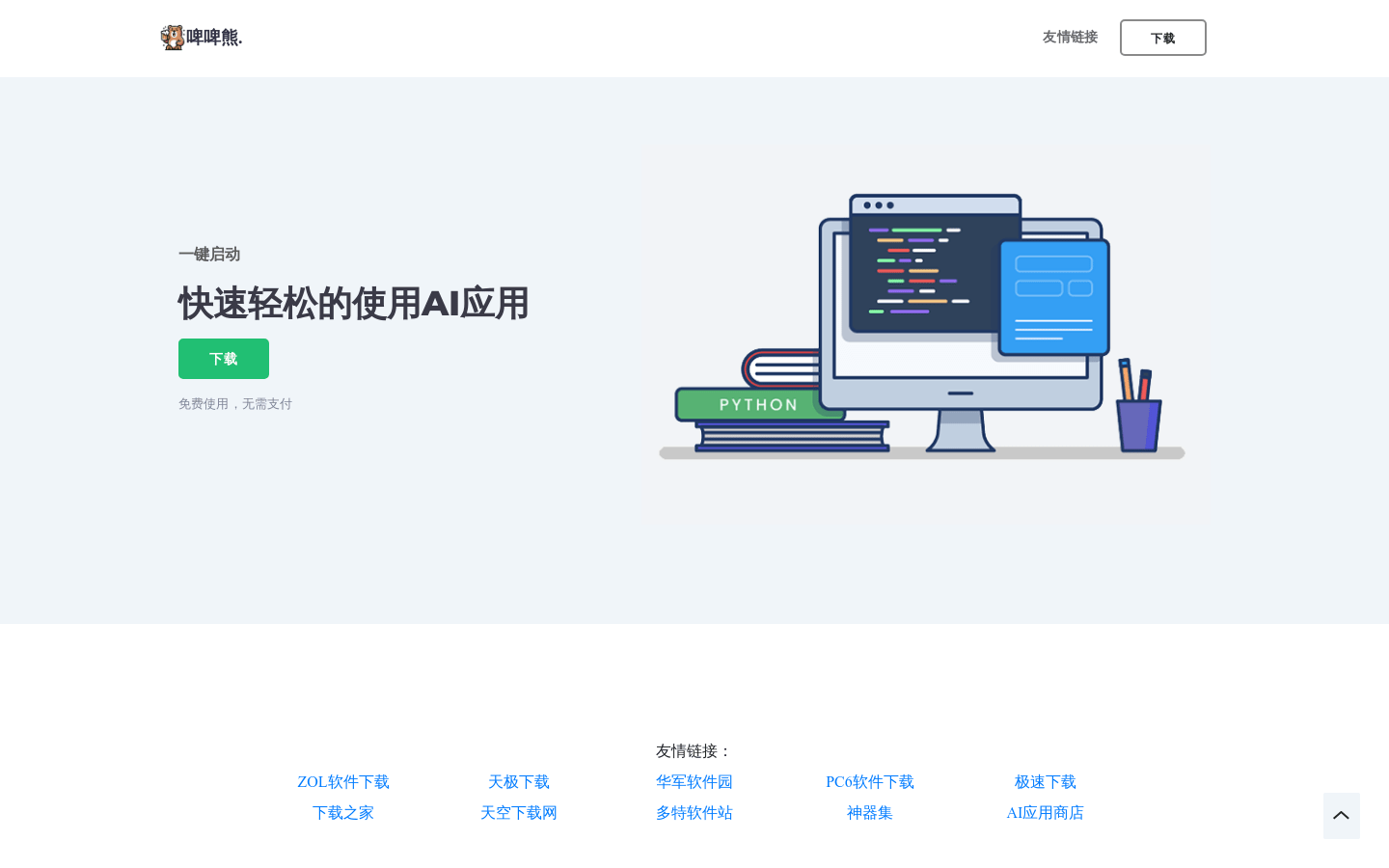
Screenshot archived from the listing page, for preview only.