
YoutubeSummarizer
AI YouTube video summarizerKey points from any YouTube video
Highlights
What you can do with it
- Students pulling core knowledge out of educational videos.
- Professionals extracting key facts from industry analysis videos.
- Curious users getting the basics of a new field fast.
How to use it
- 1 Visit the site or install the Chrome extension.
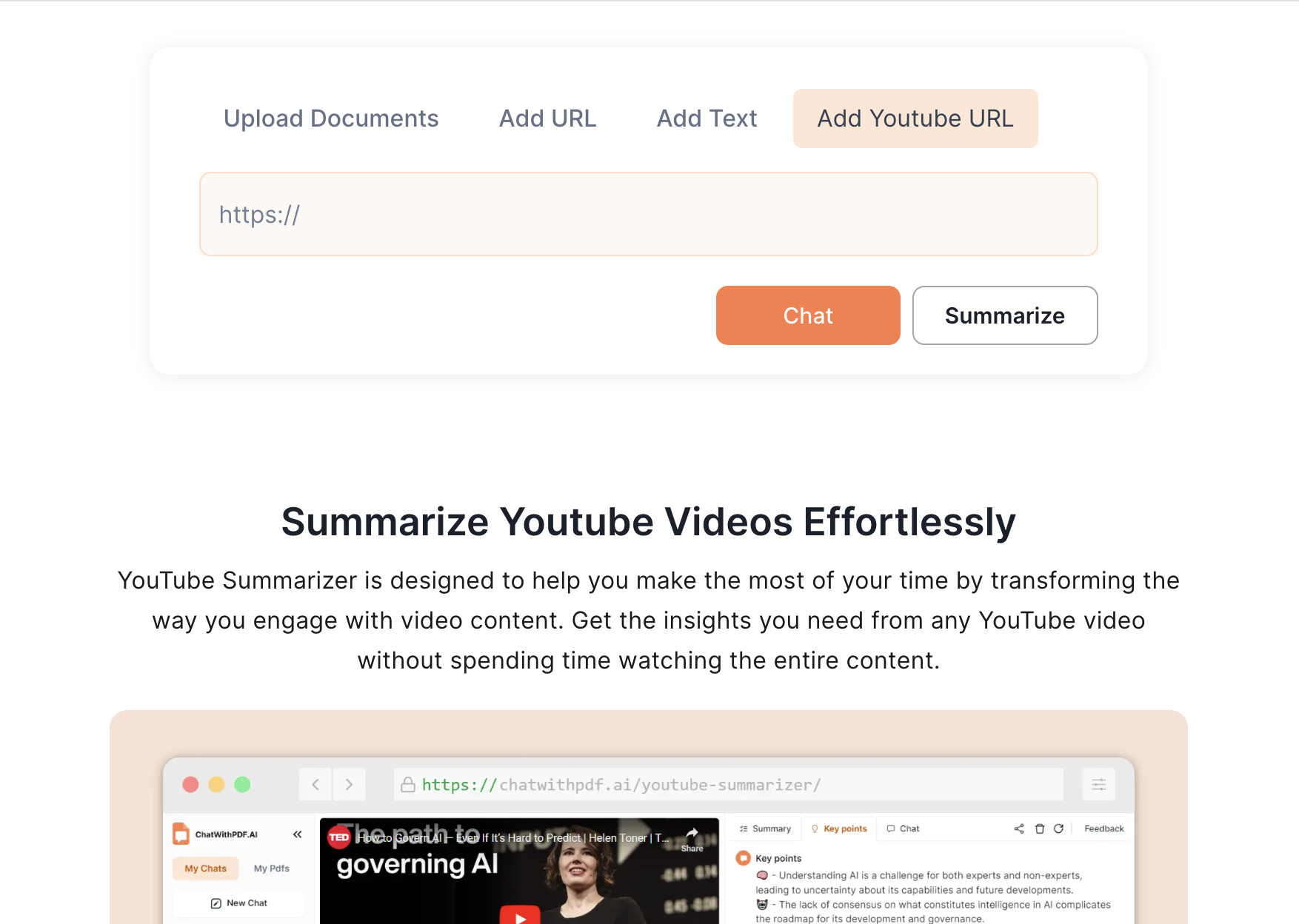
- 2 Add the YouTube video URL and submit the link.
- 3 Wait for the AI to analyze and generate the summary.
- 4 Read the takeaways and use timestamps to jump to key parts.
- 5 Use the chat feature to ask follow-up questions about the video.
Who it is for
Pros
- Free with no registration and no payment.
- Works as a Chrome extension right in the browser.
- Timestamps and chat make it easy to dig deeper.
Limitations
- Summary quality depends on the video and how clearly it is structured.
- It processes public YouTube links, so private or restricted videos may not work.
- Free access and extension behavior can change over time.
What YoutubeSummarizer is
YoutubeSummarizer is a free AI tool that pulls the key points out of YouTube videos and returns a short, clear summary. It is completely free and needs no registration, and it runs as a Chrome extension so you can summarize videos right inside your browser. Instead of watching a long video end to end, you get bulleted takeaways, timestamped links to the important moments, and a chat feature that lets you ask questions about the content. That makes it useful for study, research, and quick reference when you want to save time and focus on what matters.
What you can do with it
- Paste a YouTube video URL and let the AI analyze it.
- Read a concise, bulleted summary of the main points.
- Use timestamps to jump straight to the sections you care about.
- Ask the built-in chat follow-up questions about the video.
Who it is for
- Students who want the core knowledge from long educational videos.
- Professionals who need fast insight from industry talks and analysis.
- Curious users who want the basics of a new topic without a full watch.
- Viewers who want a quick recap before deciding to watch in full.
What to watch out for
Summary quality depends on the video itself, so a poorly structured, very long, or fast-paced video may produce a thinner or less accurate summary. The tool works on YouTube links, so private, restricted, or region-blocked videos may not process at all. Since it is free, the extension's features, limits, and availability can change over time, so keep a backup plan for videos you truly need to understand in depth.
FAQ
Does YoutubeSummarizer cost anything?
No. It is completely free and all functions are available without payment.
Do I need to sign up?
No registration is required. You can add a video URL and start right away.
How do I get to the important parts of a video?
The summary includes timestamps so you can jump straight to the sections that matter, and you can ask the chat follow-up questions.
Why it is free
What the official page says: no registrationcompletely free
Free limits, trial length and features are decided by the official site and can change at any time.
Product preview
Screenshot archived from the listing page, for preview only.











