
Pitivi
Free video editor from the GNOME projectIntuitive editing on the Linux desktop
Highlights
What you can do with it
- Personal video editing projects
- Professional video production work
- Educational training video editing
How to use it
- 1 Install Pitivi on your computer.
- 2 Import your video and audio files.
- 3 Arrange clips on the timeline.
- 4 Edit, trim, and adjust the sequence.
- 5 Export the finished project.
Who it is for
Pros
- Free to use
- Open source project with a long history
- Flexible enough for both simple and precise editing
- Works locally on your own machine
Limitations
- It is a desktop application tied to the GNOME project, so it fits Linux environments first
- Advanced editing has a learning curve
- Support comes from the community rather than a paid help desk
- Format and device support depends on the GStreamer plugins installed
What Pitivi is
Pitivi is a free video editor built on GStreamer Editing Services and maintained as a GNOME project. It aims to be intuitive and flexible, suitable for beginners who want a clean timeline and professionals who need precise control. The editor handles personal projects, professional production work, and educational training videos, and there is no charge to use it. Because it is a desktop application rather than a web tool, you install it locally and work with files on your own machine, which suits people who prefer offline editing and open source software.
What you can do with it
- Edit personal, professional, and educational video projects.
- Work on a timeline with control over clips and sequence.
- Use an open source editor with no license cost.
- Keep editing offline on your own machine.
Who it is for
- Beginners who want a straightforward desktop editor.
- Professionals who need frame level control on Linux.
- Educators assembling training material.
What to watch out for
Pitivi is a desktop application associated with the GNOME project, so it fits Linux environments first and may not be the easiest choice on other systems. Advanced editing has a learning curve, and support comes from the community rather than a paid help desk. Format and device support depends on the GStreamer plugins installed, so check playback and export for your specific camera or phone footage. For team use, agree on naming and editing conventions in advance to avoid version conflicts or duplicated work. Name and archive exported files consistently so you can find and reuse them, and keep a backup copy of key data. Save a backup of the original file before large batch jobs, and keep an exported copy of key results in case the page or service becomes temporarily unavailable.
FAQ
Is Pitivi free?
Yes, the description states that it is free to use.
What is it built on?
It is built on GStreamer Editing Services and maintained as a GNOME project.
Who is it for?
It is aimed at both beginners and professionals who need video editing.
Is it a web tool?
No, it is a desktop application that you install and run locally.
Why it is free
What the official page says: free to use
Free limits, trial length and features are decided by the official site and can change at any time.
Product preview
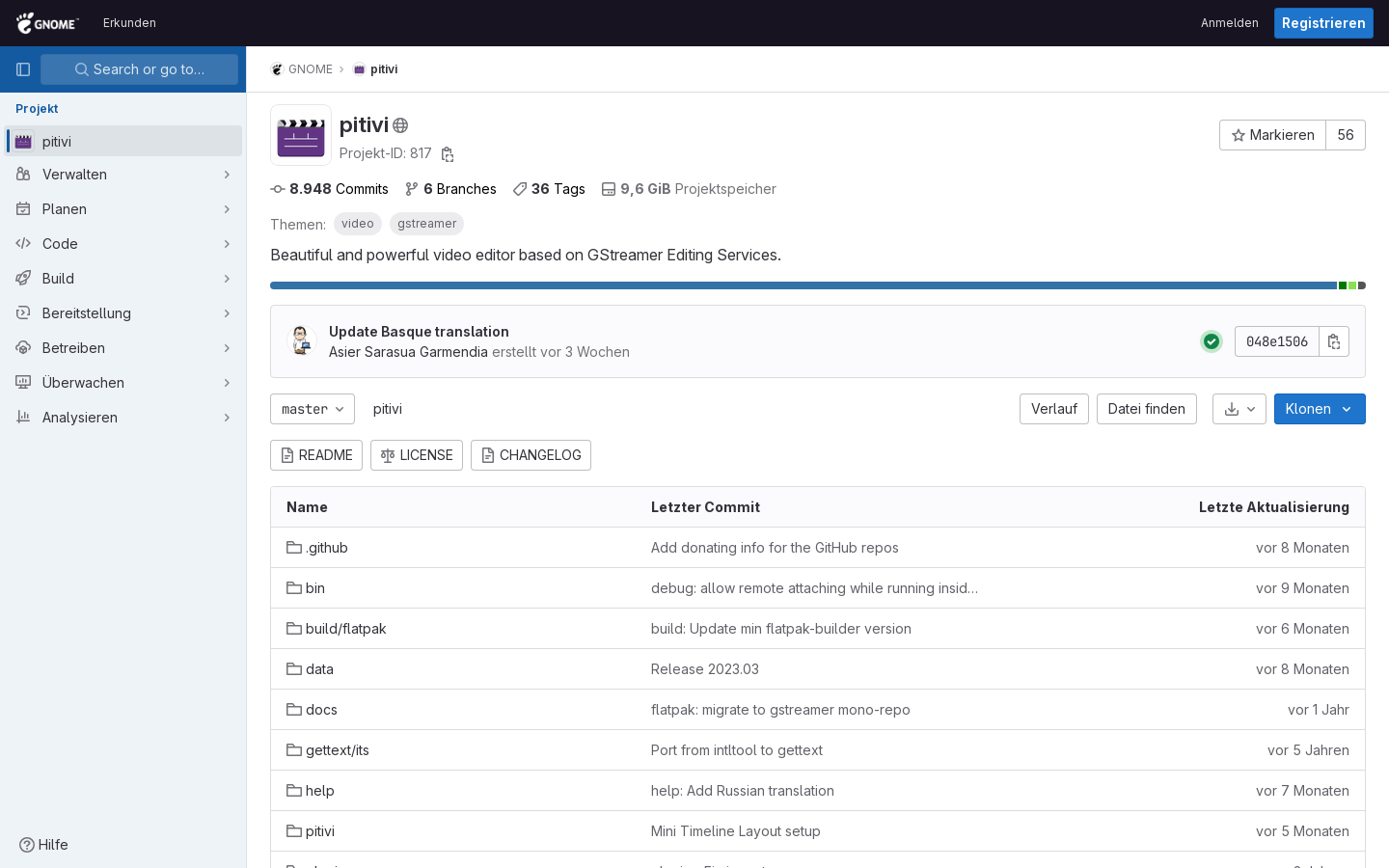
Screenshot archived from the listing page, for preview only.











