
Planby Now
No-code schedule and planner builderDrag, drop, publish a schedule
Highlights
What you can do with it
- Conference organizers publish event schedules
- Music festivals plan performance times by stage
- Nutrition experts manage client diet and fitness plans
How to use it
- 1 Upload your CSV or JSON data
- 2 Choose a template for your schedule type
- 3 Customize colors, layout, and branding
- 4 Design the interface with drag-and-drop
- 5 Integrate with your web platform
- 6 Publish the schedule
Who it is for
Pros
- Builds schedules without code
- Multiple schedule types in one tool
- Embeds into common website platforms
Limitations
- Paid plans at 39 and 59 US dollars per month
- Data must be formatted before upload
- Some integrations are still coming
What Planby Now is
Planby Now is a tool for building and publishing schedules without any code. You upload data as CSV or JSON, choose from ready-made templates, and design the layout with a drag-and-drop builder. It supports several schedule types, including planners, Gantt charts, calendars, schedulers, and timelines, so the same tool covers different planning needs. Finished schedules can be embedded into platforms such as Webflow, Framer, WordPress, and Bubble, and the output is responsive so it works on phones and desktops. A free trial is available, with paid plans at Essential for 39 US dollars per month and PRO for 59 US dollars per month.
What you can do with it
- Upload schedule data from CSV or JSON files
- Pick a template and update it on hourly, daily, or weekly intervals
- Customize branding, colors, and layout
- Build planners, Gantt charts, calendars, and timelines
- Embed the schedule into your existing website
For a conference, the schedule can show speakers, times, and topics and sit directly on the event site. For a music festival, performance times and stages can be laid out in a branded way. For a coach or nutrition expert, client plans can be managed and tracked in one place. The responsive output matters because attendees usually check schedules on a phone.
Who it is for
- Event planners who need schedules live fast
- Business managers coordinating projects and meetings
- Professionals such as musicians and athletes managing timetables
Anyone who regularly publishes a schedule to the web and does not want to hand-build it each time is the target user.
What to watch out for
Paid plans cost 39 or 59 US dollars per month, so it is a subscription rather than a one-time purchase. Your data has to be formatted correctly before upload, and cleaning up messy spreadsheets takes time. Some integrations, such as Google Calendar, are listed as coming soon rather than available. The free trial is the right way to check that your data imports cleanly before you commit.
FAQ
What can I build with Planby Now?
Planners, Gantt charts, calendars, schedulers, and timelines.
Do I need to code?
No. It uses an intuitive drag-and-drop builder.
What does it cost?
A free trial is available, then Essential at 39 US dollars per month or PRO at 59 US dollars per month.
Why it is free
What the official page says: free trial
Free limits, trial length and features are decided by the official site and can change at any time.
Product preview
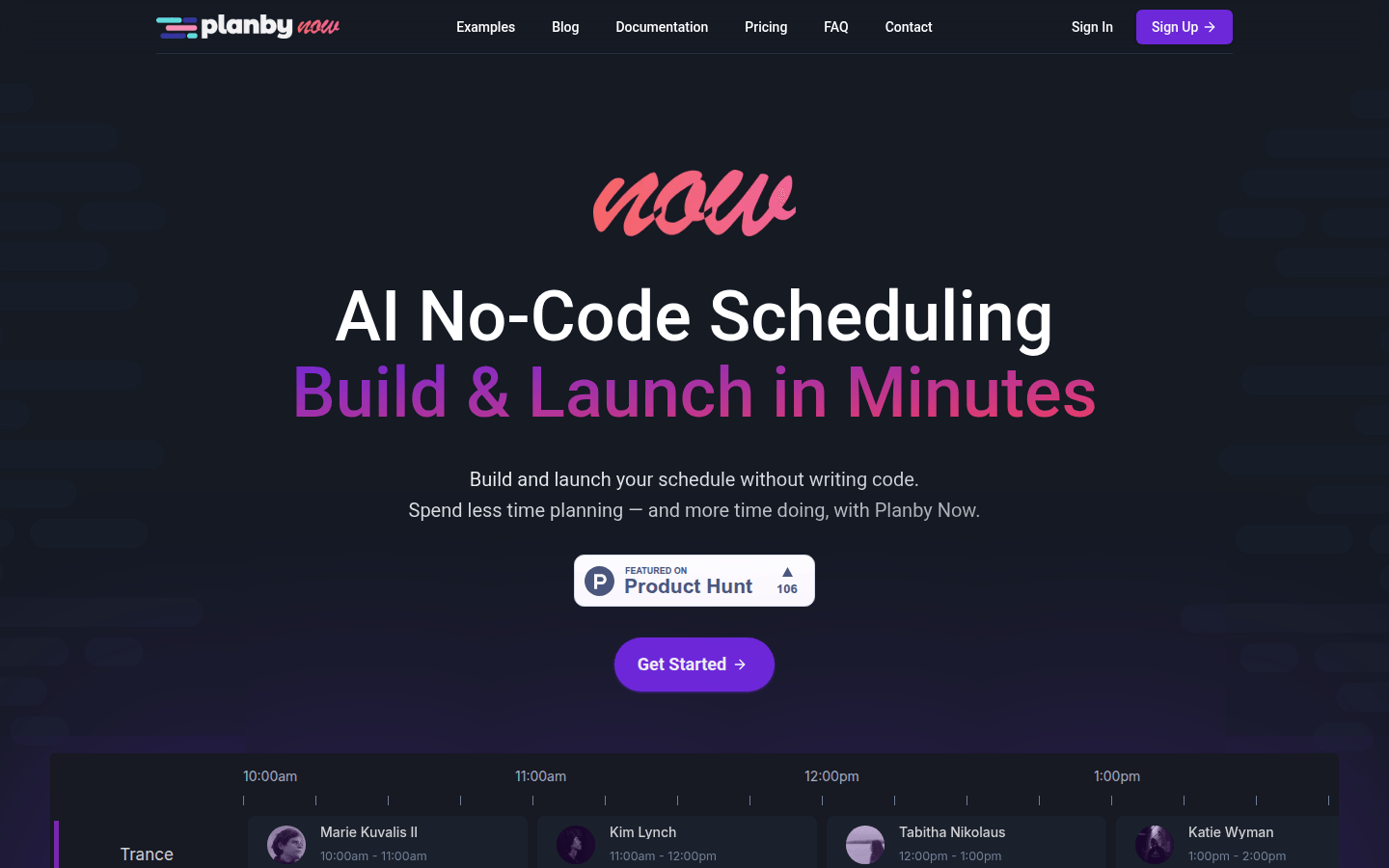
Screenshot archived from the listing page, for preview only.











