
Platus
AI workspace for lawyersAutomate tedious legal document work
Highlights
What you can do with it
- Generate a power of attorney or non disclosure agreement
- Sign and notarize documents through one workflow
- Run compliance checks to support GDPR requirements
How to use it
- 1 Register an account on the Platus website.
- 2 Pick a legal workflow template such as drafting or signing.
- 3 Upload or create documents and let the AI process them.
- 4 Use the legal agent for review or notarization tasks.
- 5 Set up automation and export or share the finished document.
Who it is for
Pros
- Free trial to test the workflow first
- Drafting, signing, and notarization in one place
- No code and API options for existing systems
Limitations
- Free trial ends and paid pricing is not listed on the page
- AI drafting and review still need lawyer oversight
- Legal requirements vary by jurisdiction and document type
What Platus is
Platus is an AI workspace designed for legal teams. It handles the drafting, signing, notarization, and processing of legal documents through automation, which removes much of the repetitive work that slows small legal operations. Drafting covers common items such as power of attorney and non disclosure agreements, electronic signing speeds up contract execution, and online notarization supports document validity. AI review of contract clauses adds a check layer, and an intelligent legal agent can execute legal tasks on its own. The platform also includes compliance management with GDPR support.
What you can do with it
- Draft common legal documents from templates
- Sign and notarize documents inside one workflow
- Review contract clauses with AI assistance
- Run compliance management, including GDPR support
- Automate workflows with no code tools or API integration
Who it is for
- Law firms that produce the same document types repeatedly
- Startups that need contracts but not a full legal department
- Compliance teams that must show GDPR aligned processes
What to watch out for
The free trial ends, and the site does not list paid pricing, so budget before you move real work onto the platform. AI drafting and review speed up first passes, but generated clauses should always be checked by a qualified lawyer, especially for high value or unusual agreements where a small wording change matters. Legal validity varies by jurisdiction, so confirm that electronic signing and online notarization are acceptable where you operate. Automation is helpful, but it does not replace legal judgment, and an AI agent acting on documents should be supervised rather than left fully unsupervised. For team use, agree on naming and editing conventions in advance to avoid version conflicts or duplicated work.
FAQ
Who is Platus built for?
It targets law firms, startups, and medium sized businesses that need to automate legal document work.
What documents can it draft?
It can generate documents such as power of attorney and non disclosure agreements, plus contract review support.
Is there a free trial?
Yes, Platus offers a free trial so teams can test the workflow before committing.
Why it is free
What the official page says: free trial
Free limits, trial length and features are decided by the official site and can change at any time.
Product preview
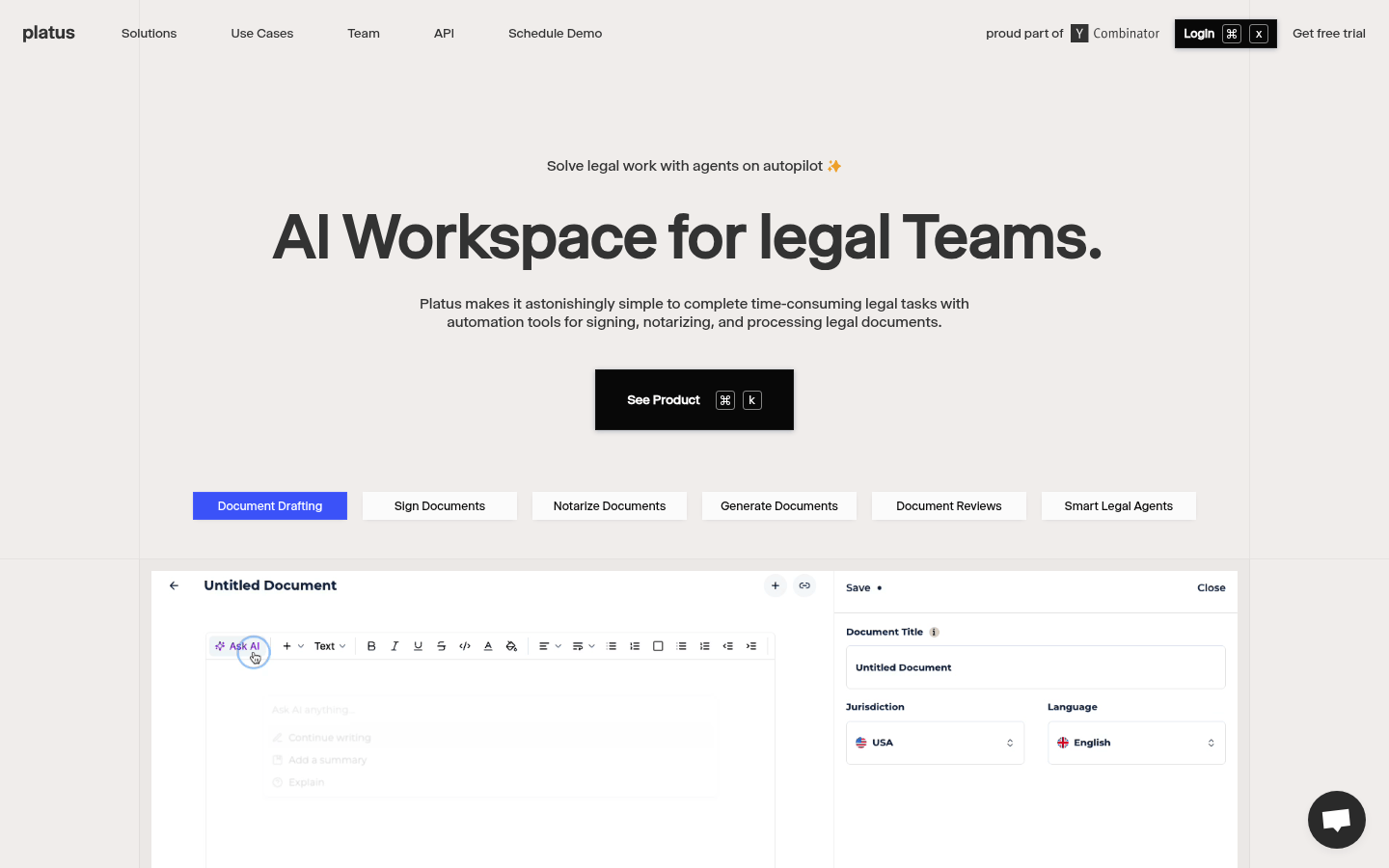
Screenshot archived from the listing page, for preview only.











