
Pocket LLM
Free local AI search engine for your own PDFs and documentsSearch your document library on your own device
Highlights
What you can do with it
- Search a personal archive of research papers by concept instead of file name
- Find a specific clause or paragraph inside a large contract library
- Locate related notes across documents that describe the same idea in different words
How to use it
- 1 Download Pocket LLM and install it on your own device.
- 2 Add the PDFs and documents you want it to memorize.
- 3 Let the tool build its local index over your files.
- 4 Run a search by phrase, concept, or theme and read the passages it returns.
- 5 Update or delete files whenever your library changes.
Who it is for
Pros
- Search runs locally, so documents are not sent to a third party
- Semantic search finds related ideas, not just exact keywords
- Free of charge and easy to keep current as files change
Limitations
- Indexing thousands of pages takes local time and memory
- Depends on the upstream project and website staying available
- The listing does not publish hard limits on file size or supported formats
What Pocket LLM is
Pocket LLM is a personal file search engine built on AI and large language model technology. It memorizes thousands of pages of PDFs and documents and then answers searches quickly. The detail that matters most is that you train it on your own device, so your files are processed locally instead of being uploaded to a remote server. The tool is offered completely free of charge. You can add, update, or delete models and files whenever your library changes, which keeps the index in step with the material you actually use.
It is not a general web search tool and it is not a cloud drive. It is a private index over your own documents, which means the value comes from how well your library is organized before you start. The listing describes fast search, full privacy, and free use as the three things that define it, and it keeps the surface deliberately small.
What you can do with it
- Index a personal collection of PDFs and documents locally
- Search by meaning across whole paragraphs, similar concepts, or several themes at once
- Add, update, or remove files whenever your library changes
- Retrieve relevant passages without remembering exact file names
- Keep the whole process on one machine with no account required
Who it is for
- Researchers and students who keep hundreds of papers in PDF form
- Consultants, lawyers, and analysts who maintain private reference libraries
- Writers and editors who collect source material and need to find it again
- Anyone who wants document search without sending files to a cloud service
What to watch out for
Building an index over thousands of pages takes local time and memory, so a large library needs a reasonably capable computer and a patient first run. Because this is a small upstream project, features and availability can change, and the free status may not hold forever. The listing does not spell out hard limits on file size or supported formats, so start with a small batch and check the quality of the results before committing a whole archive. Treat what it returns as a search aid you verify rather than a final answer, and keep a backup of anything you cannot afford to lose.
FAQ
Is Pocket LLM really free?
The listing describes it as completely free of charge, and no paid plan is mentioned.
Where are my files processed?
On your own device, which is why the description stresses privacy protection.
What kinds of searches can I run?
Semantic searches across entire paragraphs, similar concepts, or multiple themes.
Why it is free
What the official page says: free of charge
Free limits, trial length and features are decided by the official site and can change at any time.
Product preview
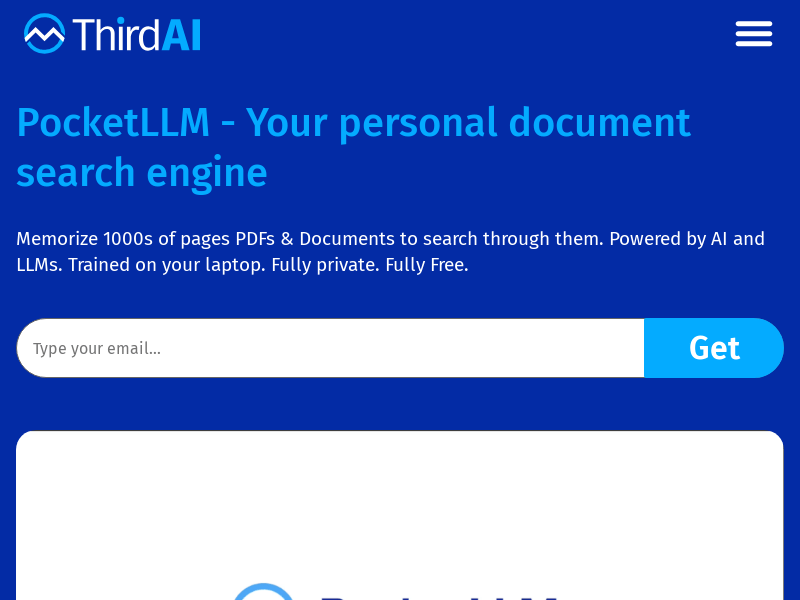
Screenshot archived from the listing page, for preview only.











