
Podsuite
AI podcast content toolOne upload, every podcast asset
Highlights
What you can do with it
- Transcribe an episode and generate show notes and a blog post
- Create social clips and posts to promote an episode
- Turn one recording into content for many platforms
How to use it
- 1 Upload an audio file or link audio from your hosting platform
- 2 Let Podsuite analyze and structure the episode
- 3 Review the transcripts, notes, chapters, and clips it generates
- 4 Edit anything that needs adjusting
- 5 Download the publishable content and share it
Who it is for
Pros
- Free trial without a credit card
- One upload produces many content formats
- Output is built around real podcast workflows
Limitations
- A paid plan follows the free trial
- Generated text should be reviewed before publishing
- Transcript and summary quality depend on audio clarity
What Podsuite is
Podsuite is an AI tool built specifically for podcasts. The idea is one upload, everything you need: you add an episode, and the system produces accurate transcripts with speaker recognition, publishable show notes and summaries, AI-generated chapters suited to platforms like Spotify and YouTube, title suggestions and SEO keywords, timestamped clips with shareable highlights and quote hooks, blog posts written in your brand voice, and native social posts for LinkedIn and X in the speaker's tone. The output is designed around the actual work of running a show, with a structured workflow instead of a pile of separate tools. A free trial is offered without requiring a credit card, and the product targets podcast creators, marketers, and content teams.
What you can do with it
- Transcribe episodes accurately with speaker recognition
- Generate publishable show notes and summaries
- Create AI chapters that fit Spotify and YouTube
- Get title suggestions and SEO keyword ideas
- Cut timestamped clips with highlights and quote hooks
- Convert episodes into blog posts in your brand voice
- Draft native social posts for LinkedIn and X
Who it is for
- Podcast creators who need episode content without manual writing
- Marketers promoting shows across social platforms
- Content teams repurposing audio into many formats
It suits anyone who records a show and then has to feed the content machine afterward.
What to watch out for
The free trial needs no credit card, but continued use moves to a paid plan, so this is not permanently free. Generated text is a draft: transcripts, summaries, and social posts should be reviewed before publishing, because errors or off-tone lines reach your audience under your name. Quality depends heavily on audio clarity, so noisy recordings with multiple speakers will need more editing. SEO suggestions and keyword ideas are starting points rather than guarantees of ranking, and trial terms and pricing can change over time.
FAQ
Is Podsuite free?
It offers a free trial without requiring a credit card.
What does it generate?
Transcripts, show notes, chapters, titles and SEO keywords, clips, blog posts, and social posts.
What audio can I upload?
Common formats such as MP3, WAV, and M4A, or a link to audio from a podcast hosting platform.
Why it is free
What the official page says: free trial
Free limits, trial length and features are decided by the official site and can change at any time.
Product preview
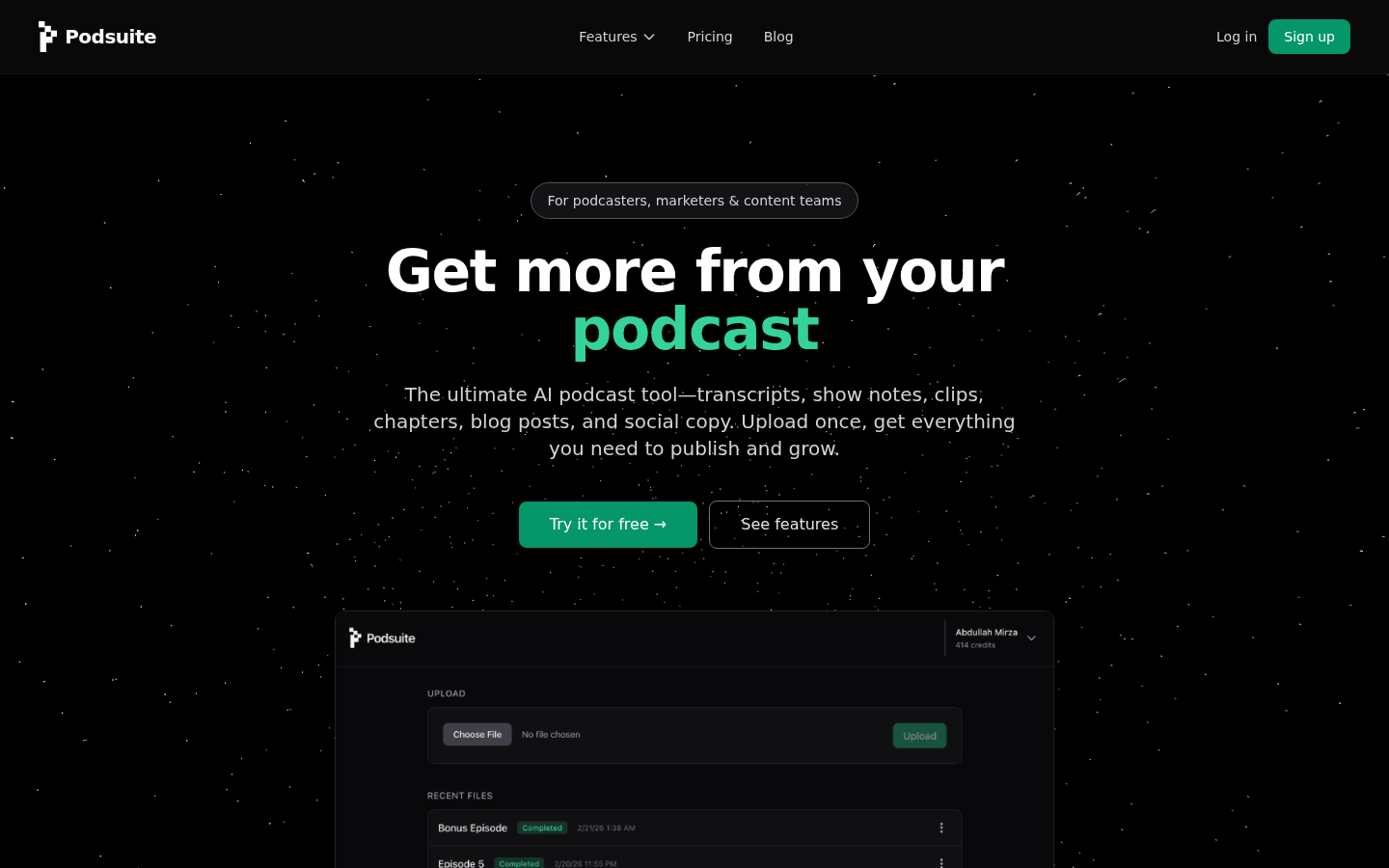
Screenshot archived from the listing page, for preview only.











