
Polygraph
Cross-repo context for agentsShared memory across your repos
Highlights
What you can do with it
- Manage sub-projects that live in separate repositories
- Test downstream repositories before code goes live
- Share session context with teammates without re-explaining
How to use it
- 1 Register on the Polygraph site.
- 2 Connect your repositories and CI.
- 3 Create or open a session for the work you want to do.
- 4 Let automatic discovery surface related repositories.
- 5 Preview and test downstream changes, then share the session.
Who it is for
Pros
- Removes the repeated setup that agent sessions usually need
- Downstream testing catches breakage before release
- Session sharing keeps context inside the team
Limitations
- Early access means features and limits can change quickly
- The team says pricing will start later, with 30 days notice
- Requires connecting repositories and CI, which needs setup and trust
What Polygraph is
Polygraph is a meta-tool from the NX team that sits between coding agents and the repositories they work on. Its job is to give an agent cross-repository visibility and a session memory that survives between runs. Rather than re-describing the project every time, the agent can see related repositories, branches, pull requests and logs. The product is in early access and is described as free of charge, with future pricing to be announced 30 days before it changes.
What you can do with it
- Work across several repositories from a single session
- Let automatic discovery find repositories you have not linked yet
- Test and preview downstream repositories before code is merged
- Share a session with teammates, including branches, pull requests and logs
- Refer back to historical sessions to recover lost context
Who it is for
- Software teams whose projects are split over multiple repositories
- Independent developers juggling several open source checkouts
- Enterprise projects that need downstream validation before release
What to watch out for
Early access software moves fast, so features may appear or disappear without much warning. The free status is tied to that stage, and the team commits to giving 30 days notice before pricing starts. Setup requires connecting repositories and CI, which means granting access to your code and build pipeline, so review the permissions carefully. Teams that work inside one repository will see much less benefit. For best results, start with a small test file and review the output carefully before working on anything important. Free tiers can change over time, so it is worth checking the current limits on the official page before you rely on the tool daily.
FAQ
Who makes Polygraph?
It is built by the NX team and is currently in early access.
Is it free?
The page describes it as free of charge during early access, with future pricing announced 30 days in advance.
What does it keep track of?
Session details such as repositories, branches, pull requests and logs, so they can be referenced later or shared.
Why it is free
What the official page says: completely freefree of charge
Free limits, trial length and features are decided by the official site and can change at any time.
Product preview
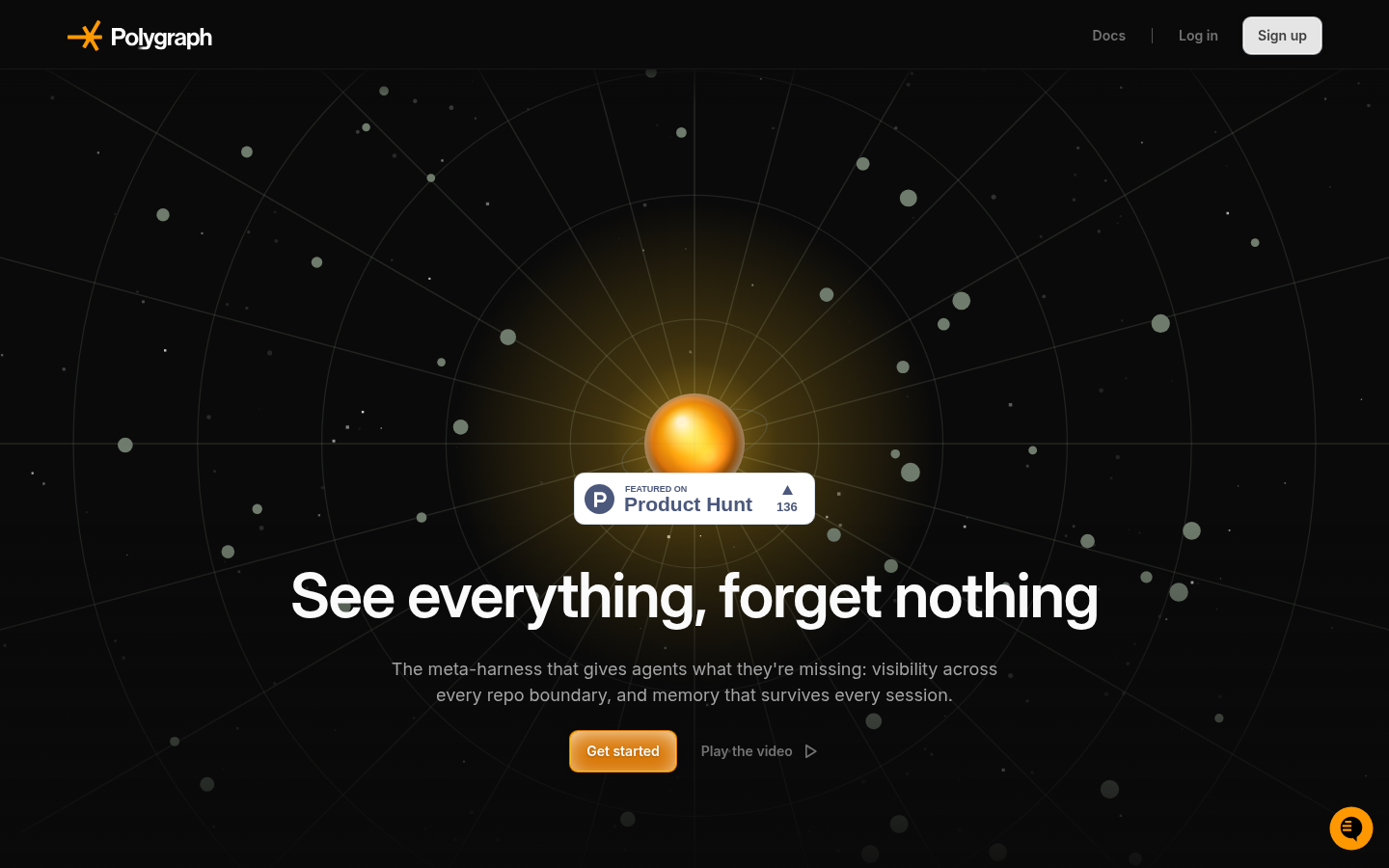
Screenshot archived from the listing page, for preview only.











