
PPT Maker
AI tool that builds slide decksContent in, slides out
Highlights
What you can do with it
- Turning a marketing campaign briefing into a structured presentation
- Converting course notes into slides that fit a teaching style
- Updating a presentation from changing meeting notes without a full rebuild
How to use it
- 1 Go to the PPT Maker website and add your topic, text, PDF, article, or video.
- 2 Choose Agent mode for a structured deck or Creative mode for a freer approach.
- 3 Review the generated outline and edit key points before slides are built.
- 4 Generate the presentation, then refine individual slides with prompts.
- 5 Export the finished deck when the pages look right.
Who it is for
Pros
- Many input types including text, PDF, articles, and video
- Editable outline before generation shapes the story early
- Single-slide regeneration avoids full rebuilds
Limitations
- The free plan gives limited credits, and credit amounts or pricing can change
- Generated slides are drafts; facts, figures, and brand details need checking
- Skipping outline editing and fixing pages later is slower and less effective
What PPT Maker is
PPT Maker is an AI presentation tool that turns text, PDFs, articles, and videos into slides. You add your content and choose between two modes: Agent mode analyzes the material, organizes the storyline, and builds a structured slide set, while Creative mode takes a freer approach. Before generating, the tool produces an outline you can review and edit, so key points can be adjusted or removed early. Individual slides can be regenerated from a short description without rebuilding the whole deck. Language and slide preferences can be set. A free plan provides credits, and paid upgrades are available for heavier use. The product is used by students, educators, and professionals who need decks quickly.
What you can do with it
- Turn notes, PDFs, articles, or videos into a first draft presentation in minutes.
- Choose between structured Agent mode and freer Creative mode depending on the task.
- Edit the outline before slides are generated so the story is shaped early.
- Regenerate single slides with prompts instead of redoing the whole deck.
Who it is for
- Students turning papers and reports into presentation slides.
- Educators converting lesson plans and course notes into classroom decks.
- Professionals such as marketers and project managers building reports and updates.
What to watch out for
The free plan gives a limited number of credits, and credit amounts, limits, or pricing can change over time. Generated slides are a draft: facts, figures, and brand details still need checking before you present. Outline editing is where the tool saves the most time, so skipping it and fixing pages one by one afterward is slower and less effective. Keep your source material close by, since the tool builds from what you provide and cannot invent missing facts.
FAQ
What can I turn into slides?
Text, PDFs, articles, and videos can all be converted into presentation slides.
What is the difference between the two modes?
Agent mode analyzes content and builds a structured deck, while Creative mode takes a freer approach.
Can I change one slide only?
Yes. Describe what you want and that single page is regenerated without touching the rest.
Why it is free
What the official page says: free planfor free
Free limits, trial length and features are decided by the official site and can change at any time.
Product preview
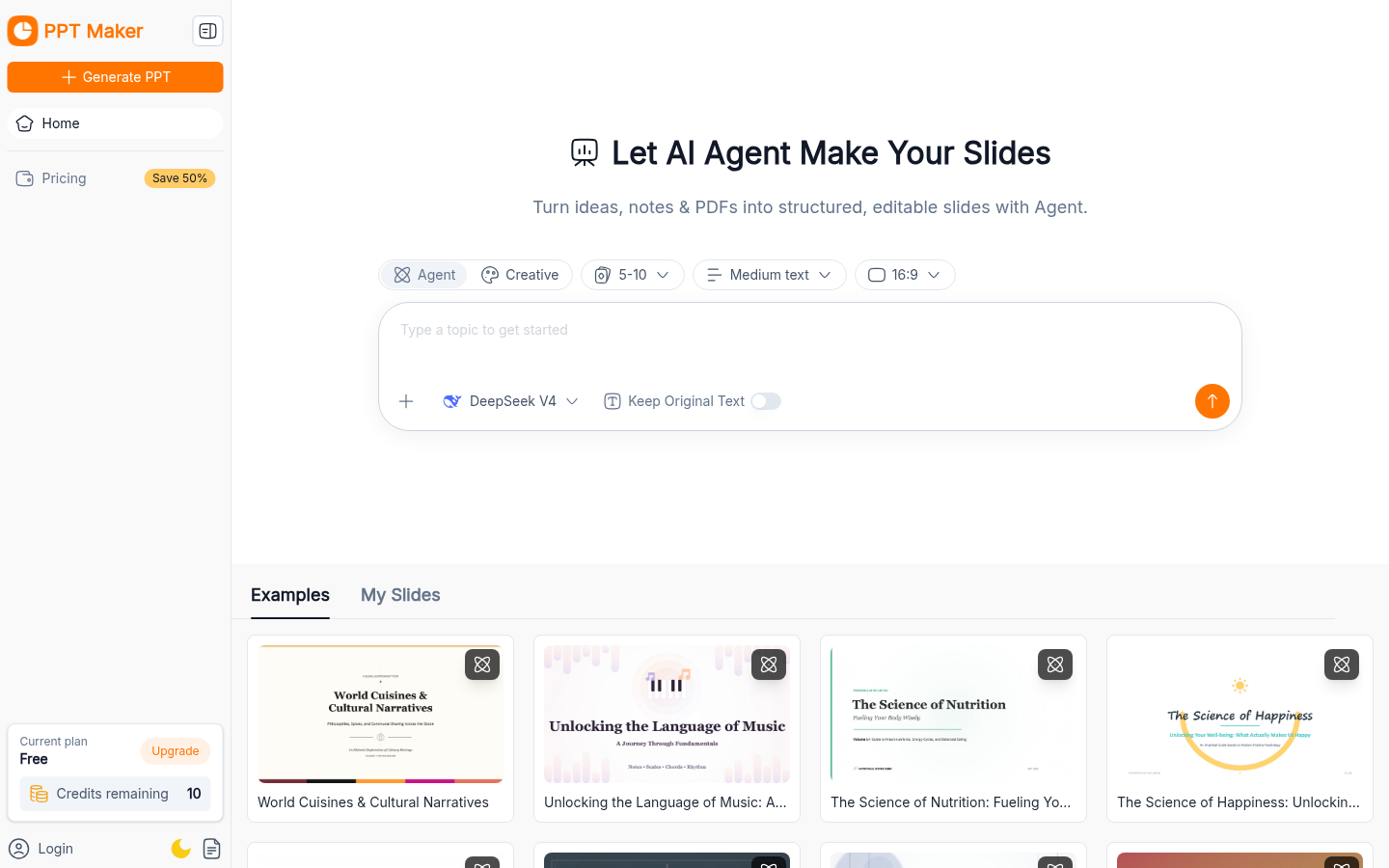
Screenshot archived from the listing page, for preview only.











