Presentation Mode for Notion
Turn Notion pages into slides instantlyPresent from Notion without leaving it
Highlights
What you can do with it
- A teacher turning Notion teaching content into classroom slides and a PDF handout.
- An entrepreneur building a product and strategy deck for a business meeting.
- A student creating slides for a group project inside Notion.
How to use it
- 1 Install the extension in Chrome from the site.
- 2 In Notion, mark slide titles with h1 and separate slides with horizontal lines.
- 3 Click the magic button to enter presentation mode and move with arrow keys or a remote.
- 4 Turn off vertical scrolling and set padding and zoom to taste.
- 5 Export the deck as a PDF to share with people who do not use Notion.
Who it is for
Pros
- No tool switching, since you build and present inside Notion.
- Simple h1 and divider rules keep slide creation fast.
- Free templates and a PDF export make sharing easy.
Limitations
- It is a Chrome extension, so you need Chrome and a Notion account.
- The free Notion Business offer is for eligible startups and small businesses and can change.
- Slide layout is basic and rule-based, so complex, design-heavy decks are limited.
What Presentation Mode for Notion is
Presentation Mode for Notion is a Chrome extension that turns Notion pages into presentable slides. It was built by Berkant Bostan to solve the problem of showing Notion content without switching to another tool. You mark slide titles with h1 and split slides with horizontal lines, then click a magic button to enter presentation mode and move through slides with arrow keys or a remote. You can export the deck to a standard PDF in portrait or landscape, one slide per page. It works entirely inside the Notion workspace, which suits in-person talks and online meetings, and it includes free templates. Eligible startups and small businesses can get 3 months of Notion Business free with no credit card.
What you can do with it
- Convert a Notion page into a slide deck with one click.
- Structure slides using h1 titles and horizontal line dividers.
- Present smoothly with arrow keys or a presentation remote, no mouse needed.
- Customize the view by turning off vertical scrolling and setting padding and zoom, then export to PDF.
Who it is for
- Educators and professors who present structured lesson content in class.
- Entrepreneurs and startups that need fast, professional decks for meetings.
- Students and creators who build and share project presentations from Notion and want them to look professional.
What to watch out for
You need Google Chrome and a Notion account to use it, so it will not work in every browser or as a standalone app. The free 3 months of Notion Business is limited to eligible startups and small businesses, and that offer and the free templates can change. Slide layout is rule-based and fairly simple, so if you need a design-heavy deck with precise control over every element, a dedicated presentation tool may serve you better. How well your content maps to slides also depends on following the h1 and divider rules consistently.
FAQ
Is it free?
The extension offers free templates, and eligible startups and small businesses can get 3 months of Notion Business free with no credit card.
How do I make slides in Notion?
Use h1 as each slide title and horizontal lines as dividers, then click the magic button to present.
Can I share with people who do not use Notion?
Yes, you can export the presentation as a standard PDF in portrait or landscape.
Why it is free
What the official page says: 免费使用免费
Free limits, trial length and features are decided by the official site and can change at any time.
Product preview
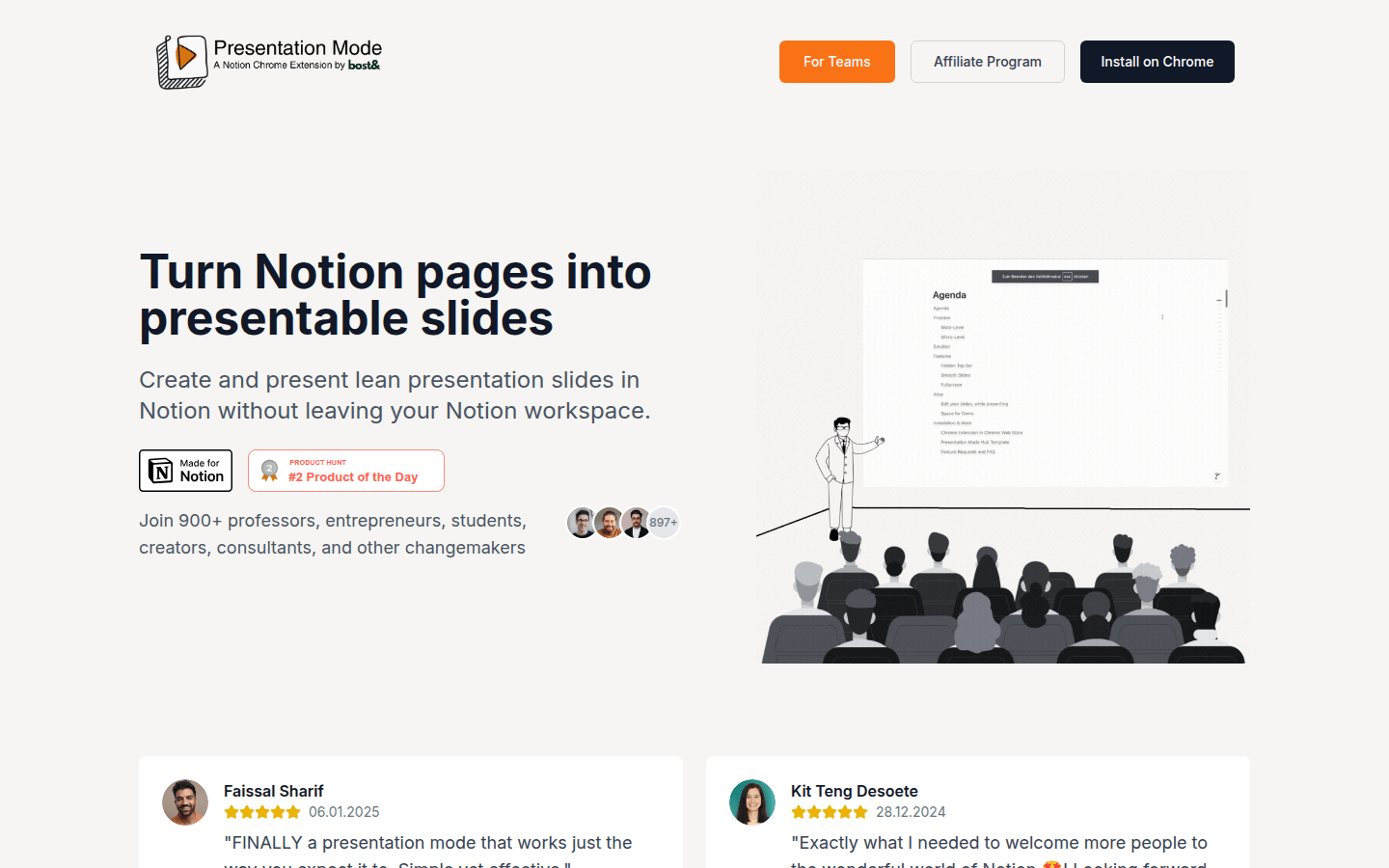
Screenshot archived from the listing page, for preview only.











