
Process
AI task generation for engineering teamsTurn high level tasks into clear developer steps
Highlights
What you can do with it
- Turn a broad feature request into step by step developer tasks
- Export generated tasks into Jira for sprint planning
- Give new team members clear instructions for a task
How to use it
- 1 Sign up on the Process website and start the free trial.
- 2 Enter a high level task you want broken down.
- 3 Review the AI generated steps and instructions.
- 4 Adjust anything that needs a human touch.
- 5 Export the finished tasks to Jira or another tool.
Who it is for
Pros
- Free trial to test before paying
- Saves time writing detailed task steps
- Exports cleanly to Jira and other tools
Limitations
- Free trial is limited and full use needs a paid plan
- Generated steps still need human review for accuracy
- Works best for tasks that can be described clearly up front
What Process is
Process is an AI powered task generation tool made for engineering and development teams. It offers a free trial, and pricing details are listed on the official website. The idea is simple: you type in a high level task, and the AI breaks it into simplified steps with clear instructions a developer can follow. That cuts down the back and forth that happens when requirements are vague or half written. The tool puts weight on clear requirement definition and human assistance, so the output is meant to be a starting point that a person can refine rather than a final answer. It also gives a complete function list and can push tasks into Jira and other tools teams already use.
What you can do with it
- Turn a high level task into step by step developer instructions.
- Generate a complete engineering task with AI.
- Export the resulting tasks to Jira or other tools.
- Rely on clear requirement wording to reduce confusion.
Who it is for
- Developers who want a rough plan broken into concrete steps.
- Engineering leads and managers writing requirements for a team.
- Teams that run their sprints inside Jira or similar tools.
What to watch out for
The free trial is limited and full access needs a paid plan. Generated steps are a starting point, so a developer should still review them for accuracy and edge cases. The tool works well when the high level task is described clearly, and very open ended work may still need heavy editing before it is ready to build. Processing speed depends on file size and network conditions, so retry later if a task stalls during peak hours.
FAQ
Is there a free trial?
Yes, Process offers a free trial and lists pricing on its website.
What does it produce?
It turns a high level task into simplified steps and clear instructions for developers.
Can I export the tasks?
Yes, tasks can be exported to Jira and other tools.
Why it is free
What the official page says: free trial
Free limits, trial length and features are decided by the official site and can change at any time.
Product preview
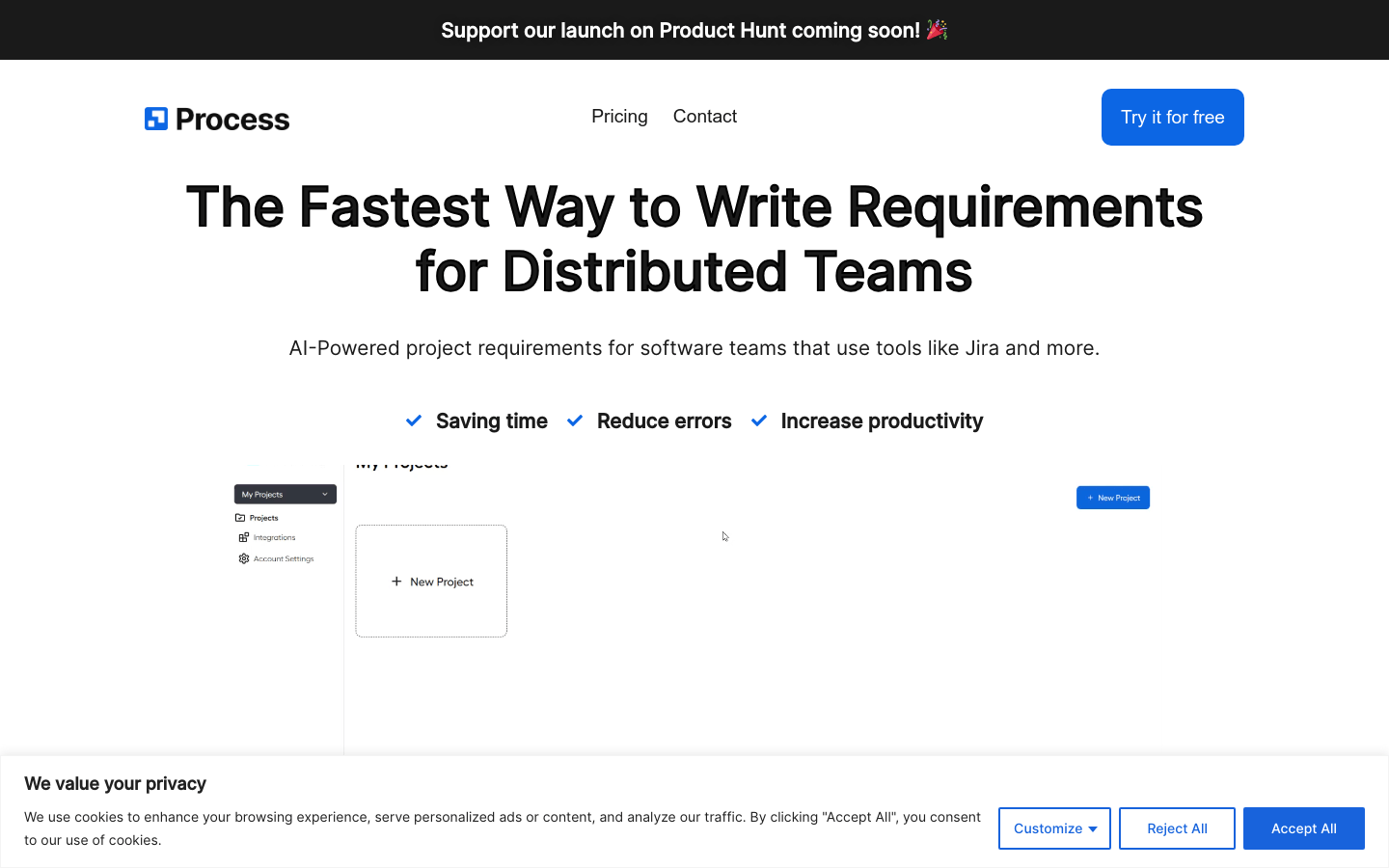
Screenshot archived from the listing page, for preview only.











