
Promptmatic for ChatGPT
Free Chrome extension for ChatGPT promptsSave and reuse ChatGPT prompts fast
Highlights
What you can do with it
- Store reusable prompts for repeated tasks
- Insert saved prompts into ChatGPT in one click
- Keep a personal library of useful GPTs
How to use it
- 1 Install the Promptmatic Chrome extension
- 2 Create prompt templates in the editor
- 3 Save common GPTs to the bookmark manager
- 4 Click a template or GPT to insert it
Who it is for
Pros
- Free Chrome extension
- One-click access to saved prompts and GPTs
- Keeps prompt libraries organized
Limitations
- Only works in Chrome and on the ChatGPT web page
- Depends on the ChatGPT interface staying stable
- Free extensions can change or disappear
What Promptmatic for ChatGPT is
Promptmatic is a free Google Chrome extension designed for ChatGPT. According to the site, it helps users bookmark, save, and organize ChatGPT prompt templates and GPTs, and then access them instantly with a single click instead of retyping. Features include creating reusable dynamic prompt templates, a smart prompt template editor, a prompt template library with management tools, saving and managing commonly used GPTs, and a GPT bookmark manager for quick access. The site says it simplifies the use and management of ChatGPT and improves work efficiency for people who rely on it daily. Because it is a browser extension, its job is narrow but clear: cut the friction of finding and reusing the prompts you depend on.
What you can do with it
- Save prompt templates for tasks you repeat often
- Insert a saved prompt into ChatGPT with one click
- Organize a personal library of templates and variations
- Bookmark and manage the custom GPTs you use most
Who it is for
- Frequent ChatGPT users who retype the same prompts
- People who reuse the same instructions across projects
- Anyone juggling many custom GPTs and losing track of them
- Chrome users who want a faster prompting workflow
What to watch out for
The extension only works inside Chrome and only affects the ChatGPT web page, so it does nothing in other browsers, desktop apps, or offline documents. It depends on the ChatGPT interface staying stable, and changes to that page can break how the extension reads or inserts prompts, sometimes with little warning. Free extensions can also change behavior, add limits, or stop being maintained, so do not build critical workflows around a single tool. Since it interacts with your ChatGPT session, review the permissions it requests before installing, and keep important prompts saved somewhere else as a backup.
FAQ
What is Promptmatic?
It is a free Google Chrome extension for saving and organizing ChatGPT prompts and GPTs.
How do I use a saved prompt?
Click the template or GPT in the bookmark manager to insert it into ChatGPT.
Does it work in other browsers?
The site describes it as a Google Chrome extension, so it is built for Chrome.
Why it is free
What the official page says: 免费
Free limits, trial length and features are decided by the official site and can change at any time.
Product preview
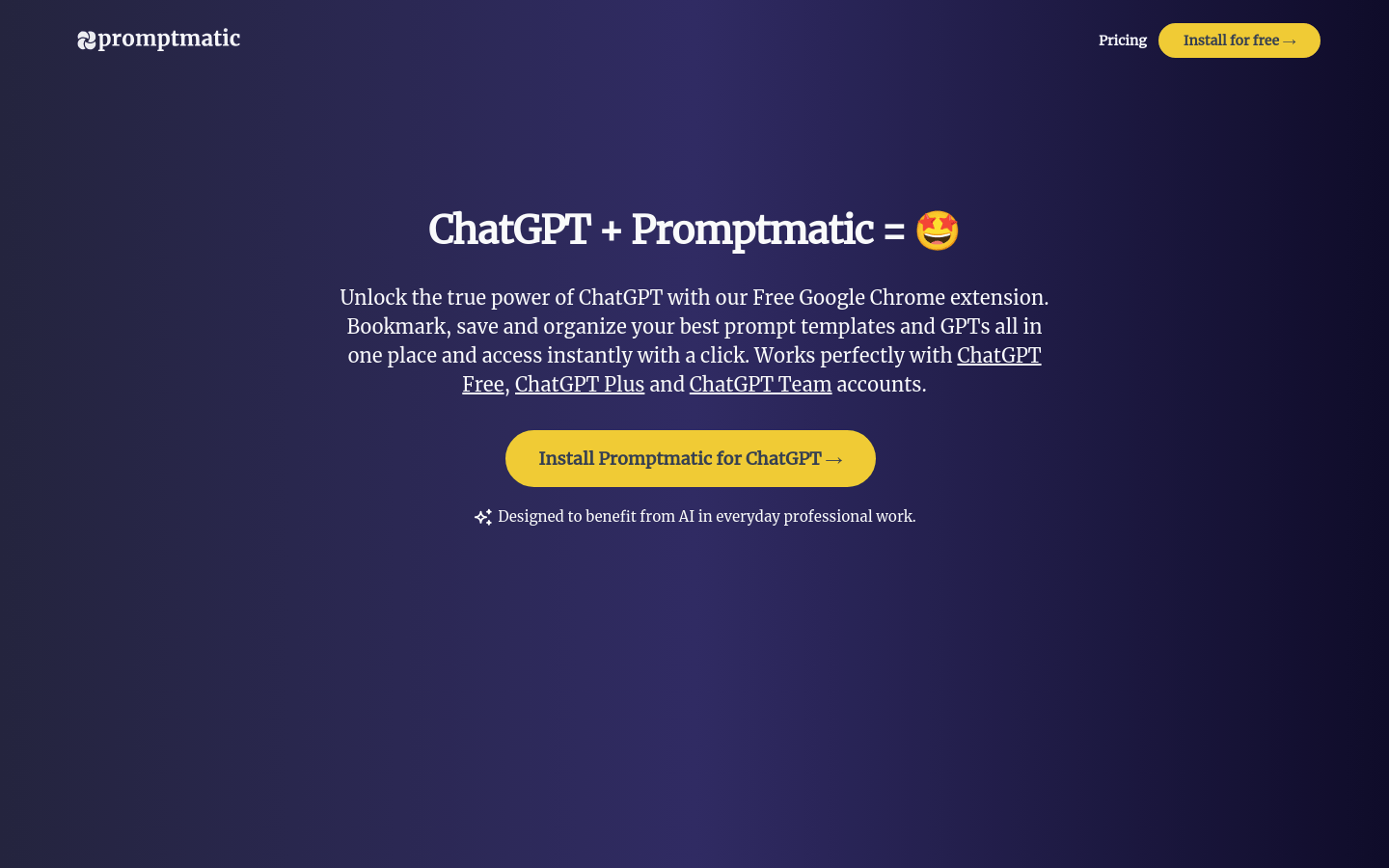
Screenshot archived from the listing page, for preview only.











