
Qclaw
Free WeChat remote control desktop assistantMessage WeChat and let Qclaw run the task
Highlights
What you can do with it
- Ask WeChat to open a file and sum a column of data
- Post a note on a social platform and interact for growth
- Create a project and push it to GitHub automatically
How to use it
- 1 Download and install Qclaw on Mac or Windows
- 2 Open the app and scan to bind it with WeChat
- 3 Send a command by WeChat or from the computer
- 4 Let Qclaw execute and check the result
Who it is for
Pros
- Free of charge for a limited time during testing
- Remote control from WeChat is convenient when away from the desk
- Claims local deployment so files stay on the machine
Limitations
- Internal testing means access can be limited or withdrawn
- Automating social posting can break platform rules if used carelessly
- Granting chat based control over a computer is a real security tradeoff
What Qclaw is
Qclaw is a desktop client from Tencent Computer Manager that turns WeChat into a remote control for your computer. You install it on Mac or Windows, bind it to WeChat by scanning a code, and then send instructions in chat. The client carries the Kimi-2.5 model and handles document processing, social media operations, and automated development work. It was in internal testing and free of charge for a limited time. The product claims local deployment for data security, a broad skills ecosystem, and memory of your preferences so repeated requests get faster.
What you can do with it
- Ask it to open a file and process data in it
- Post content to a social platform and handle interactions
- Create a project scaffold and push it to GitHub
- Set reminders such as weather and travel notes
- Run routine chores without opening the app yourself
Who it is for
- People who want to trigger tasks on a computer from a phone
- Social media managers with repetitive posting work
- Developers automating small project jobs
- Anyone who lives inside WeChat during the workday
What to watch out for
This is an internal testing product, so availability, features, and pricing can change without much notice, and the free period may end. Granting chat based control over a computer is a serious permission: anyone who reaches your WeChat can reach the bound machine, so use it on a system you trust and review what the client can touch. Automating social posting and interaction can also break the rules of the platforms involved if it looks like inauthentic activity, and that risk sits with you. Keep backups of anything important before letting an assistant move files around.
FAQ
Is Qclaw free?
It was free of charge for a limited time while in internal testing.
Which systems does it support?
Mac and Windows.
How do I start?
Install, scan to bind with WeChat, then send commands.
Why it is free
What the official page says: free of charge
Free limits, trial length and features are decided by the official site and can change at any time.
Product preview
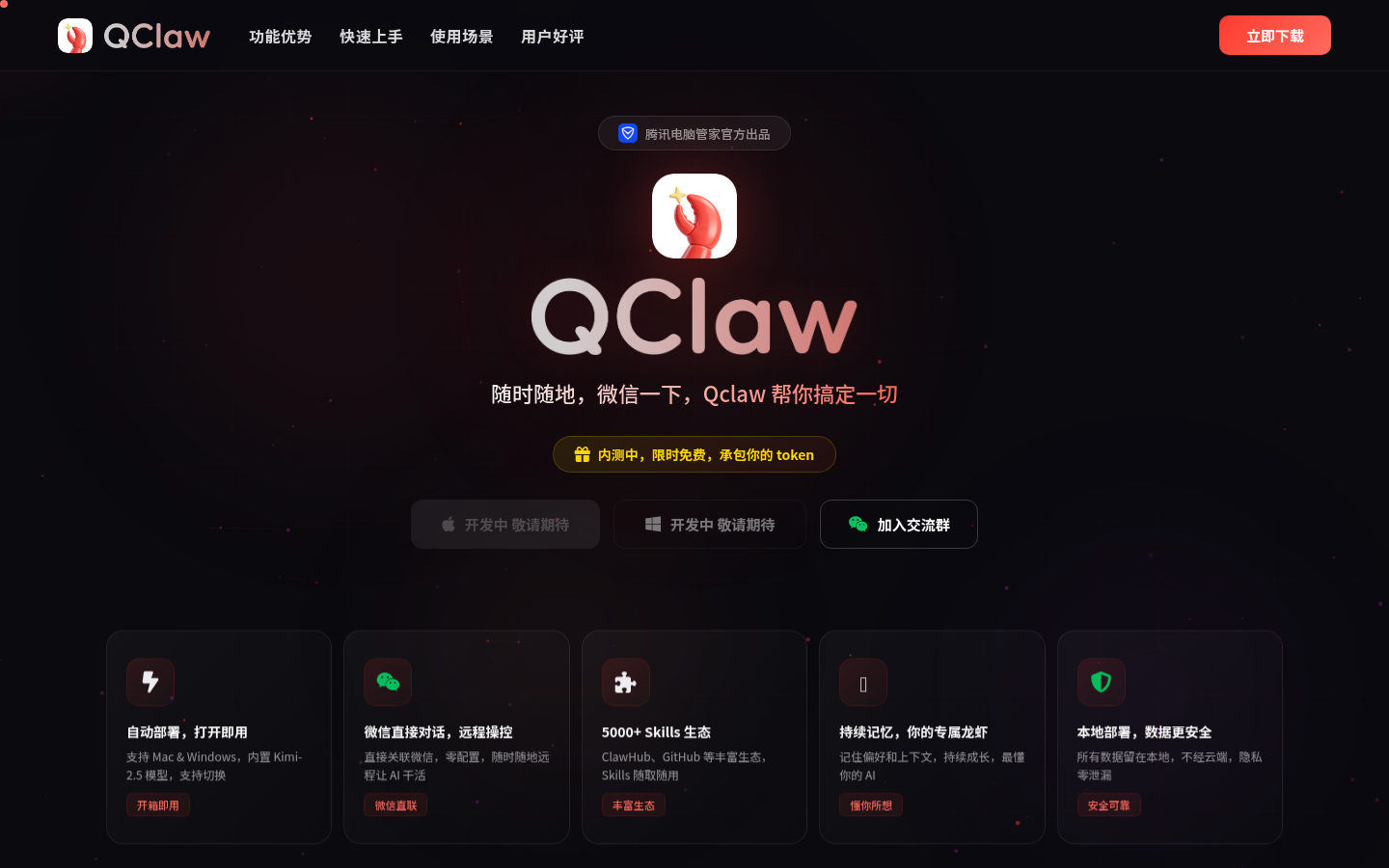
Screenshot archived from the listing page, for preview only.











