
Quiet
PDF patterns to cut-ready SVGScan a pattern, cut it tonight
Highlights
What you can do with it
- A scanned animal quilt template becomes colour-layered SVG pieces
- A designer batch converts years of paper patterns into digital files
- A teacher turns felt teaching aid patterns into cuttable letters and shapes
How to use it
- 1 Open the site and start free, with no card required
- 2 Upload a scanned or photographed pattern PDF, lines and handwriting included
- 3 Wait while the system reads the colour notes and traces each cut piece
- 4 Check the colour grouping and fix anything flagged during verification
- 5 Download grouped by colour, page, or pattern
- 6 Import the SVG into Sure Cuts A Lot or Cricut Design Space and cut
Who it is for
Pros
- No vector software skills needed to get a cuttable file
- Handles handwriting, so colour legends do not need retyping
- Verification step catches uncertain colour assignments
- Free monthly quota is enough to evaluate the tool
Limitations
- Beyond five patterns a month, credits are charged per cut piece
- Accuracy depends on scan quality and legible handwriting
- Complex pages still need manual path and colour fixes
- It is for patterns you own or are licensed to use, not for redistributing others' work
What Quiet is
Quiet, from QuietBookCut, is an online PDF-to-SVG tool made for quilt, applique, and sewing pattern makers. It targets the tedious middle step of the paper pattern workflow: you have a scan, and you need a cutting file. Rather than asking you to redraw or retype a colour legend, it reads the page as it is, including hand-drawn lines and handwritten notes such as a body in pink felt, then traces each cut piece into vector paths and organises them into colour layers. The output opens directly in cutting software such as Sure Cuts A Lot and Cricut Design Space. A verification step flags pieces where the colour is uncertain instead of guessing, and a built-in editor lets you recolour, adjust a path, or re-cut a single shape. The model is freemium with five free patterns per month; conversion is always free, and credits are used when downloading finished SVGs.
What you can do with it
- Upload a scanned or photographed pattern PDF without cleaning it up first
- Have handwritten colour notes read automatically instead of retyped
- Get every cut piece traced into vector paths grouped by colour
- Check flagged pieces and correct colour or paths in the built-in editor
- Download grouped by colour, page, or whole pattern
- Import into Sure Cuts A Lot or Cricut Design Space and start cutting
Who it is for
Quilters and applique crafters who currently scan a page and then trace it by hand save the most time, because the tracing step disappears. Electronic cutting machine owners who need layered SVGs rather than flat images get files that drop straight into their workflow. Independent pattern designers converting paper templates into digital products can batch through accumulated scans. It also suits crafters who have no intention of learning Illustrator or Inkscape, and small studios where five free patterns a month is enough to evaluate the tool before paying per piece.
What to watch out for
The free allowance is five patterns per month, after which credits are consumed per cut piece, so a large backlog becomes a real cost. Accuracy tracks scan quality: a crooked photo in poor light, or handwriting that is hard to read, produces more flagged pieces and more manual fixing. Complex pages with overlapping shapes often need editor work before they cut cleanly, so treat the output as a strong first draft rather than a finished file. The tool is meant for patterns you own or are licensed to use, and it is not a route to redistributing other designers' work. Credit packs have a limited-time doubling offer, so pricing may change after it ends.
FAQ
How many free patterns do I get?
Each account can process five patterns per month at no cost. Conversion itself is always free; credits are only used when downloading finished SVG files.
Do I need to clean up the scan first?
No. The tool accepts pages with hand-drawn lines and handwritten colour notes as they are.
Which cutting software works with the output?
The SVG files open in tools such as Sure Cuts A Lot and Cricut Design Space, with pieces on colour layers.
Can I convert any pattern PDF?
The tool is intended for patterns you own or are licensed to use. It is not a distribution service for other people's copyrighted patterns.
Why it is free
What the official page says: freemium
Free limits, trial length and features are decided by the official site and can change at any time.
Product preview
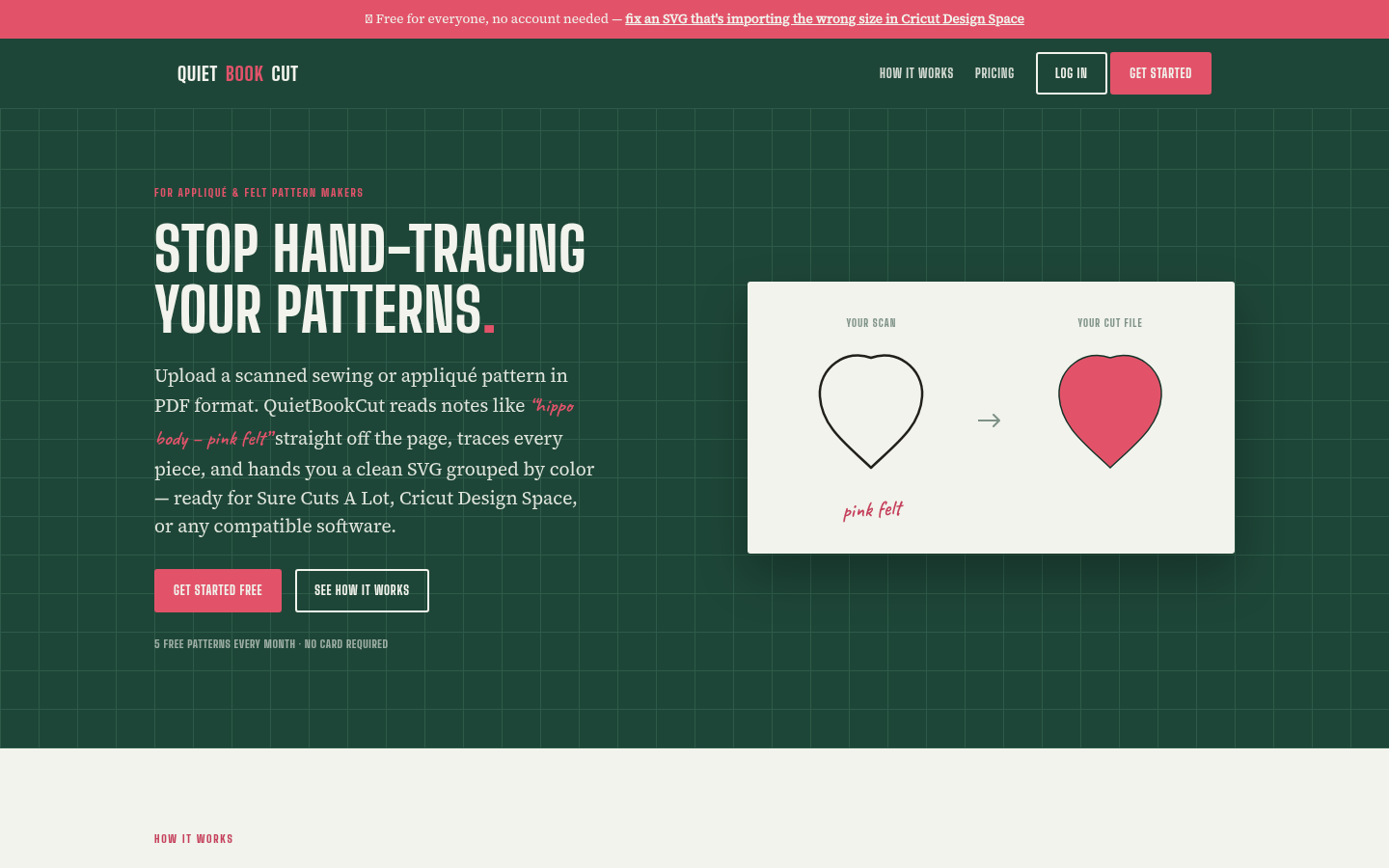
Screenshot archived from the listing page, for preview only.











