
Quivr
Open-source cloud second brainStore and retrieve anything, fast
Highlights
What you can do with it
- Saving notes, images, and snippets for later search
- Keeping a personal knowledge base in the cloud
- Retrieving stored information quickly when needed
How to use it
- 1 Set up Quivr from its open-source project
- 2 Add your text, images, and code snippets
- 3 Search and retrieve your stored information when needed
Who it is for
Pros
- Open-source and entirely free
- Fast, efficient retrieval of stored data
- Secure and reliable storage
Limitations
- Being open-source, setup and upkeep are on you
- Best for technical users comfortable self-hosting
- Core feature set is focused on storage and retrieval
What Quivr is
Quivr is an open-source, cloud-based second brain designed to store and retrieve unstructured information. It can hold almost any kind of data, including text, images, and code snippets, and it is built with speed at the core so that finding something again is fast. Because it is open source, it is entirely free to use, and you are not locked into a paid SaaS plan. The product focuses on three things: storing and retrieving unstructured information, doing so quickly and efficiently, and keeping that storage secure and reliable. It suits anyone who wants a personal knowledge base they control.
What you can do with it
- Store text, images, code snippets, and more in one place.
- Retrieve saved information quickly when you need it.
- Keep a personal, cloud-based knowledge base.
- Rely on fast search built for efficiency.
- Self-host an open-source tool you fully control.
Who it is for
- People who want a personal cloud knowledge base.
- Anyone juggling mixed notes, images, and snippets.
- Users who prefer open-source tools they can self-manage.
- Technical users comfortable running their own stack.
What to watch out for
As an open-source project, setting it up and keeping it running is your responsibility, which assumes some technical comfort. The feature set is focused on storage and retrieval rather than a broad suite of extras. Self-hosting also means you own the security and backups of your data, so plan for that before you rely on it as your main knowledge base. Start with a small sample to confirm the output meets your expectations before processing the full batch. Free tiers and usage limits can change, so check the current rules on the official page before relying on it long term.
FAQ
Is Quivr free?
Yes. As an open-source platform it is entirely free to use.
What can I store in it?
It can handle text, images, code snippets, and other unstructured information.
What is it mainly for?
It is a cloud-based second brain for storing and quickly retrieving your information.
Why it is free
What the official page says: free to use
Free limits, trial length and features are decided by the official site and can change at any time.
Product preview
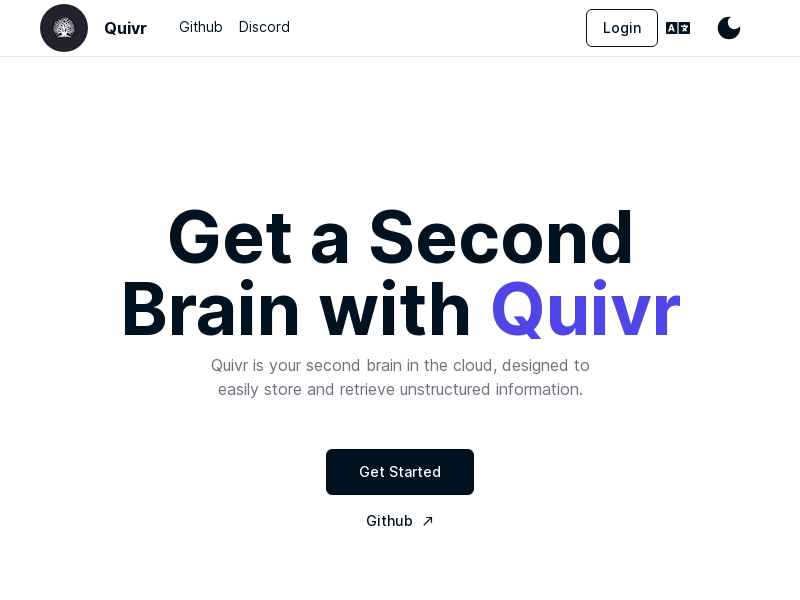
Screenshot archived from the listing page, for preview only.











