
Read Aloud Reader
Free AI text readerRead any text aloud with AI voice
Highlights
What you can do with it
- Students listen to course notes during a commute to reinforce memory.
- Professionals listen to reports and briefings while traveling.
- Language learners slow down complex foreign-language articles.
How to use it
- 1 Open the Read Aloud Reader website in your browser.
- 2 Paste your text, or drag in an article, document, or PDF.
- 3 Choose one of the six AI voices and set the reading speed.
- 4 Press play to listen, then download the MP3 if you want to keep it.
Who it is for
Pros
- It is free to use with no registration or software install.
- Six neural voices with different accents and intonations.
- Speed control from 0.5x to 2x fits slow study or fast review.
Limitations
- The free quota is 5000 characters a day and 20000 a month, and these limits may change.
- Each session caps at 40000 characters, so very long documents must be split.
- Voice quality is good but still synthetic, not a human narrator.
What Read Aloud Reader is
Read Aloud Reader is a free, browser-based reading tool that uses neural AI voices to read text aloud. There is nothing to install and no account to create; you open the site, paste your text, pick a voice, and press play. It offers six studio-level voices across British, American, and Australian accents, with formal and casual intonations. The free quota is 5000 characters per day and 20000 per month, which covers a lot of everyday reading. It is built for anyone who has more text to get through than time to sit and read.
What you can do with it
- Paste text or drag in articles, documents, notes, or PDF files up to 40000 characters per session.
- Pick from six neural AI voices with different accents and intonations.
- Follow along as sentences and words highlight one by one, and adjust speed from 0.5x to 2x.
- Download a clean MP3 with no watermark for offline listening anywhere.
Who it is for
- Students and researchers who want to listen to lecture notes and papers on the move.
- Professionals such as lawyers, analysts, and consultants with long reports and briefings.
- Language learners who want authentic pronunciation and slow playback of difficult passages.
- People with reading differences such as dyslexia or ADHD who benefit from listening.
What to watch out for
The free quota is 5000 characters a day and 20000 a month, and those limits can change over time, so heavy users should check current terms. A single session caps at 40000 characters, so long documents need to be split into parts. The voices are high quality but still synthetic, so they will not fully replace a human narrator for performance work. Audio is generated in the browser, so a stable internet connection matters.
FAQ
Do I need to register?
No. You can paste text, pick a voice, and press play without an account.
Can I download the audio?
Yes. You can save a clean MP3 file with no watermark for offline listening.
What is the free limit?
The free quota is 5000 characters per day and 20000 per month.
Why it is free
What the official page says: no registrationfree to use
Free limits, trial length and features are decided by the official site and can change at any time.
Product preview
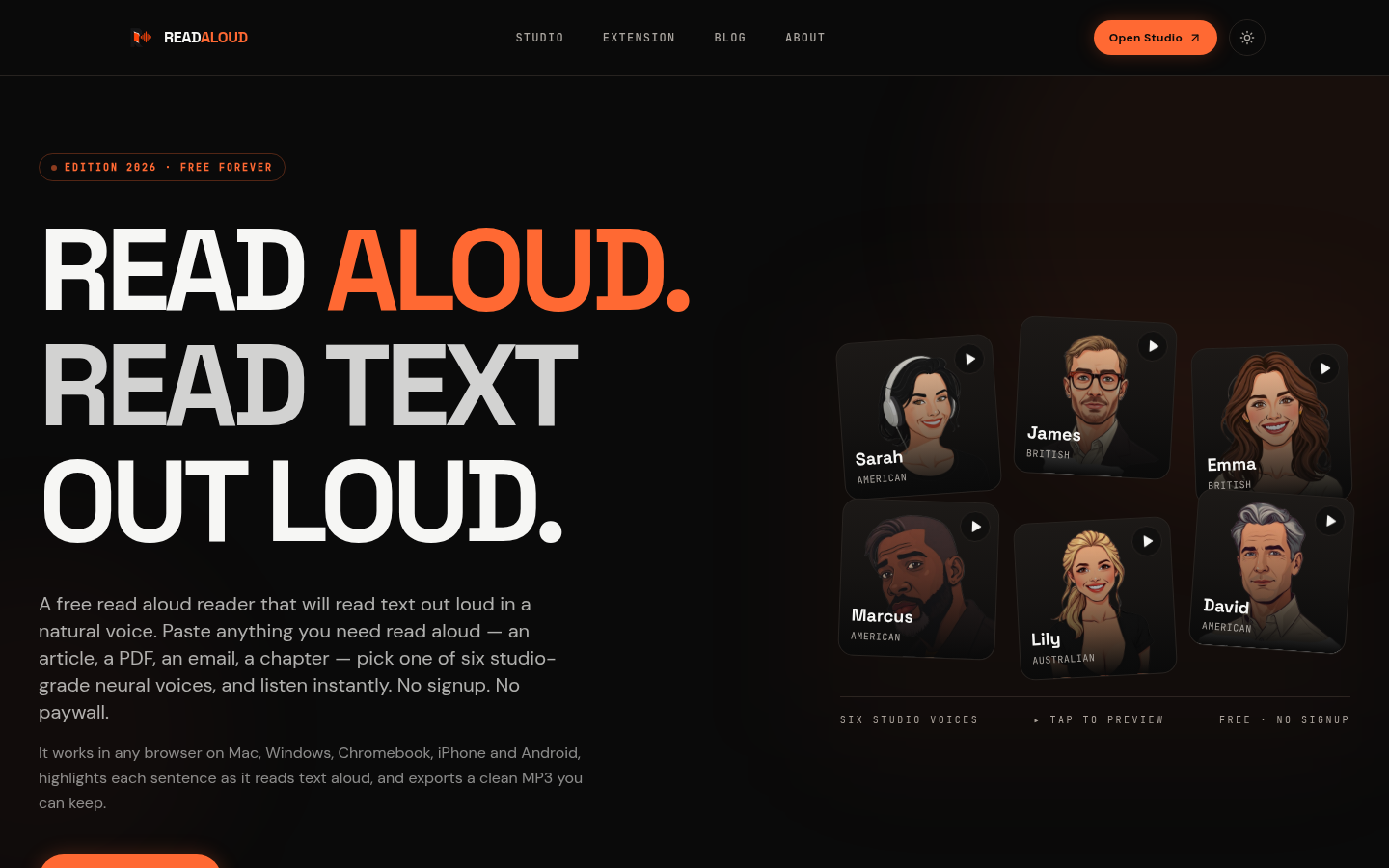
Screenshot archived from the listing page, for preview only.











