
Readio
AI text to speech for documentsListen to web pages, PDFs, and ebooks
Highlights
What you can do with it
- Listening to a textbook while taking notes
- Hearing work documents during a commute
- Reading news pages hands free
How to use it
- 1 Start the free trial on the Readio site
- 2 Register and log in
- 3 Upload a file or open a web page
- 4 Choose a voice and accent
- 5 Adjust playback speed and settings
- 6 Press play and follow the highlighted text
Who it is for
Pros
- Handles several document formats directly
- Highlighting keeps you in place in the text
- Free trial to test the voices
Limitations
- Free trial limits and paid pricing are not stated
- Voice quality and pacing vary by language
- Long documents still take real time to hear
What Readio is
Readio is an AI text to speech application that reads content aloud in natural sounding voices. It accepts web pages and the common document formats, including PDF, EPUB, and DOCX, so you can upload an existing file without changing its structure. The voices are tuned for clear intonation, the app covers more than 140 languages and accents, and it offers six voice choices. While a document plays, the current sentence highlights and the page scrolls automatically, which keeps you anchored in the text. A built in filter can skip footnotes, superscripts, and bracketed text, and full playback controls let you change speed and jump between sections. A free trial is available, with paid plans for continued use.
What you can do with it
- Listen to web pages and documents instead of reading them
- Upload PDF, EPUB, and DOCX files directly
- Follow along with synchronised highlighting and auto scrolling
- Skip footnotes and bracketed text automatically
- Change speed and jump to any part of a long document
Who it is for
- Students working through heavy reading lists
- Commuters and multitaskers who want to use travel time
- Anyone who finds listening easier than reading on a screen
What to watch out for
The free trial is the entry point, but the page does not publish the limits or the price of the paid plans, so confirm them before a long project. Voice quality and pacing are not equal across all 140 languages and accents, so test the one you actually need. Listening speed is still real time, so a long textbook takes hours no matter how natural the voice is. Note that the service moved from readio online to readiolabs.org, so use the current domain, and check that your documents are cleared for upload if they contain confidential material.
FAQ
What formats does Readio read?
Web pages plus PDF, EPUB, and DOCX files.
How many languages?
More than 140 languages and accents, with six voice options.
Is there a free trial?
Yes, the site offers a free trial.
Why it is free
What the official page says: free trial
Free limits, trial length and features are decided by the official site and can change at any time.
Product preview
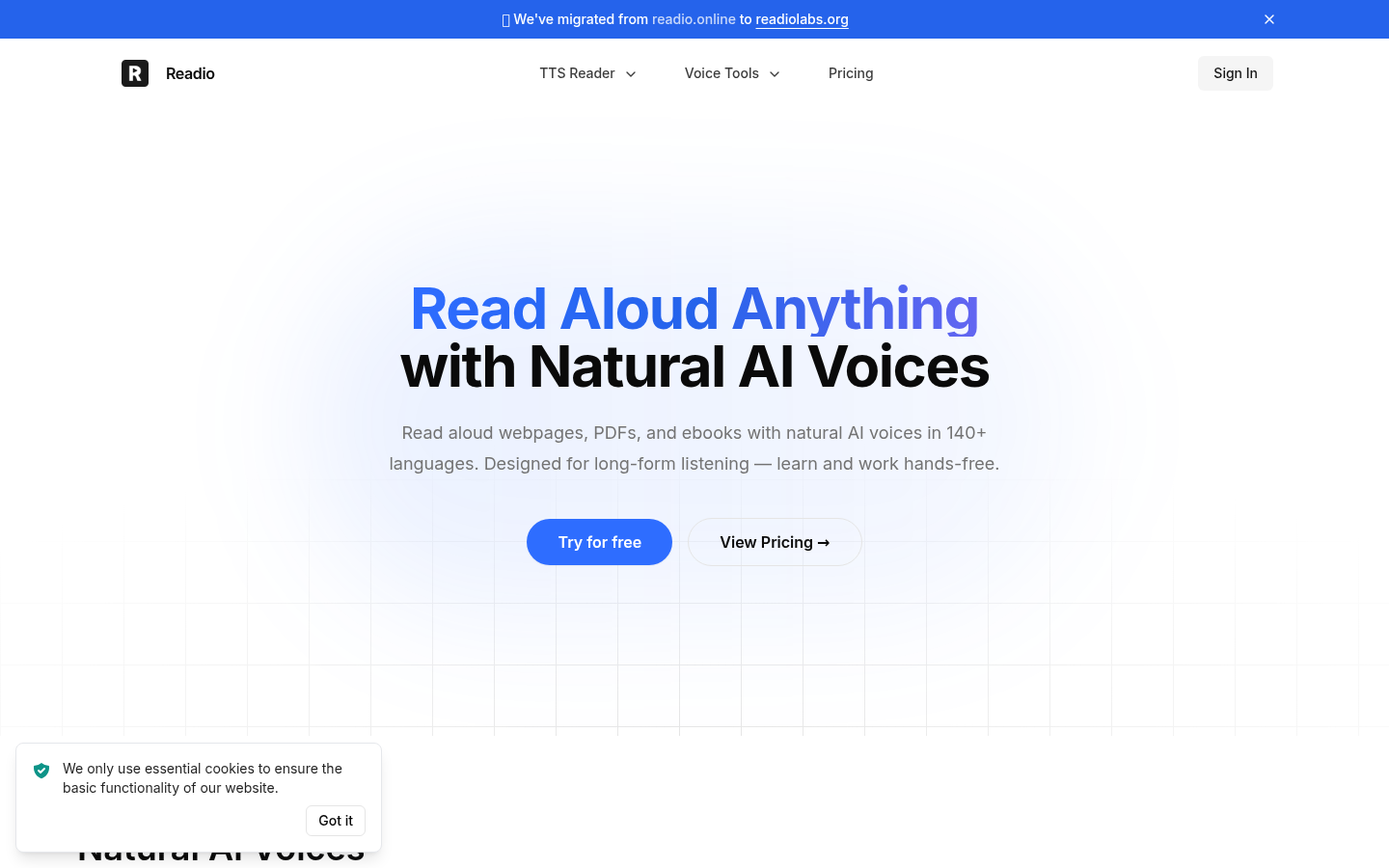
Screenshot archived from the listing page, for preview only.











