
Ready to Send
AI auto-reply for GmailInstant AI replies in your own voice
Highlights
What you can do with it
- Respond to a high volume of emails faster
- Improve team email processing efficiency
- Sales staff answer customer inquiries quickly
How to use it
- 1 Install the Ready to Send plugin
- 2 Register your license key
- 3 Personalize your reply style
- 4 View, edit, and send suggested replies
Who it is for
Pros
- 100 free AI-generated emails to start
- Replies match your voice and are editable
- Privacy-focused design
Limitations
- Free emails are limited before paying
- Replies still need review before sending
- Plugin terms and pricing may change
What Ready to Send is
Ready to Send is a smart inbox management plugin for Gmail that generates context-relevant, personalized email replies in your own voice and style. When a new email arrives, it suggests a reply you can edit before sending, which helps you clear your inbox faster without sounding generic. It integrates seamlessly with Gmail, so it works inside the inbox you already use, and it is designed with privacy in mind. You can get started with 100 free AI-generated emails, which gives you room to test how well the replies match your tone before you decide to pay for more.
What you can do with it
- Auto-generate replies that fit the email context
- Keep replies in your own voice and style
- Edit each suggested reply before sending
- Handle a busy Gmail inbox faster
Who it is for
- People who receive a large volume of email daily
- Businesses that want to improve email efficiency
- Sales and support staff answering customer inquiries
What to watch out for
The free tier covers 100 AI-generated emails, so heavier use requires a paid plan, and pricing or limits may change over time. The replies are a starting point, so read and edit them before sending, especially for important or sensitive messages where a wrong tone can cause problems. Because it works inside Gmail, review the permissions and privacy practices before you connect your account. It speeds up replies, but it will not replace the judgment you need for complex or delicate emails. Processing speed depends on file size and network conditions, so retry later if a task stalls during peak hours.
FAQ
What does Ready to Send do?
It is a Gmail plugin that generates instant, personalized email replies in your voice.
Is there a free tier?
Yes, you can start with 100 free AI-generated emails.
Can I edit the replies?
Yes, the replies are personalized and editable before you send them.
Why it is free
What the official page says: 免费
Free limits, trial length and features are decided by the official site and can change at any time.
Product preview
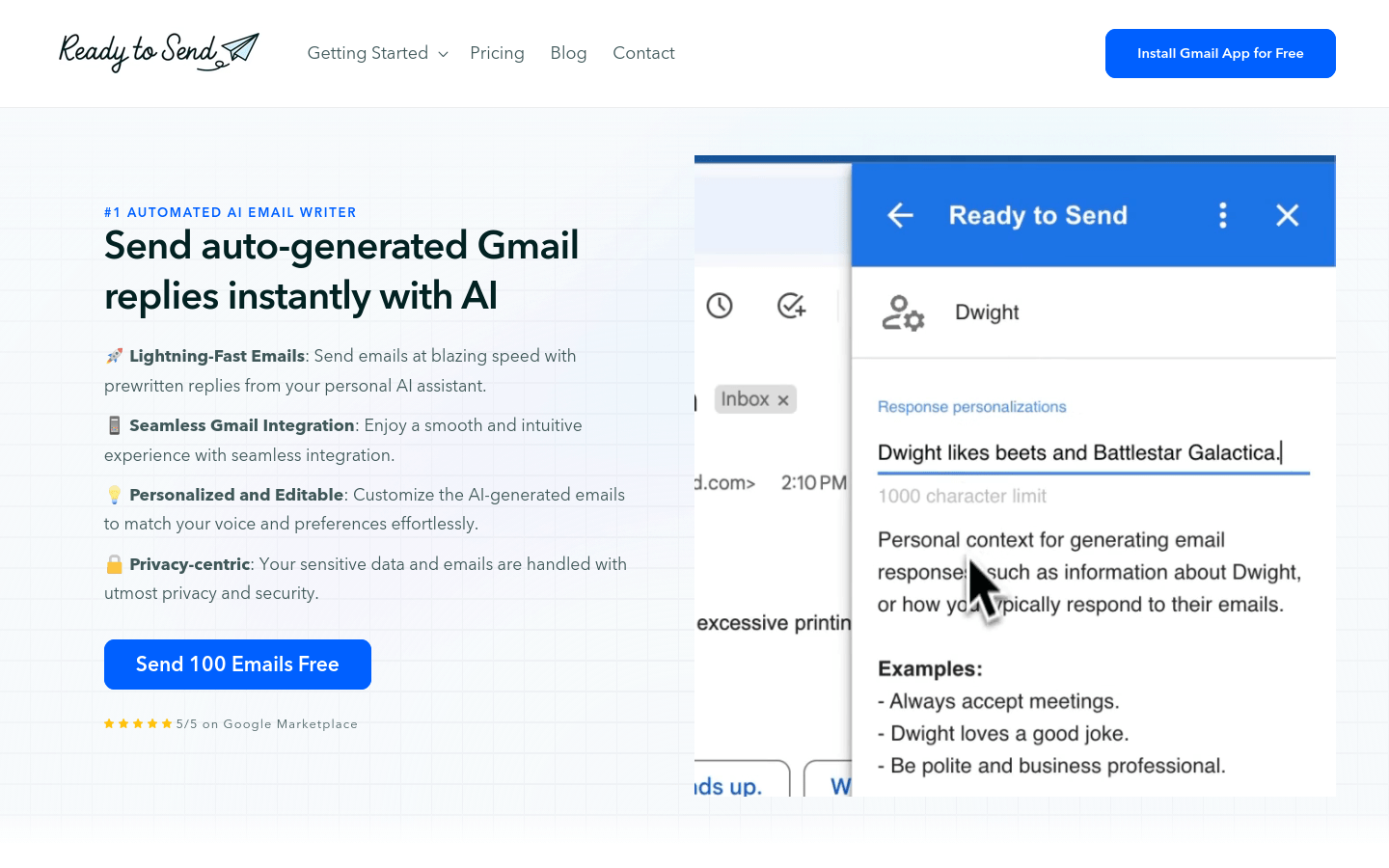
Screenshot archived from the listing page, for preview only.











