
Recast Studio
AI podcast repurposing for marketingTurn podcast episodes into clips and posts
Highlights
What you can do with it
- Clip an episode for social media in minutes
- Publish show notes without writing them by hand
- Turn a podcast into a blog post to reach search traffic
How to use it
- 1 Start the free trial
- 2 Add or connect your podcast episode
- 3 Let the AI extract highlights and clips
- 4 Review the generated notes, posts, and blog draft
- 5 Publish to your channels
Who it is for
Pros
- One recording becomes multiple content formats
- Clips are ready in minutes
- Show notes and blogs save manual writing
- Free trial to test output quality
Limitations
- Clip selection is automated and may miss the moments your audience would pick
- Generated text needs editing to match your voice
- After the trial, continued use requires a paid plan
What Recast Studio is
Recast Studio is an AI podcast marketing assistant. The problem it targets is simple: you record one episode and then need a dozen pieces of content to promote it. Recast extracts highlights from an episode and turns them into short video clips in minutes, then generates the surrounding text for you, including show notes, a blog post version, social media posts, and a summary email. It sits in the content marketing and social media marketing space rather than audio editing, so think of it as a repurposing layer on top of your existing podcast workflow.
What you can do with it
- Turn one episode into several short video clips.
- Generate show notes automatically.
- Convert an episode into a blog post for search traffic.
- Draft social media posts and a summary email per episode.
Who it is for
- Podcasters who promote every episode and dislike the manual work.
- Marketing teams that need to repurpose audio at volume.
- Creators who want text and video from a single recording.
What to watch out for
Automated clip selection picks what the model thinks matters, which is not always what your audience would choose, so review every clip before it goes out. The generated text is a draft in your direction, not your voice: show notes and posts need an editing pass to sound human and to match your style. And the free trial is a test window; once it ends, continued use requires a paid plan, so factor that into your content budget before you rebuild your process around it. Behavior may vary across browsers and devices, so test before production use and consult the help docs if errors appear.
FAQ
What does Recast Studio do?
It converts podcast episodes into short video clips and generates show notes, blog posts, social posts, and summary emails.
How fast are the clips?
The site says episodes become short video clips within minutes.
Is there a free trial?
Yes, a free trial is available so you can check the output quality first.
Why it is free
What the official page says: free trial
Free limits, trial length and features are decided by the official site and can change at any time.
Product preview
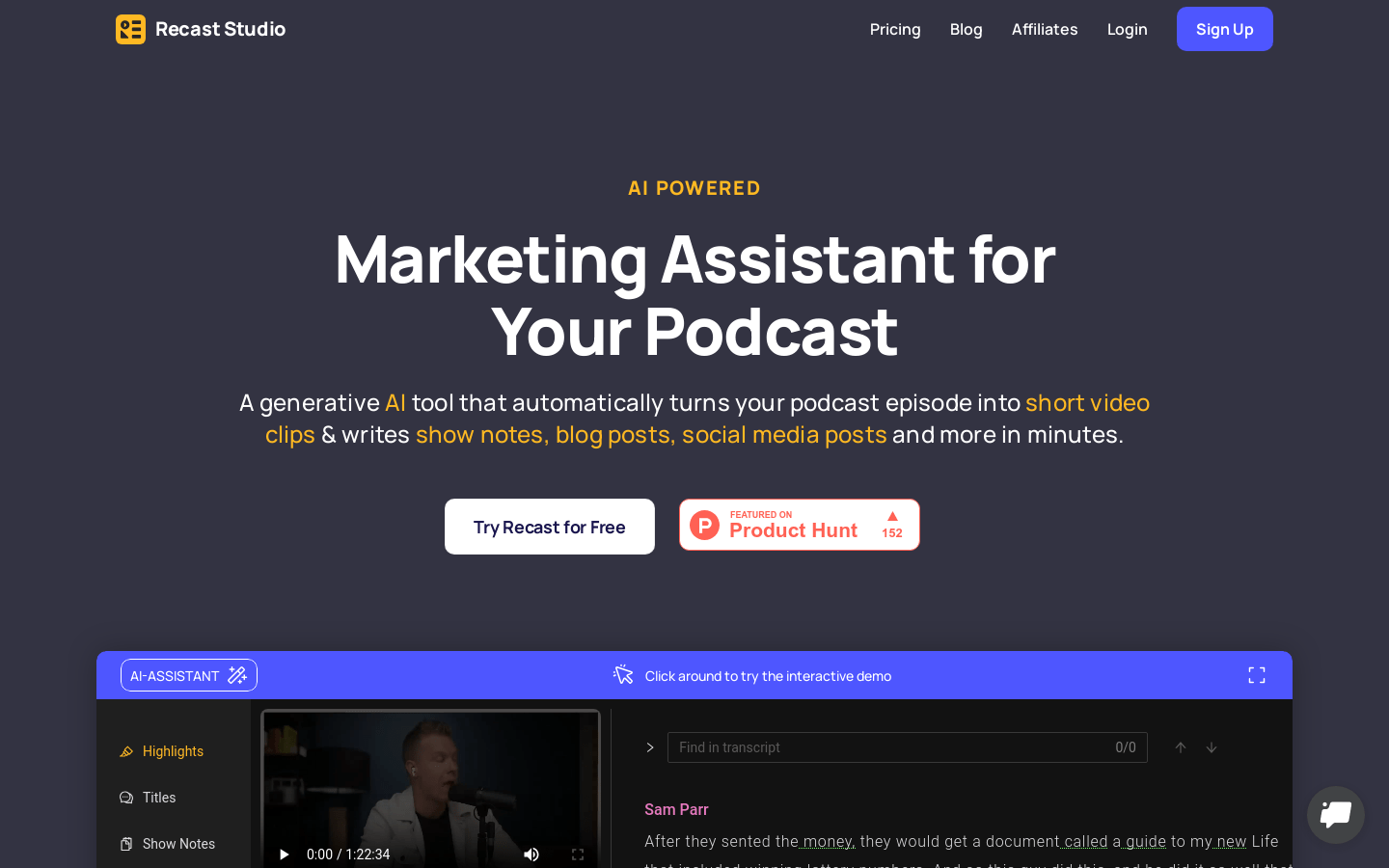
Screenshot archived from the listing page, for preview only.











