
ReceiptsAI
AI bookkeeping for small businessesReceipts and invoices sorted automatically
Highlights
What you can do with it
- A small e-commerce business organizes purchase invoices and sales receipts from email
- A freelance writer extracts office and travel expenses into a clean report
- A trading company handles transactions in several currencies accurately
How to use it
- 1 Upload receipts, invoices, or statements, or connect an email account and forward matching files
- 2 Let the AI identify each file and capture the bookkeeping data
- 3 Review the organized transactions, expense reports, and financial records
Who it is for
Pros
- Email capture removes the upload step entirely
- Privacy redaction happens before AI processing
- Multi-currency support for cross-border buying
- Free trial without a credit card
Limitations
- Unusual or poor-quality documents still need checking
- Classification rules are your responsibility to define correctly
- Full use requires payment after the trial
- Trial terms and plan limits may change
What ReceiptsAI is
ReceiptsAI is AI receipt scanning and bookkeeping software for small businesses. It addresses the usual pain of scattered documents and hours of manual typing. You can connect an email account such as Gmail or Outlook and let it capture receipts and invoices automatically, or upload dozens of files at once from any device, with the AI processing them in parallel. For each file it extracts merchant name, date, amount, tax, and currency, then organizes and classifies the transactions according to rules you define so the books stay consistent. Monthly and category reports with pivot tables show where money goes, and more than 30 industry category templates give you a starting structure. Multi-currency purchases are detected and converted, and you can list sensitive words or numbers that get edited out before AI processing. A free trial is offered without a credit card.
What you can do with it
- Capture receipts and invoices straight from connected email accounts
- Upload batches of files and let the AI extract the data
- Apply your own classification rules for consistent categories
- Generate expense and monthly reports for review
- Keep sensitive details out of AI processing
Who it is for
- Freelancers who keep their own books
- Growing teams where document volume is climbing
- Bookkeepers and accountants who want less manual entry
- Small businesses buying from suppliers in other currencies
What to watch out for
Automated extraction still struggles with unusual formats, poor scans, and handwritten notes, so a review pass is required before the numbers are trusted. The classification rules are only as good as the ones you write, and books that are misclassified create problems at reporting time. Multi-currency conversion uses exchange data, so verify the rate treatment for your accounting. Full use requires payment after the trial, and trial terms and plan limits can change. The software organizes data; it does not replace an accountant's judgment on treatment.
FAQ
How does email capture work?
You connect an email account such as Gmail or Outlook, and ReceiptsAI automatically finds receipts and invoices in the mail and converts them into bookkeeping data.
What data is extracted?
The AI captures merchant name, date, amount, tax, and currency for each file, then organizes and classifies the transactions.
How is privacy handled?
You can define sensitive words or numbers such as names, birthdays, or account details, and the tool edits that information out before AI processing.
Does it support other currencies?
Yes. It automatically detects the currency of international purchases and converts it, which helps businesses that buy across borders.
Why it is free
What the official page says: free trial
Free limits, trial length and features are decided by the official site and can change at any time.
Product preview
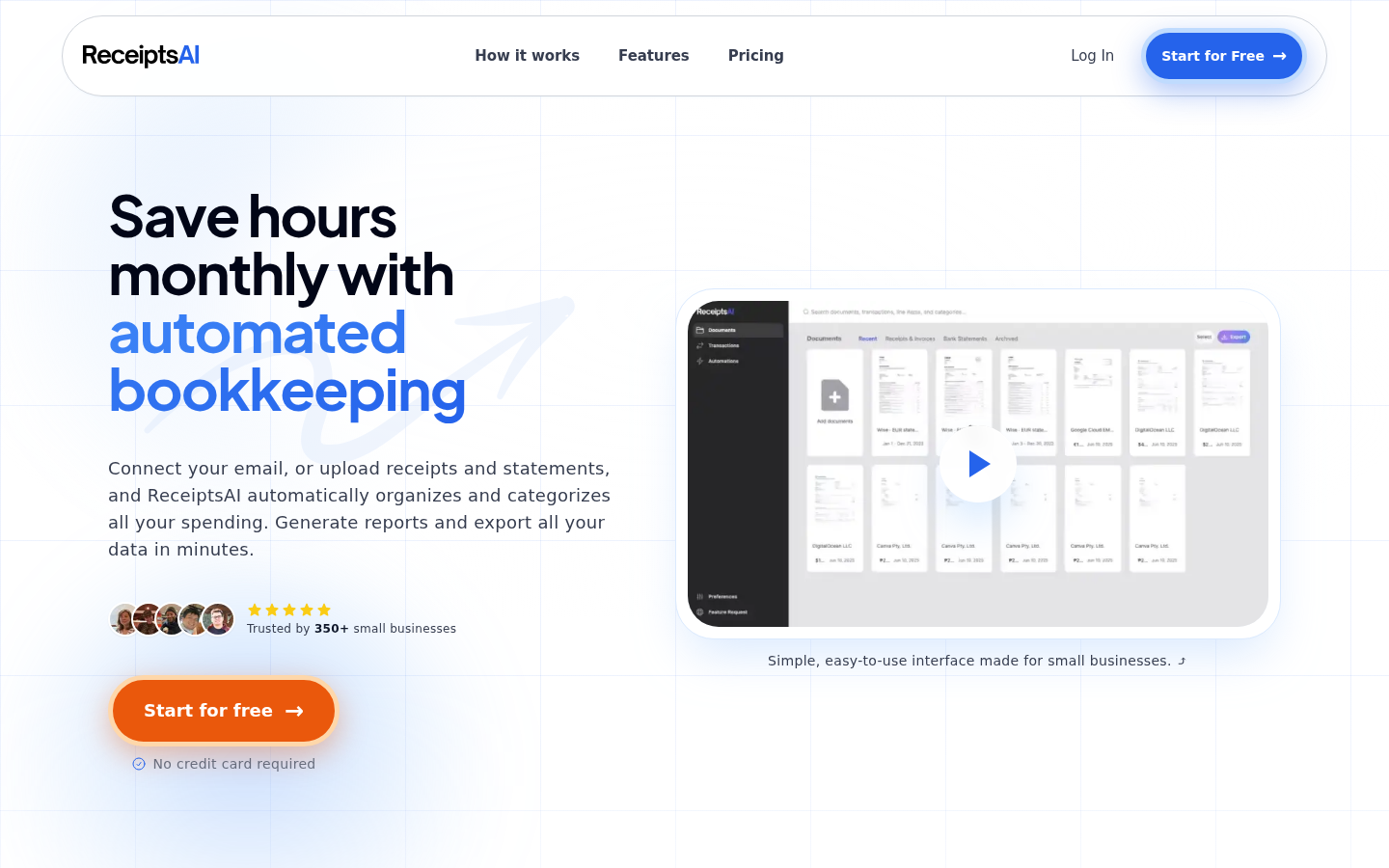
Screenshot archived from the listing page, for preview only.











