
Reconfigured
Smart note-taking tool for analystsTurn data exploration into knowledge
Highlights
What you can do with it
- Document SQL and data exploration steps
- Turn scattered analysis notes into tasks
- Keep a retrievable knowledge base for projects
How to use it
- 1 Download and install Reconfigured
- 2 Open the sidebar with a keyboard shortcut
- 3 Create a quest with your project question
- 4 Add notes, code, and screenshots as you work
- 5 Let AI summarize tasks and review your thinking
Who it is for
Pros
- Built specifically for analysis workflows
- Multi-format capture including code and voice
- AI helps turn notes into tasks
Limitations
- Free base version is limited, premium costs money
- Desktop only on Windows and Mac
- Analyst-focused, so general users may find it niche
What Reconfigured is
Reconfigured is a smart note-taking tool aimed at data analysts. According to the site, it uses an RPG-style, task-based note-taking mechanism to help users document their thoughts and discoveries during data exploration and turn them into retrievable knowledge rather than scattered scraps. Features include adding text, code, screenshots, and even voice notes at any screen location via shortcuts, contextual suggestions that turn thought streams into actionable tasks, an embedded AI that reviews your past thought process, cross-platform support on Windows and Mac, team collaboration, smart reminders, and API integration. The site lists a free base version and a paid premium version for individuals and teams that need more.
What you can do with it
- Record analysis steps as RPG-style quests with clear goals
- Capture text, code, screenshots, and voice notes anywhere
- Turn raw ideas into tasks and summaries with AI help
- Build a searchable knowledge base you can revisit later
Who it is for
- Data analysts documenting messy exploration work
- Analysts and engineers breaking down complex SQL tasks
- Teams that need to share analysis knowledge and context
- Users who want structured, retrievable notes instead of clutter
What to watch out for
The free base version is limited and the premium version costs money, so check which features you actually need before upgrading, since the useful AI parts may sit behind the paid tier. It is a desktop app for Windows and Mac with no mobile version, so capturing notes away from your computer is awkward. It is built for analysts, so general note-takers may find the quest model unfamiliar and heavier than a simple notepad. The AI features are assistants, not authorities, and their suggestions should be checked, since a wrong summary or reminder can send a project off track.
FAQ
Who is Reconfigured for?
The site says it is a smart note-taking tool aimed at data analysts.
What can I capture in a note?
The site lists text, code, screenshots, and voice notes.
Is there a free version?
Yes. The site mentions a free base version and a paid premium version.
Why it is free
What the official page says: 免费
Free limits, trial length and features are decided by the official site and can change at any time.
Product preview
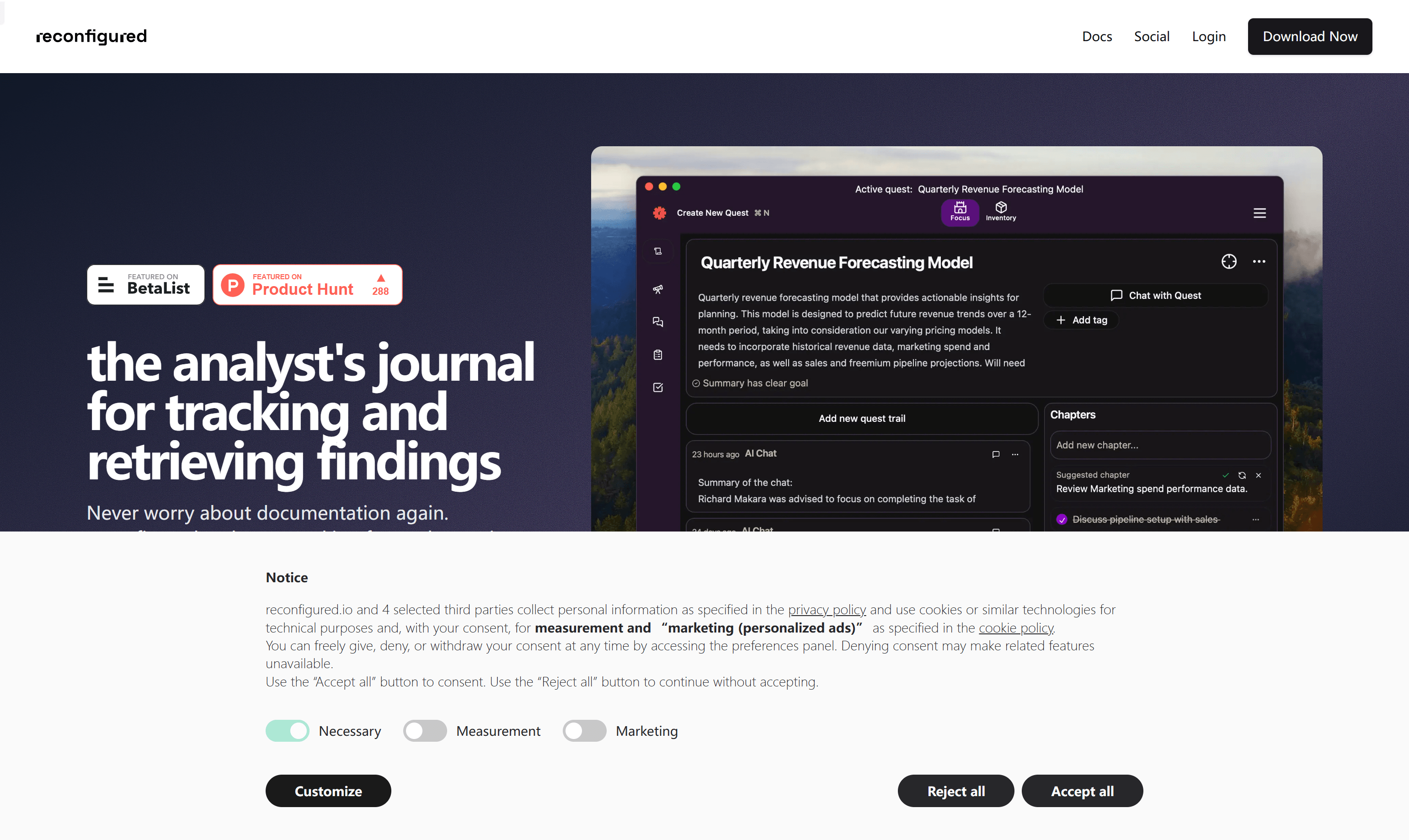
Screenshot archived from the listing page, for preview only.











