
RED
Floating assistant for daily workflowsAutomate work from a floating layer
Highlights
What you can do with it
- Developers integrating with GitHub to review pull requests
- Teams transcribing meetings and extracting key information
- Students using automated workflows for homework and planning
How to use it
- 1 Start the free trial from the RED website
- 2 Complete registration and install the client, currently optimized for macOS
- 3 Open RED and connect local repositories and cloud services
- 4 Use automated workflows and real-time transcription in your work
- 5 Upgrade to a paid plan if you need more features
Who it is for
Pros
- Free tier to try before paying
- Wide tool integrations through the MCP ecosystem
- Screen context awareness makes help feel immediate
Limitations
- Currently optimized for macOS, so other platforms are limited
- Paid plans are priced in Hong Kong dollars
- It reads screen and file context, so privacy settings need care
What RED is
RED is a floating assistant designed to sit on top of your work rather than interrupt it. It runs as a lightweight layer on the operating system and uses Model Context Protocol to connect securely with local files and cloud services. Because it can read the context of the active window, it offers help based on what is actually on your screen. Its main strengths are automated workflows that trigger a sequence of actions from one command, real-time transcription that captures meetings and pulls out action items, and integrations with tools like GitHub, Google Drive, Slack, and Notion. Plans include a free tier, HK$199 per month, and HK$469 per month, and the product is currently optimized for macOS.
What you can do with it
- Automate multi-step workflows from a single command
- Transcribe meetings in real time and extract key action items
- Ask questions about meeting content and get immediate answers
- Manage schedules, email, and connected tools from one place
- Read and write to local repositories, documents, and databases
Who it is for
- Developers who want help with code review and repository work
- HR teams and enterprises that need reliable meeting records
- Students and creative staff looking to automate routine planning
What to watch out for
The product is currently optimized for macOS, so users on other systems may not get the full experience. Paid plans are priced in Hong Kong dollars, which matters for budgeting if you pay in another currency. Most importantly, RED reads screen context and connects to local files and cloud services to do its job, so review what access you grant, keep sensitive material out of scope where possible, and check the privacy terms before connecting production accounts. As an assistant, its output should be reviewed rather than trusted blindly, especially for summaries that drive decisions.
FAQ
What is RED?
It is an intelligent floating assistant that connects local files and cloud services through Model Context Protocol to automate workflows.
What are the plans?
There are three packages: free, HK$199 per month, and HK$469 per month.
Which system does it run on?
The product is currently optimized for macOS.
Why it is free
What the official page says: 免费
Free limits, trial length and features are decided by the official site and can change at any time.
Product preview
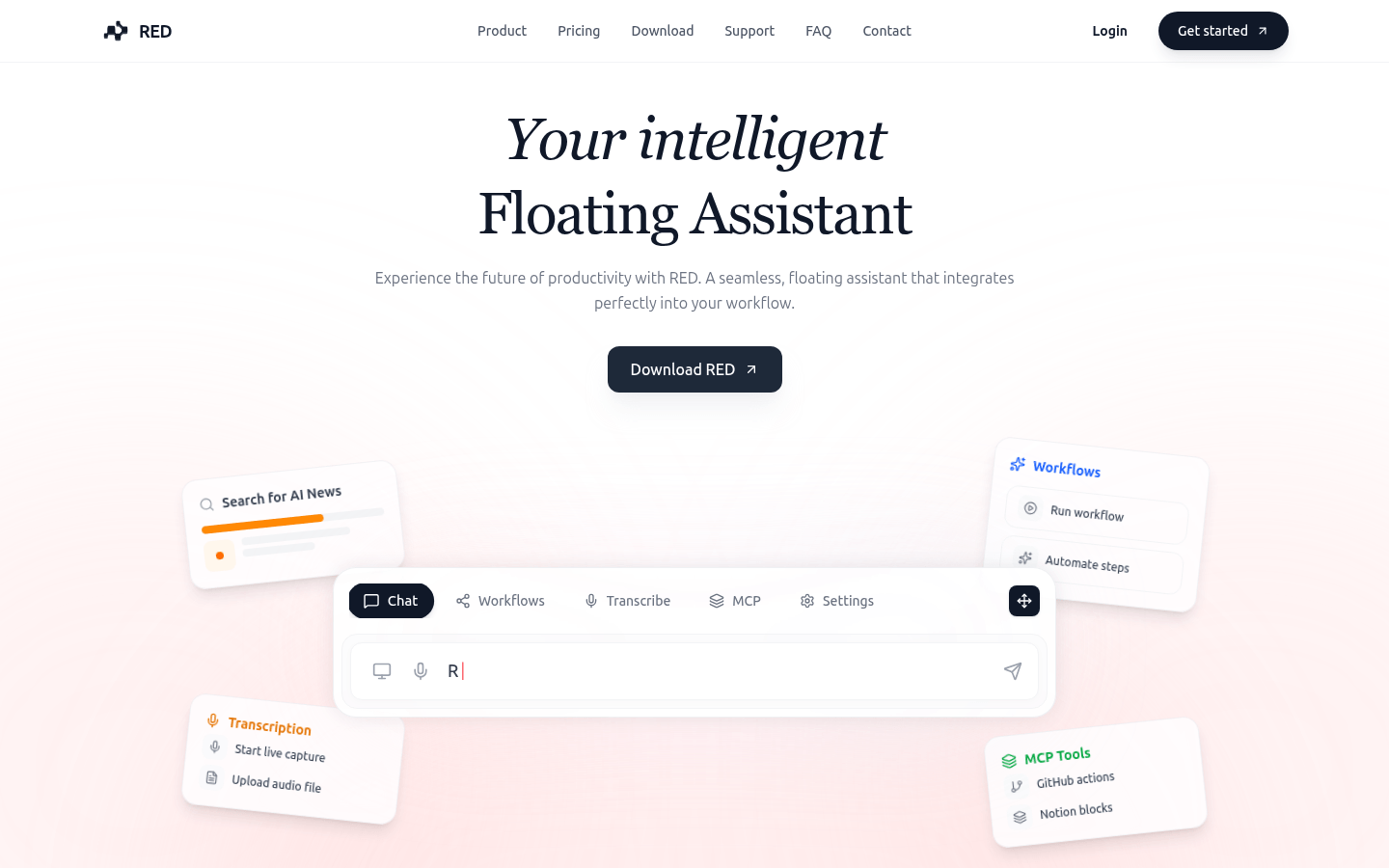
Screenshot archived from the listing page, for preview only.











