
Renamer.ai
AI file renaming from document contentRead the file, name it properly
Highlights
What you can do with it
- Rename holiday photos from camera file names into readable titles
- Rename invoices with vendor, date, and amount for finance
- Standardise a multilingual document set for a team
How to use it
- 1 Choose the desktop app for Windows or Mac, or the web interface
- 2 Register and pick a plan, starting with the free trial
- 3 Upload files or point the tool at a folder to watch
- 4 Set naming rules, preview the changes, then start renaming
Who it is for
Pros
- Saves hours of manual renaming
- Wide format and language coverage
- Folder automation handles incoming files
Limitations
- The free plan is a trial, and paid tiers follow
- Accuracy drops on scans, handwriting, and poor quality files
- Renaming is applied in bulk, so preview carefully
What Renamer.ai is
Renamer.ai is an AI file renaming tool. It uses OCR to read the content of documents and images, then suggests descriptive, searchable file names instead of leaving you with IMG_2847.jpg or Document1.pdf. It supports up to 30 file formats and 20 languages, with automatic language detection or a manual choice. Naming rules are built in a drag and drop template builder where you pick variables such as document type, date, company name, or invoice number. Magic Folders watches a directory and renames new files as they arrive, and you can pause or resume that at any time. The site claims 95 percent naming accuracy on high quality documents.
What you can do with it
- Read a document or image and generate a descriptive file name.
- Build naming templates with variables like date, company, and invoice number.
- Rename files in bulk across documents, images, spreadsheets, and more.
- Watch a folder and have new files renamed automatically.
Who it is for
- Individuals with large photo and document libraries to organise.
- Small teams that handle invoices, contracts, and client paperwork.
- Multinational teams managing files in several languages.
- Enterprises with bulk filing and naming standards.
What to watch out for
The free plan is a Starter trial and heavier use needs a paid tier, so check the batch limits of the plan you pick. Accuracy depends on input quality: clean digital documents do well, while scans, handwriting, and low resolution images will produce weaker names, and anything important should be spot checked. Because renaming is applied in bulk, always preview first, since a bad template applied to a whole folder is tedious to undo. The full feature set, including Magic Folders, needs the desktop application, so a web only workflow will not get everything.
FAQ
Is there a free plan?
A free Starter plan is offered for first time users, with paid plans above it.
What formats are supported?
Up to 30 formats, covering documents, spreadsheets, images, presentations, vector files, and email files.
Can it watch folders?
Yes. Magic Folders monitors specified folders and renames new files automatically.
Why it is free
What the official page says: free trial
Free limits, trial length and features are decided by the official site and can change at any time.
Product preview
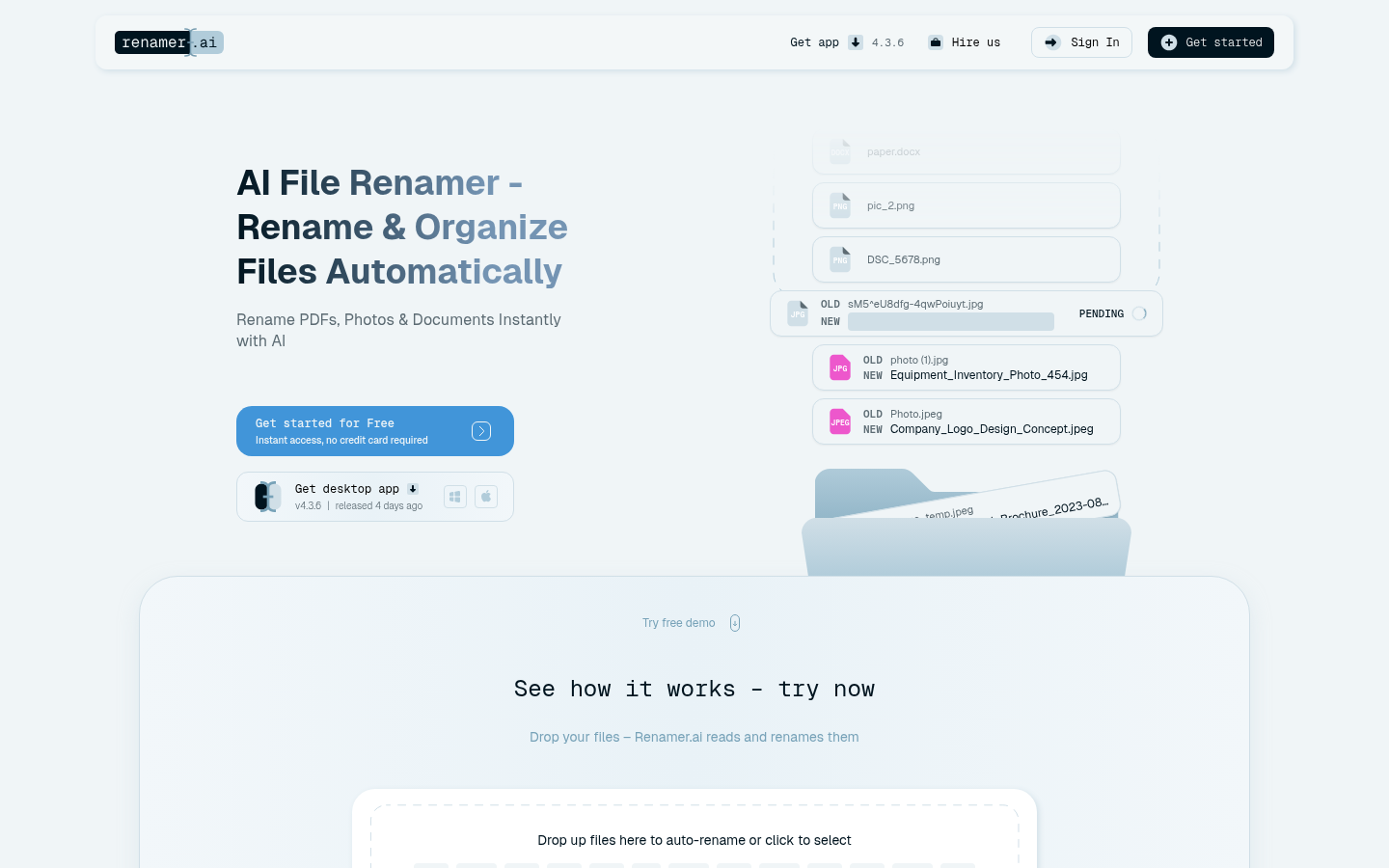
Screenshot archived from the listing page, for preview only.











